Wushu Sanda is a fast-paced combat sport that combines striking, throwing, and defensive techniques, requiring accurate scoring, round management, and real-time match control. Governed by the official International Wushu Federation (IWUF) rules, each match depends on precise recording of points, fouls, warnings, and referee decisions.
The IWUF Wushu Sanda Scoreboard and Point Panel is a digital scoring solution designed to help operators manage all aspects of a Sanda match. The software allows operators to control the scoreboard, update points, record fouls and warnings, manage round timers, display athlete information, and ensure that official match data is accurately presented to referees, athletes, coaches, and spectators.
This guide provides an overview of the Wushu Sanda Scoreboard features and explains the key functions required to successfully manage professional IWUF competitions, including match setup, scoring inputs, round timekeeping, penalty management, and result confirmation.
Free Software – Interactive Demo
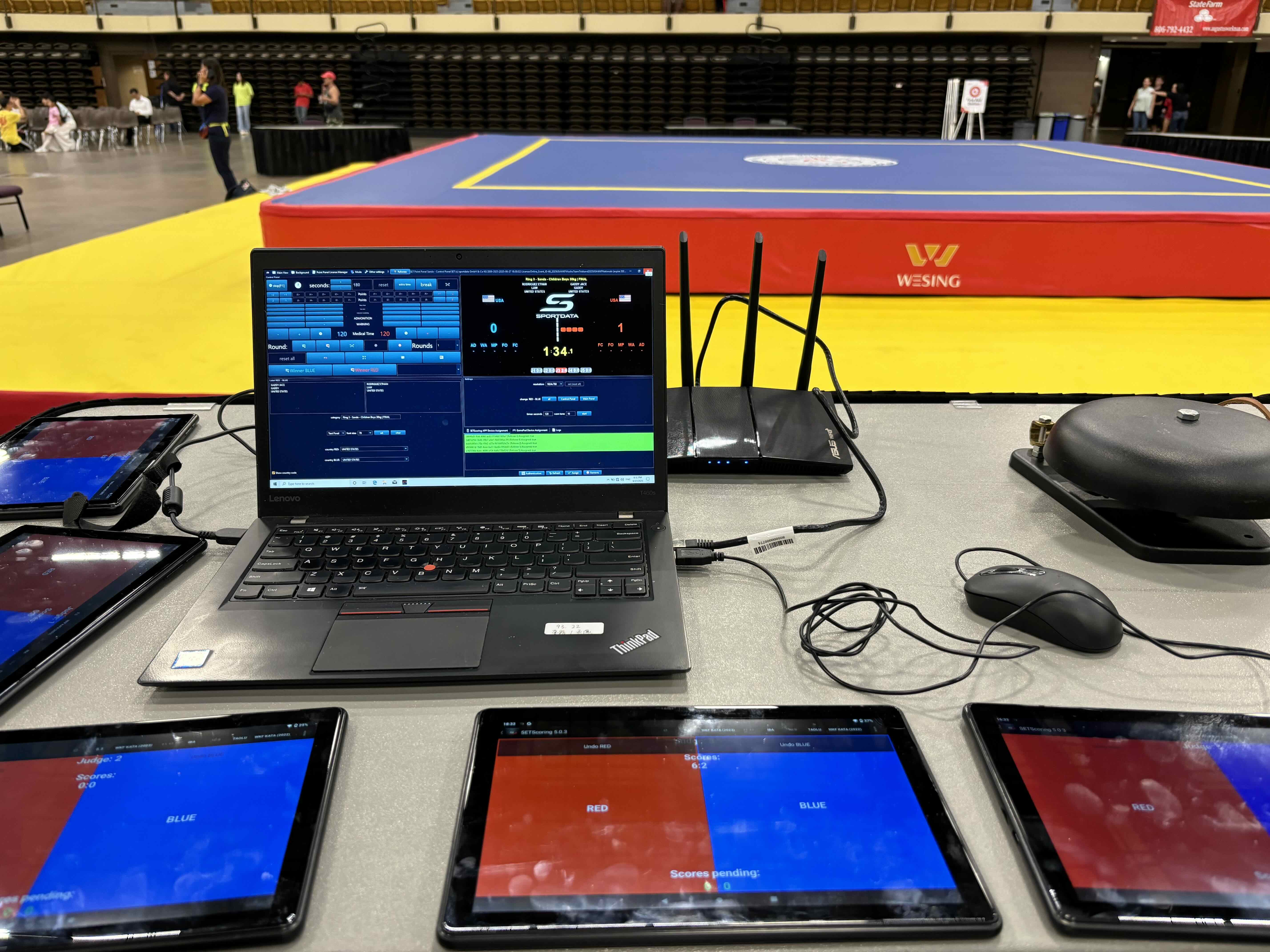
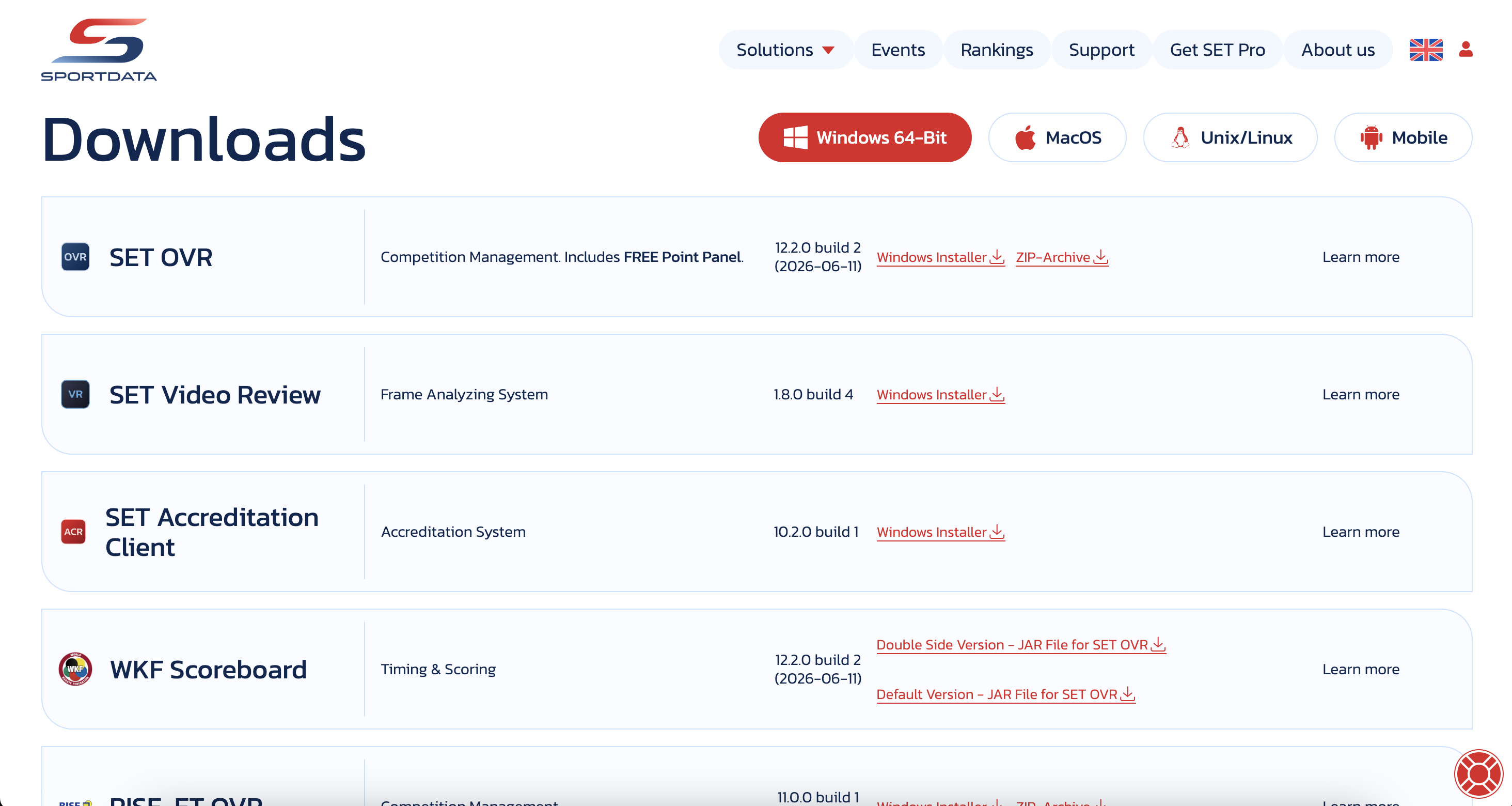
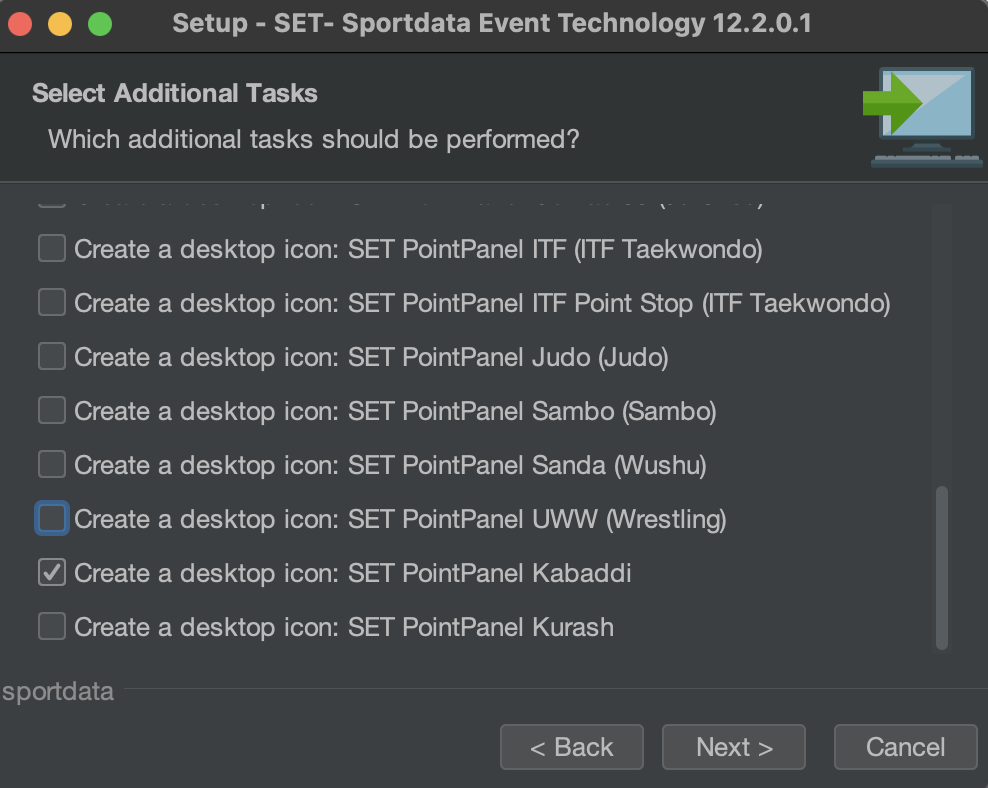
Download the SET OVR to get the free scoreboard or use our interactive demo to follow along with the article . First, select your operating system, then download the installer, and during the set up you can select SET Point Panel Sanda (Wushu) for just the scoreboard. If you want to also try our SET OVR click it as well and learn how to create entries, draws, draw records, timetables and more for free.
How to operate IWUF Sanda Point Panel & Scoreboard
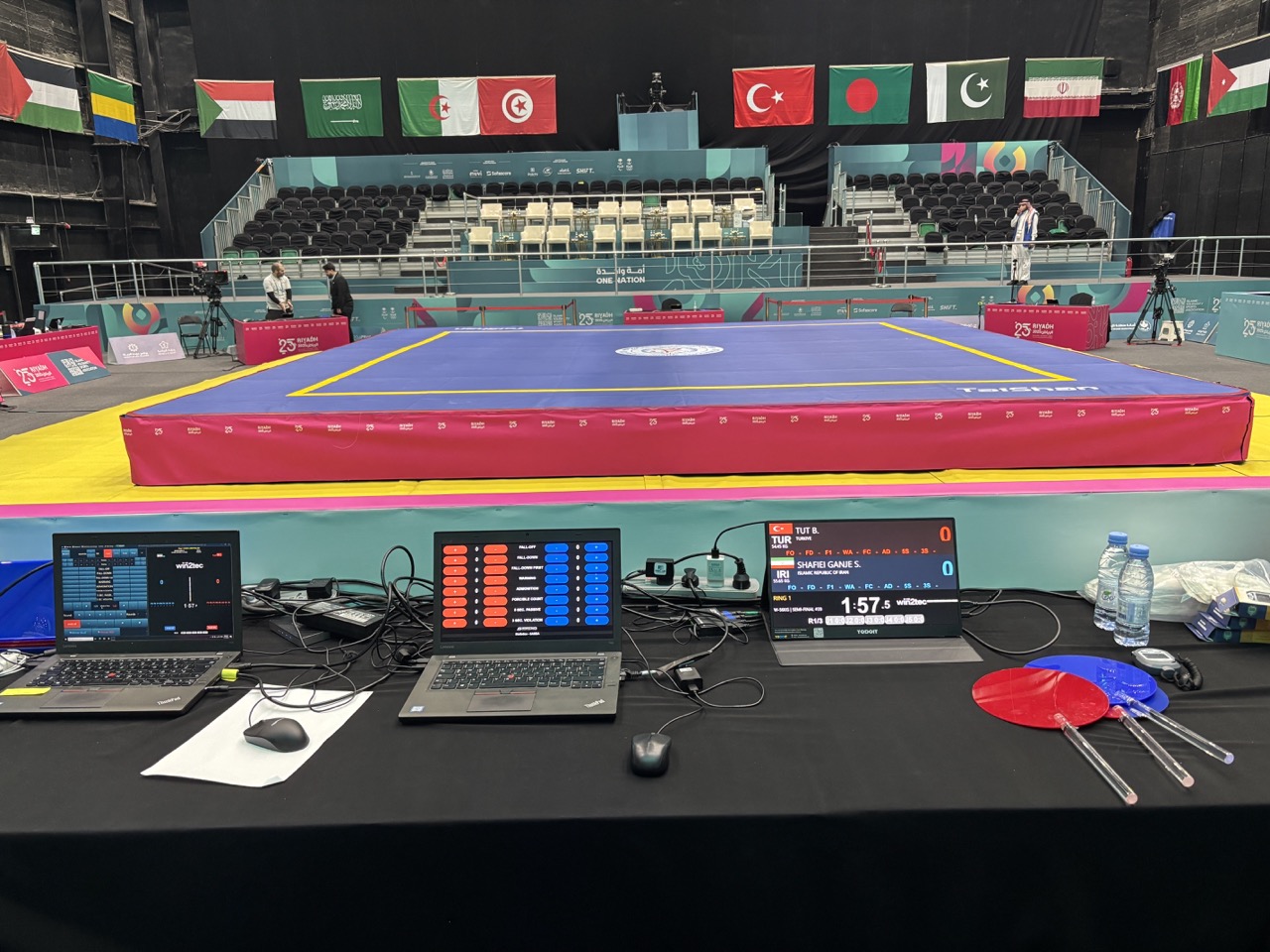
Open Match
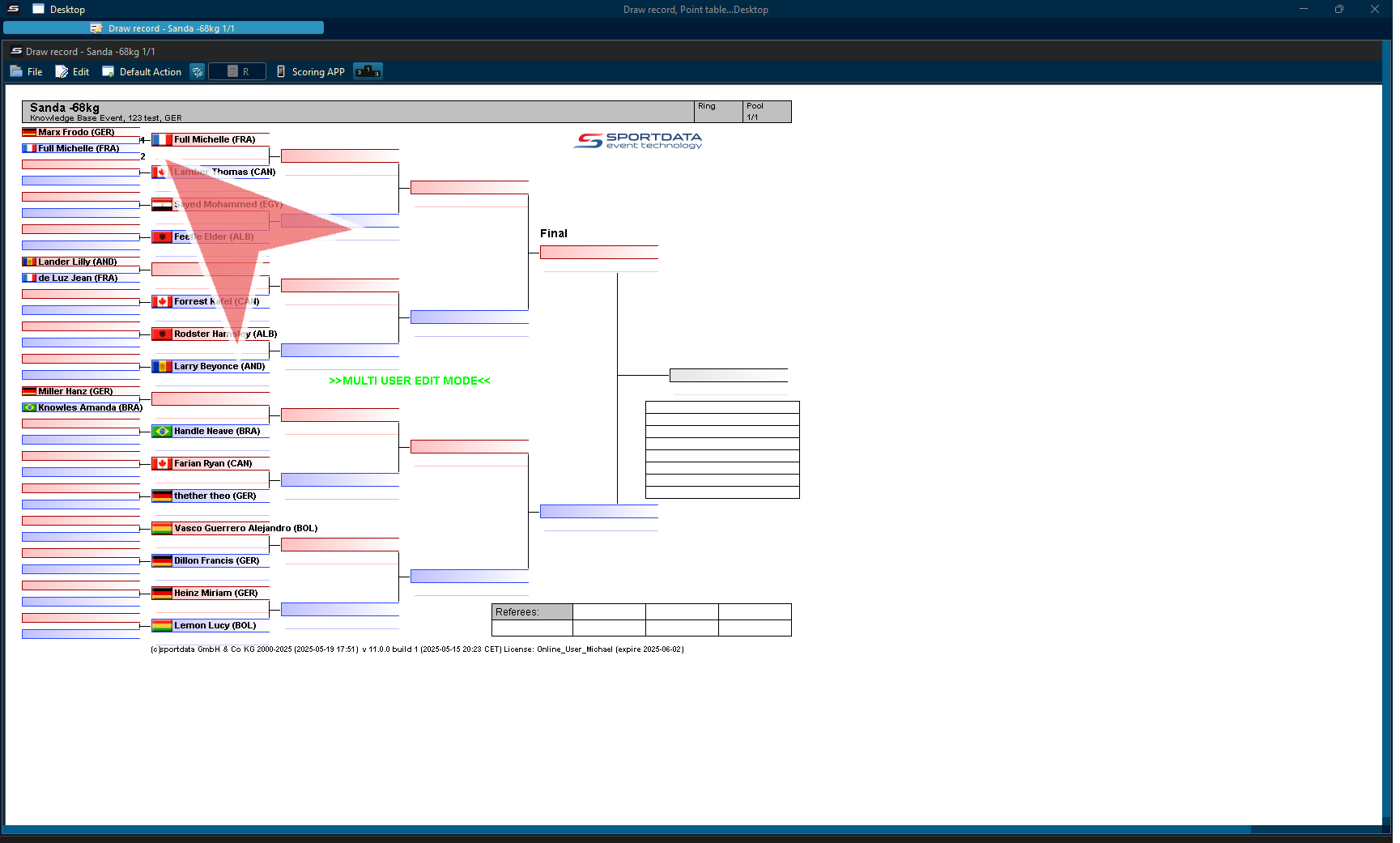
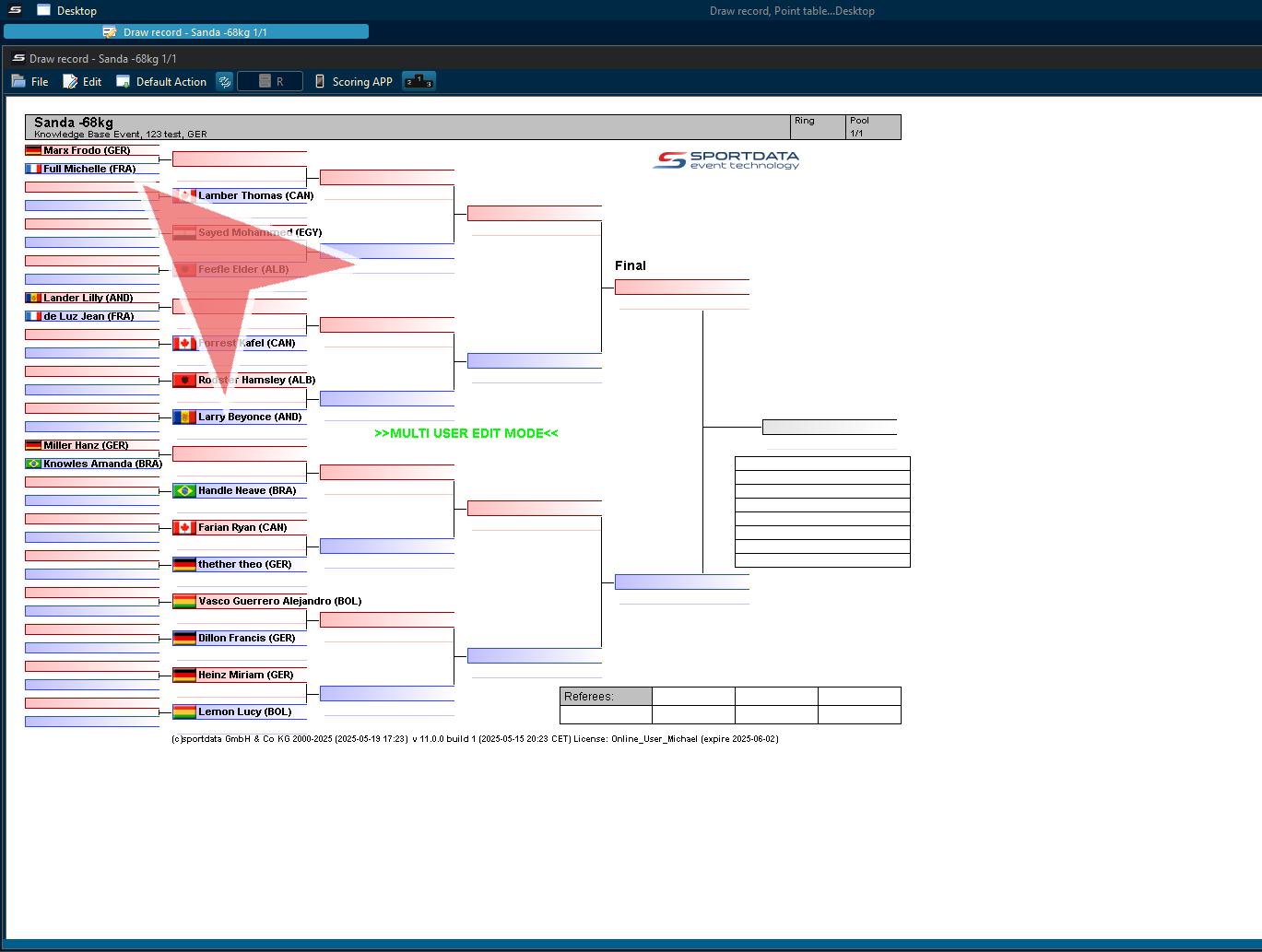
In the draw, right click on the match.
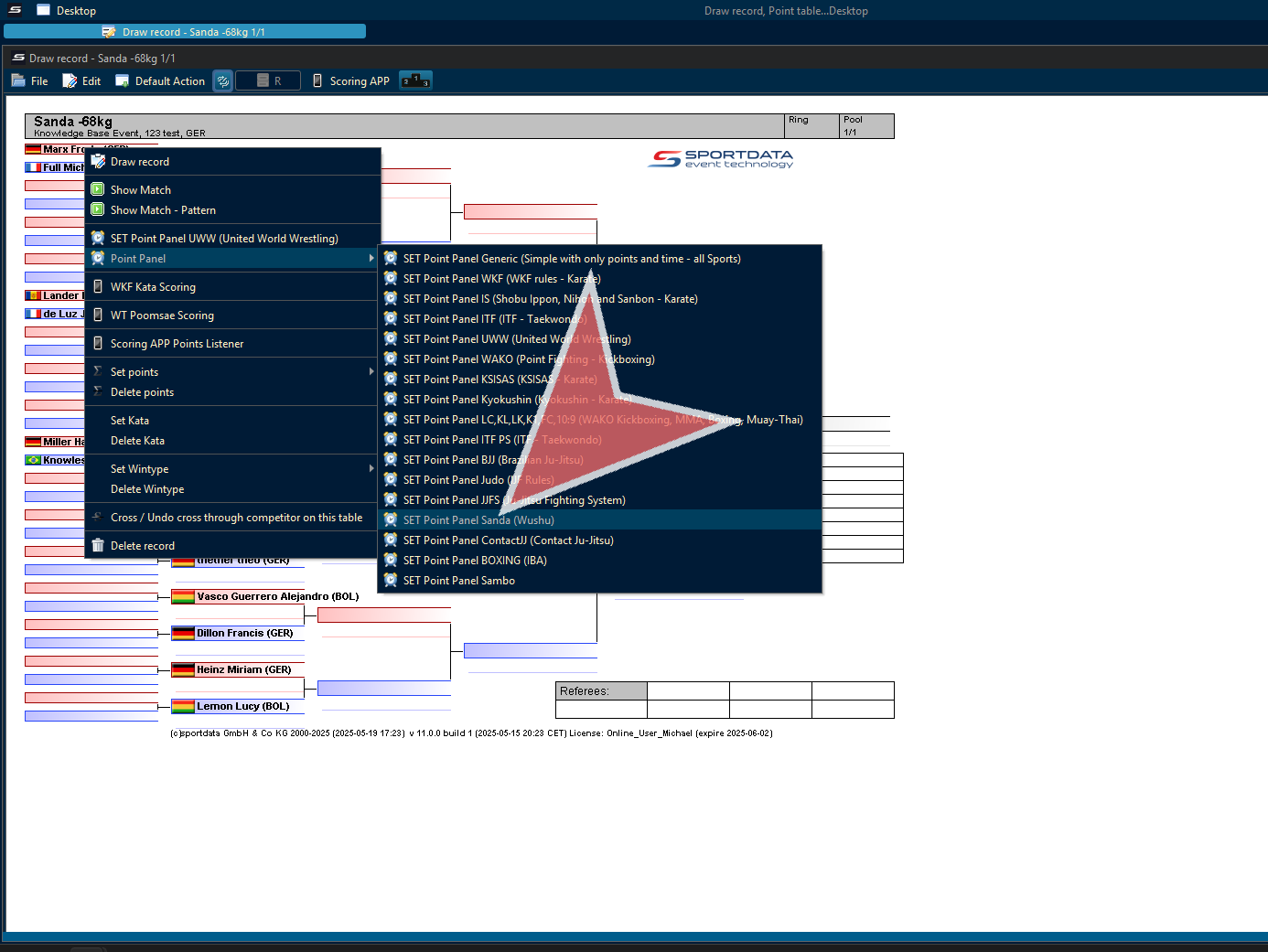
Go to point panels, and select Sanda (wushu)
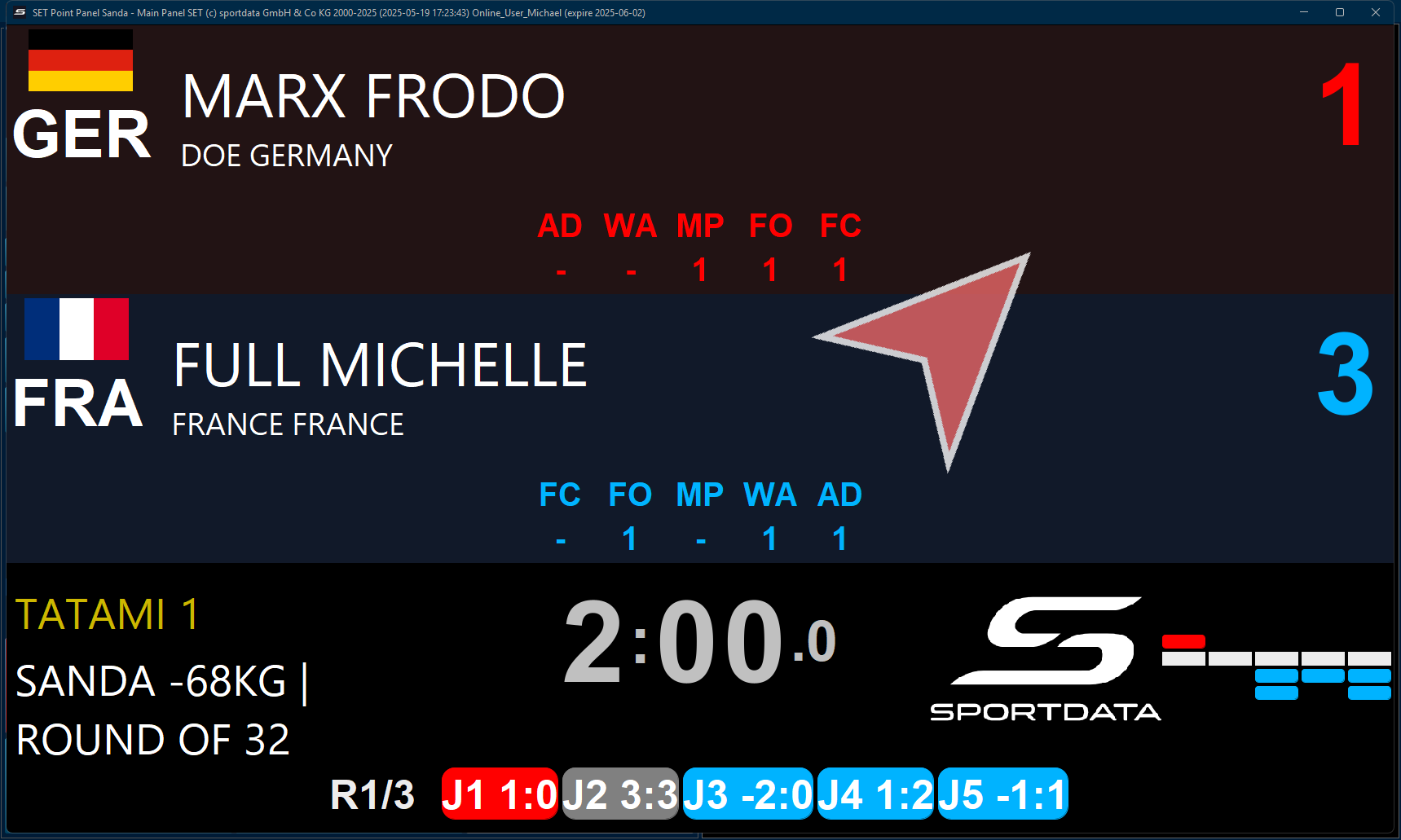
In the scoreboard, you have information about the competitors, warnings, points, location, rounds, time, categories, and the points given by the judges.
Authenticate judges
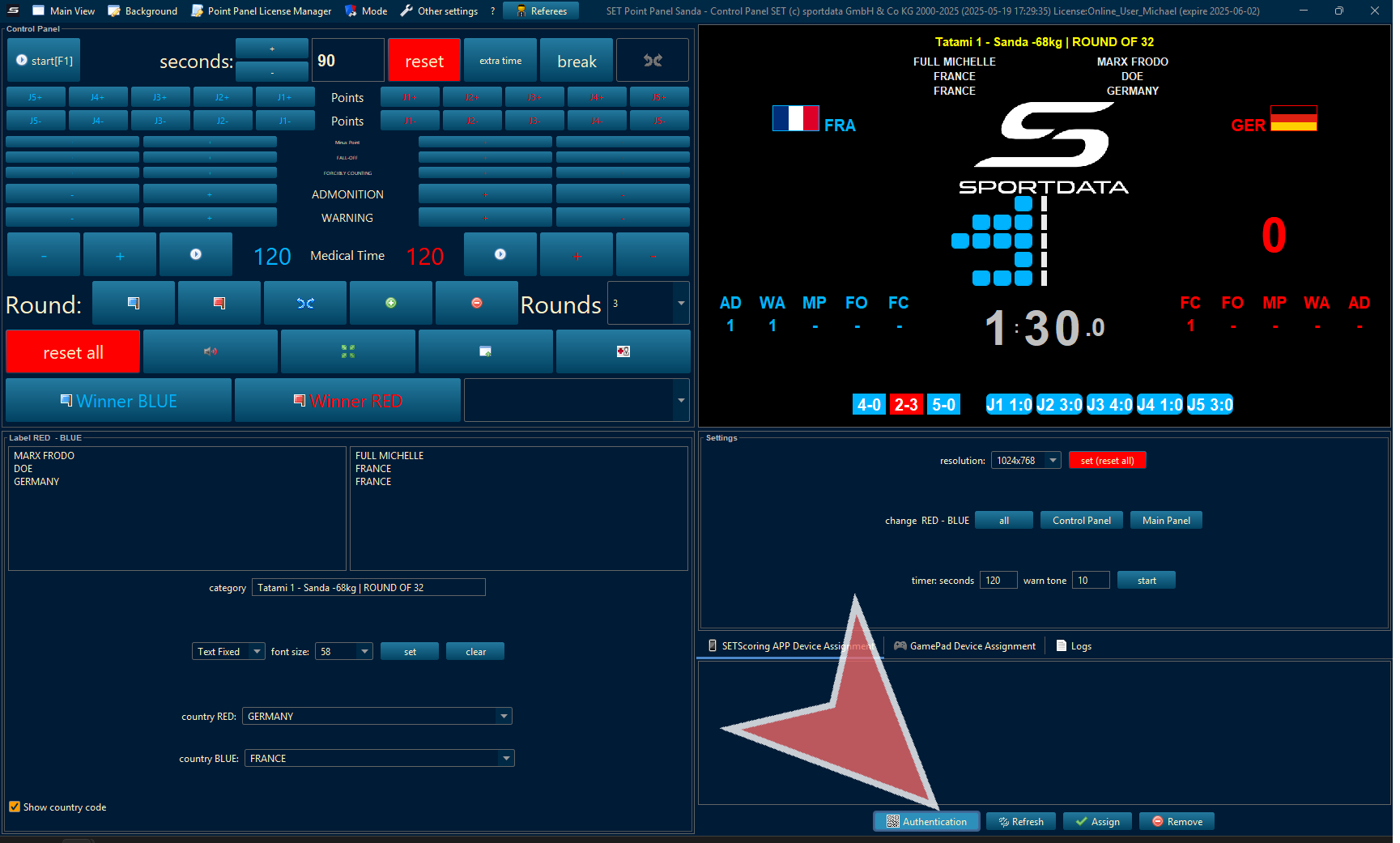
To assign judges to tablets, click on authenticate your tablet.
Settings
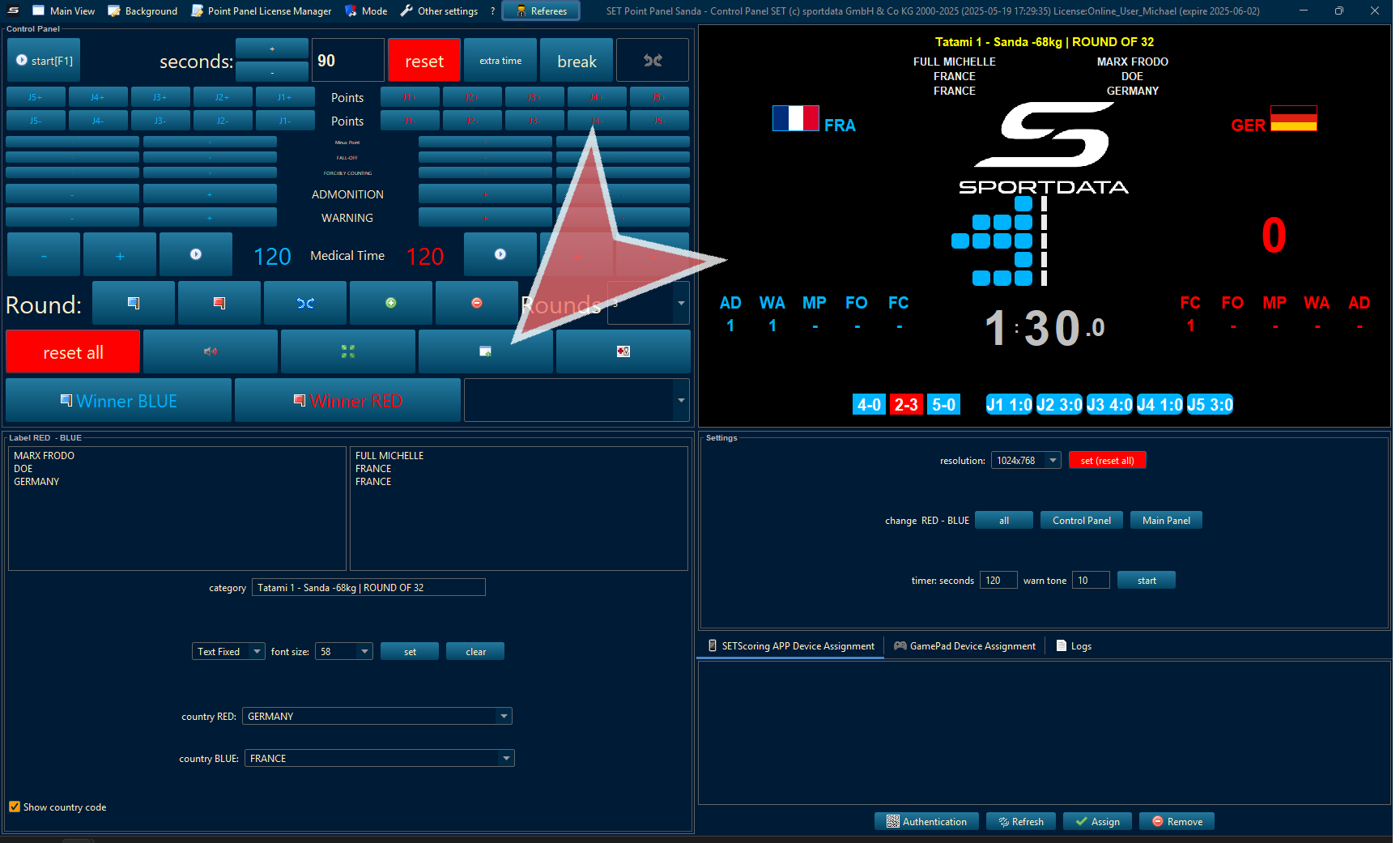
To adjust the scoreboard size on the screen, click the icon with a green plus, and go below where it says font size, change it, and press set. To alterate the red and blue sides, on the right side, select all, control panel or main panel.
Mode
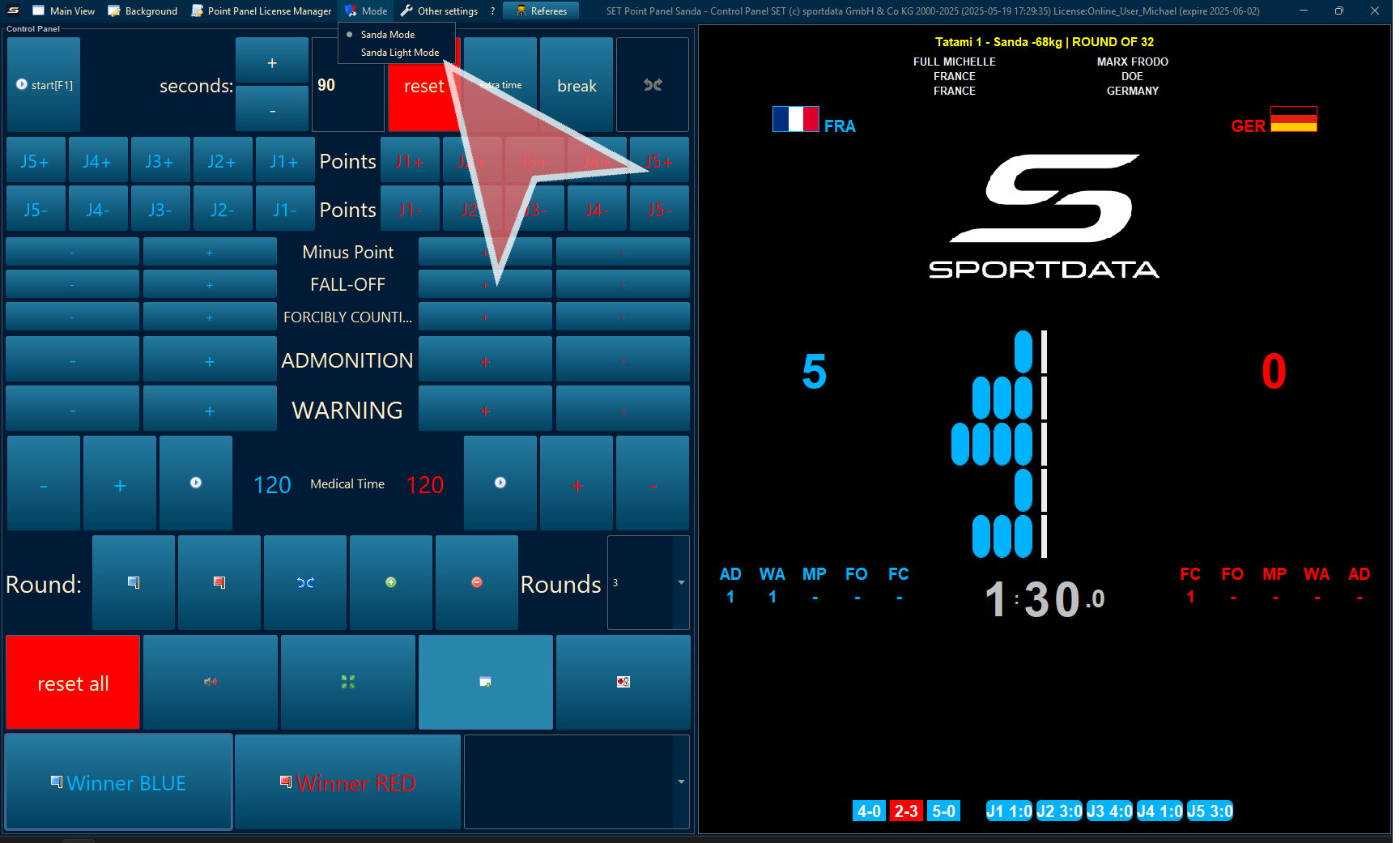
There are two scoreboard modes, Sanda and Sanda light.
Reset Scoreboard Screen
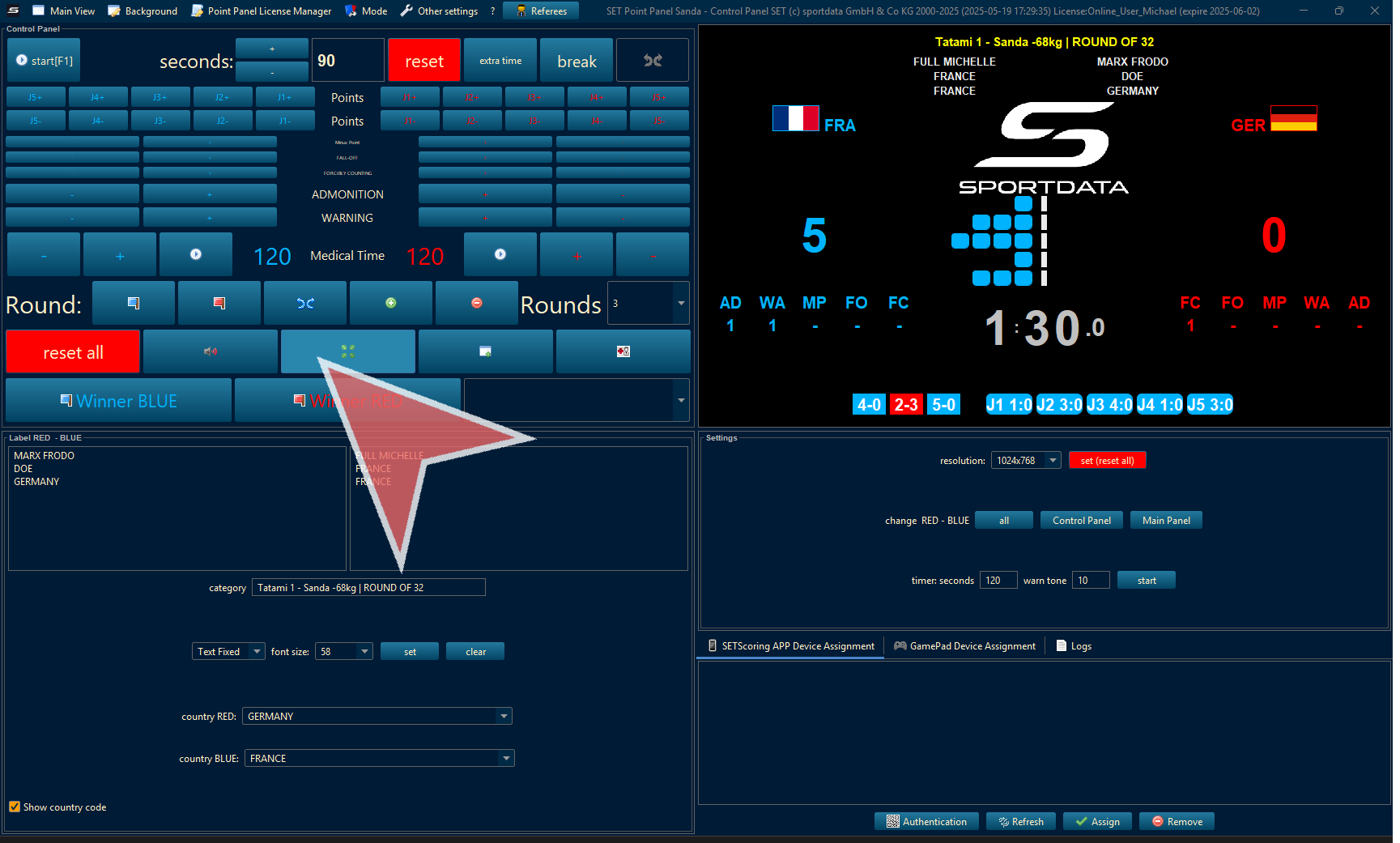
To reset the scoreboard on the screen or monitor press the green expand button.
Reset All
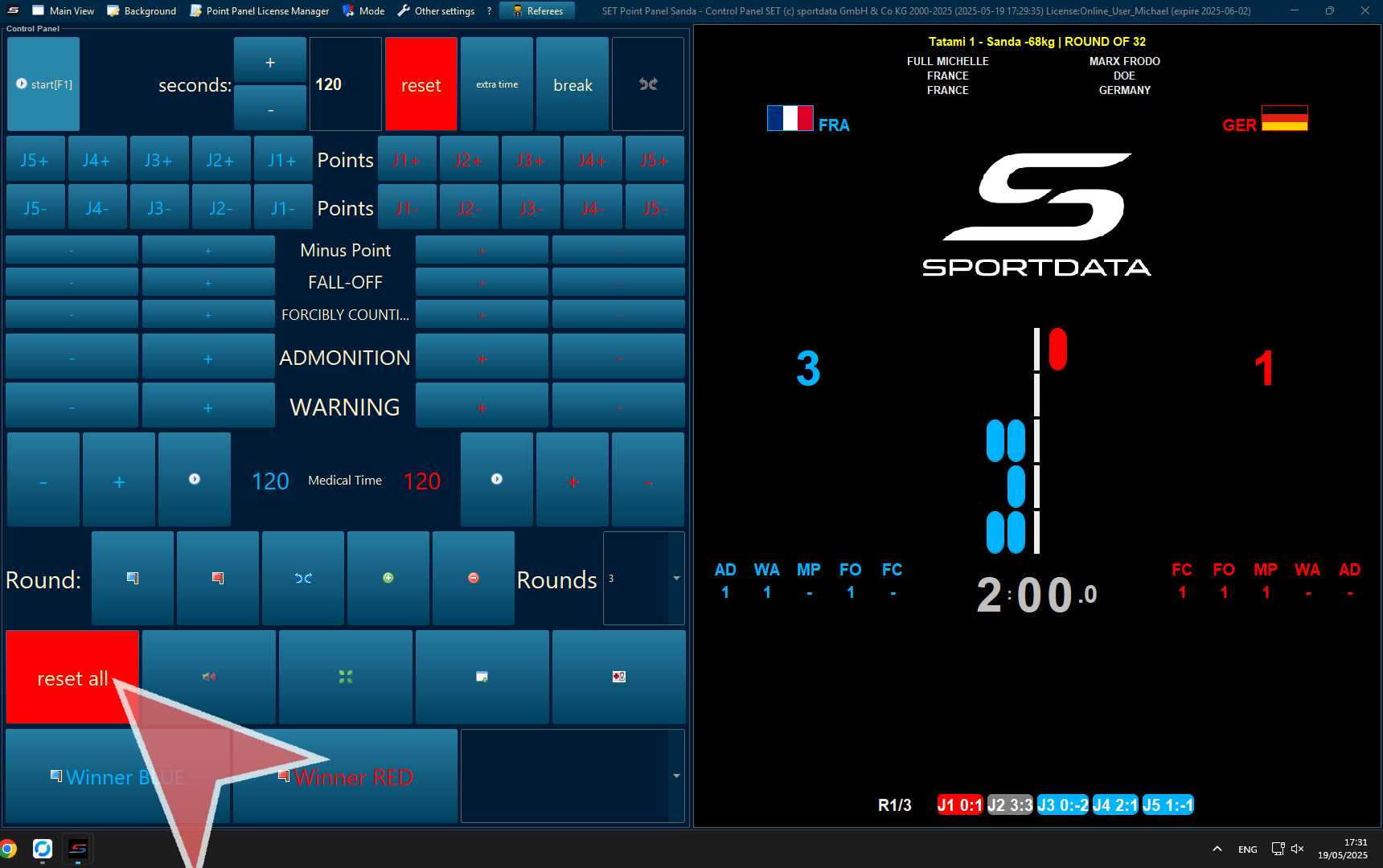
Before each match, press reset all to remove the previous match data.
Adjust Time
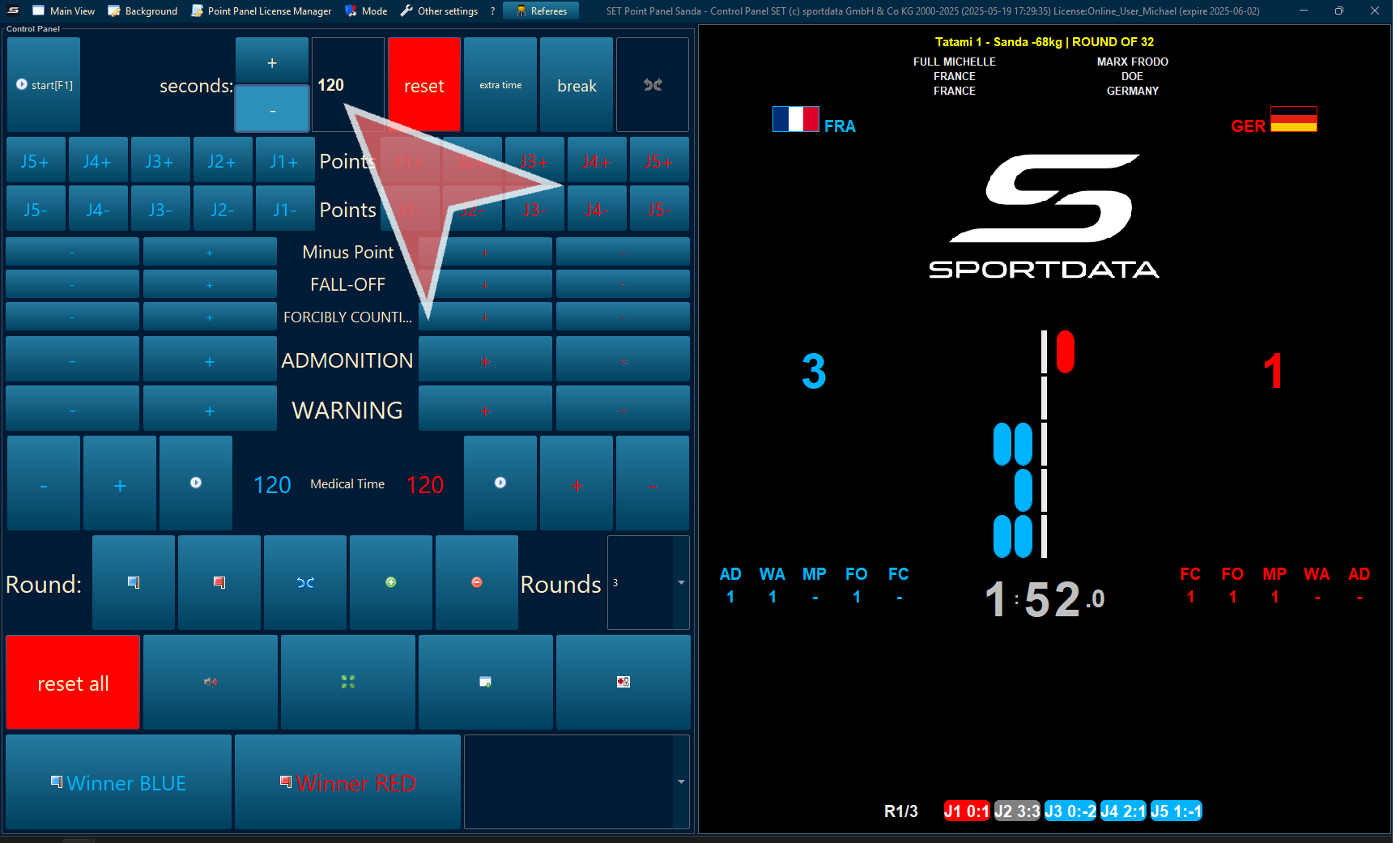
You can change the time, and press reset to only reset the time.
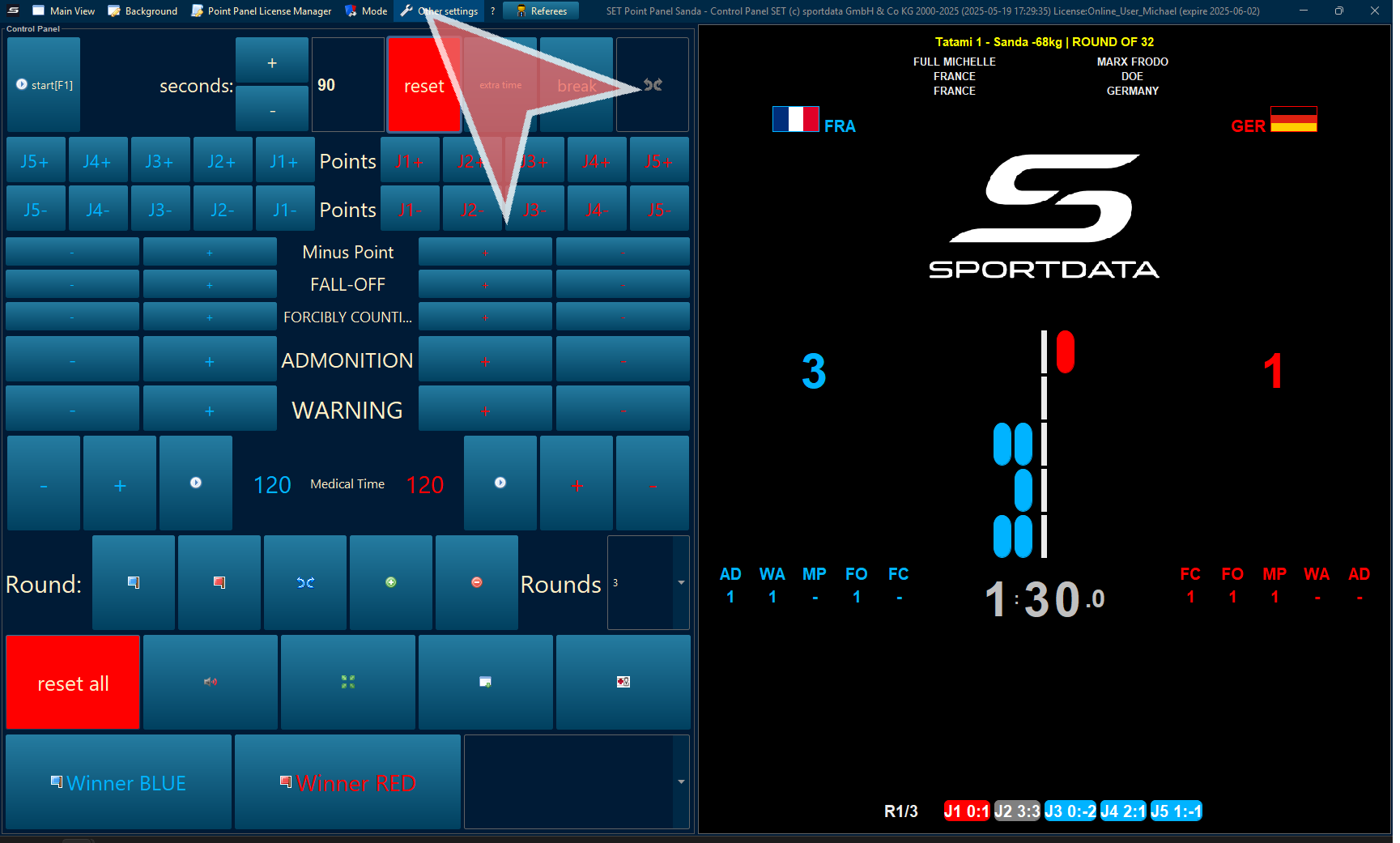
Other Setting
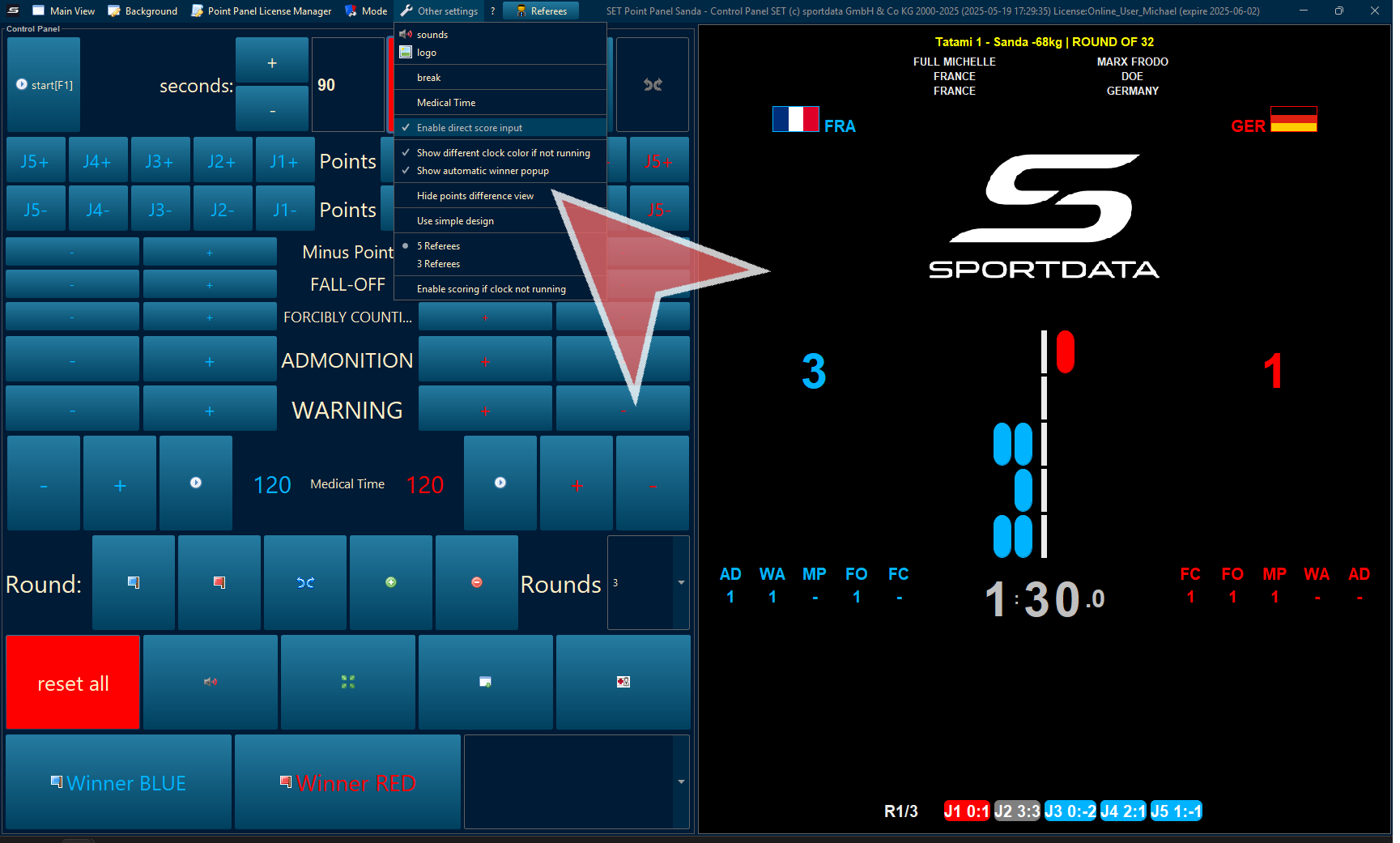
If you are using tablets for scoring or you do not need to do any corrections. You should remove the enable direct score input. You have additional options like use a simpler design, the number of referees, hide the points difference view, and enable the scoring if clock not running which is recommended.
Minus Points, Fall Offs, Forcibly Counting, Adminitions & Warnsings
Additionally, you have Minus point, Fall-Off, Forcibly Counting, admonitions, and warnings. For each 1 Minus points, the opponent receives 1 point per judge. For Fall Offs and admonitions do not automatically stop the time and declare the winner. After 2 forcible counting, it stops and declares the winner. Finally, after 3 warnings, the time will stop and it will declare the winner.
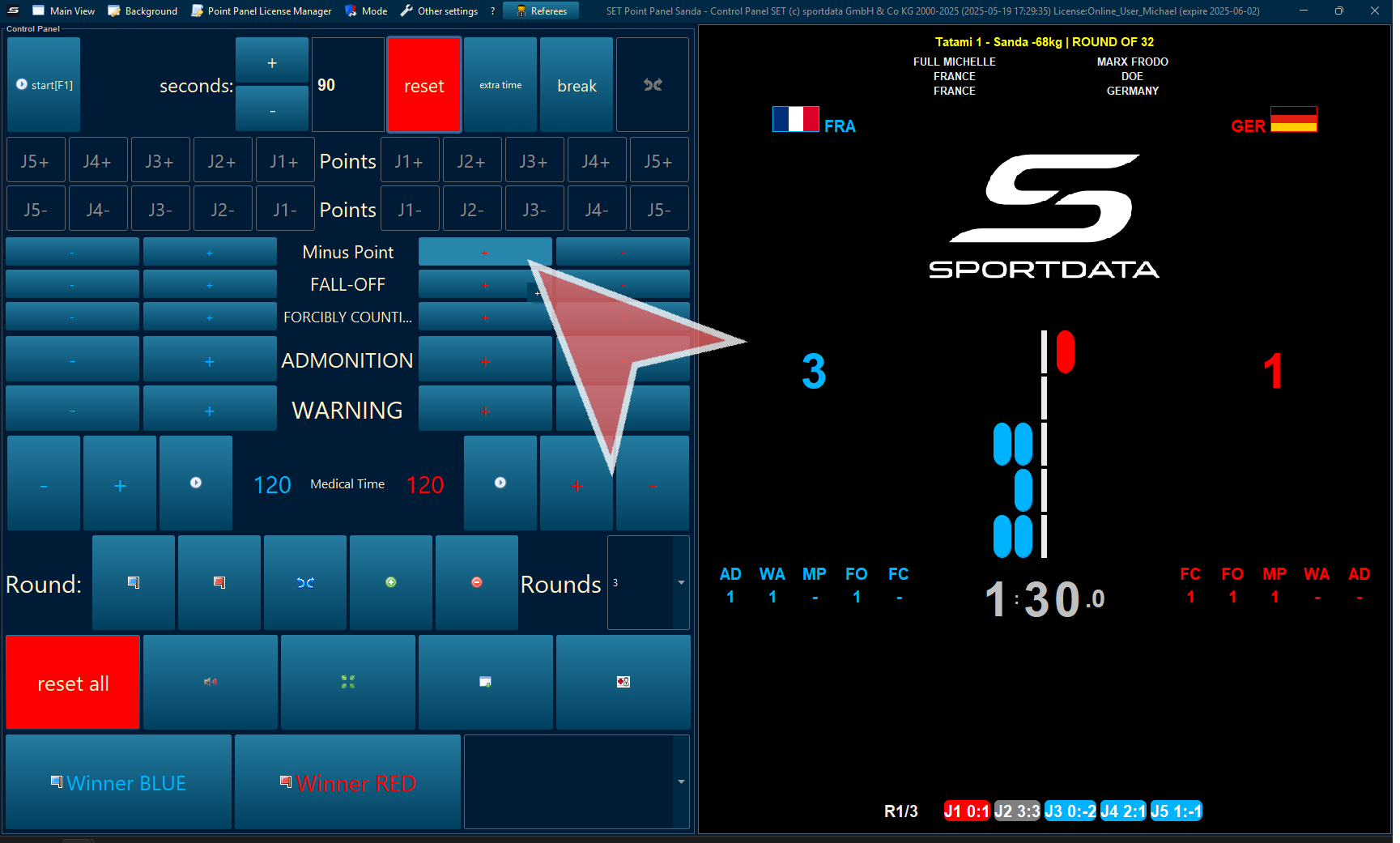
Rounder Winner & Ties
Determine the winner of the round by pressing the flag with the corresponding colour. For a Tie, the two diverging blue arrows must be selected.
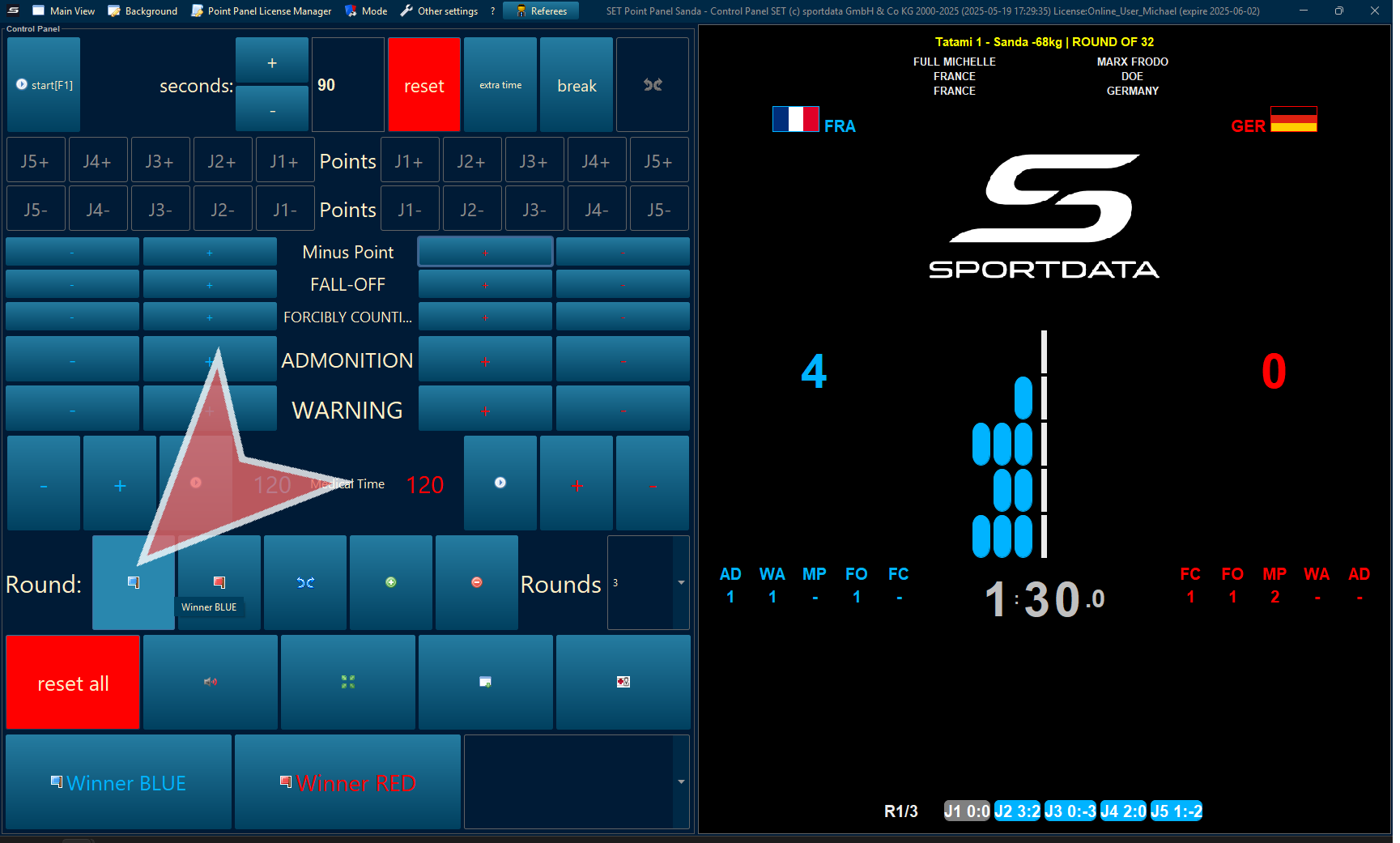
Next Round
After pressing the blue flag, the judges for and against will be indicated below in blue 4-0.
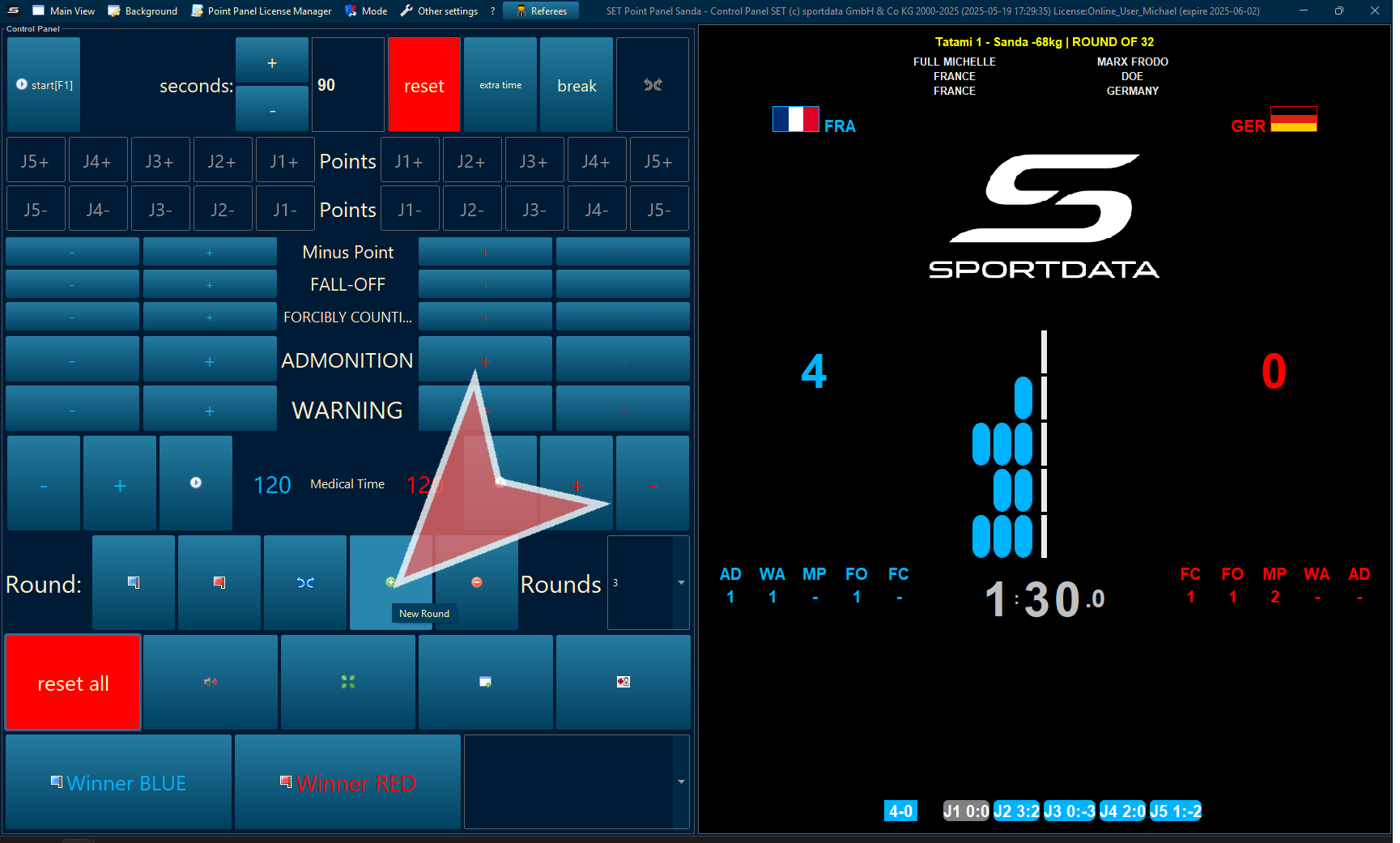
Automatically, the break time will appear, and Round 2 will appear below.
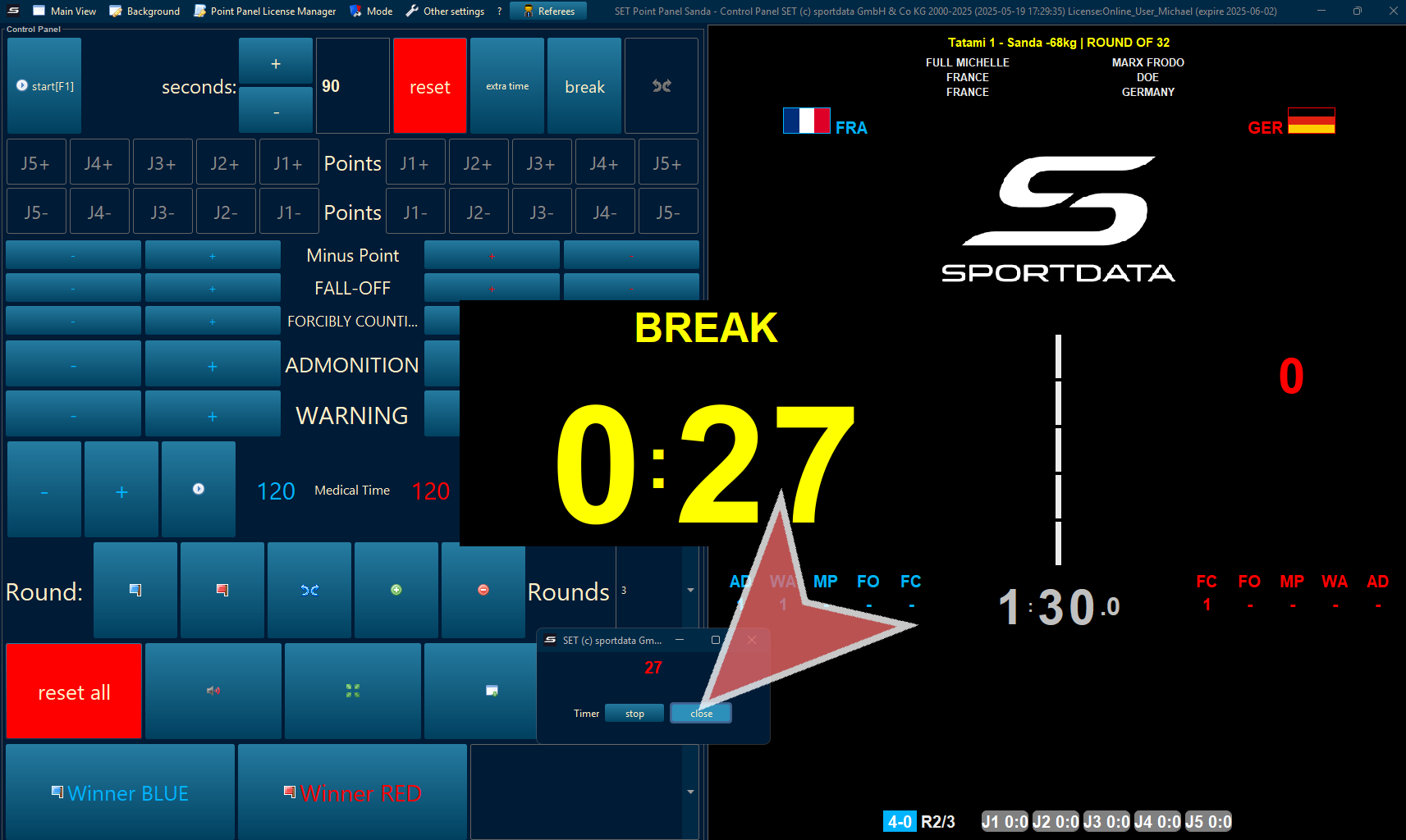
Declare Match Winner
When all 3 rounds are finished, there are 3 rounds indicated below with the winner score blinking.
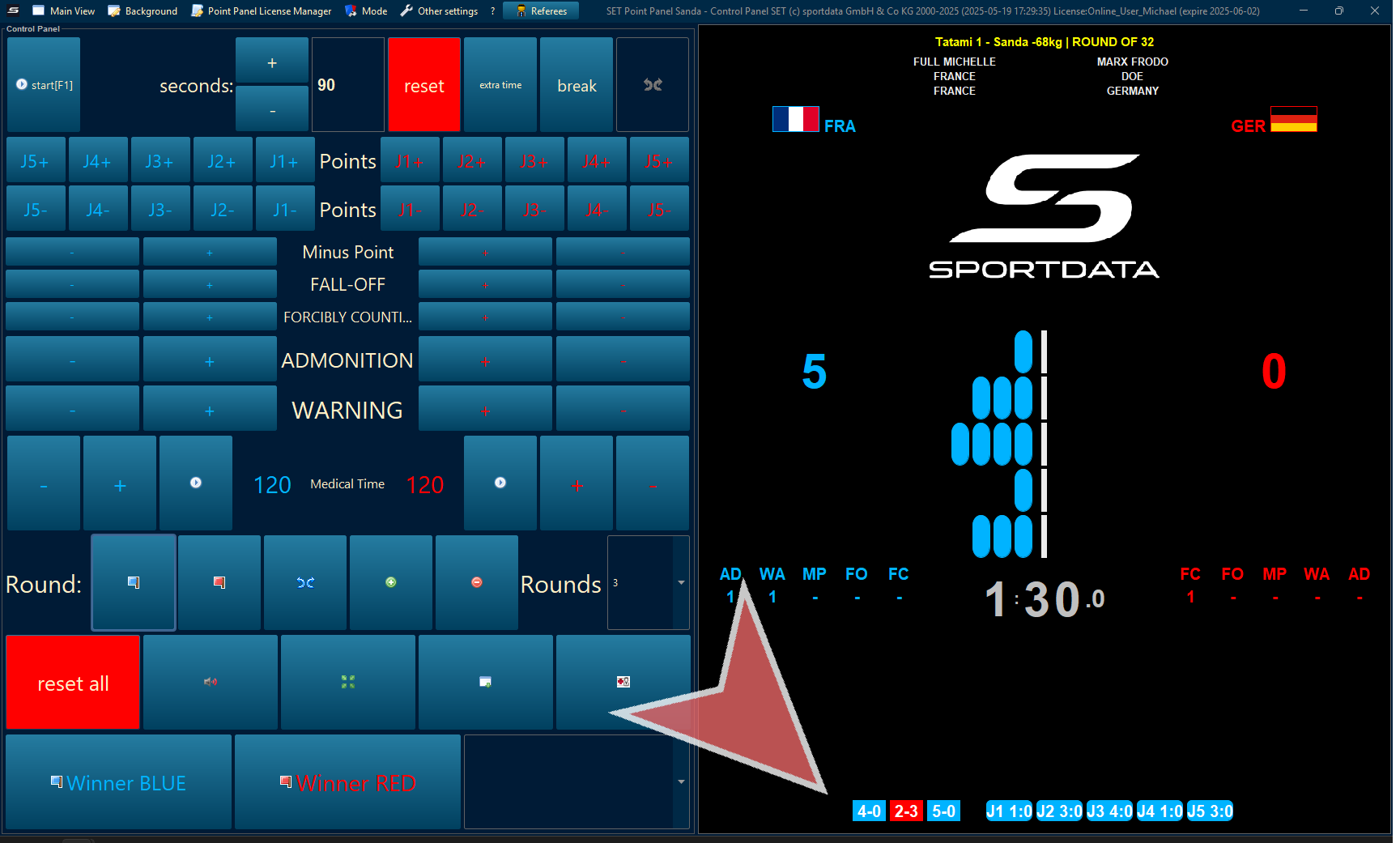
To save the results of the match, declare the winner.
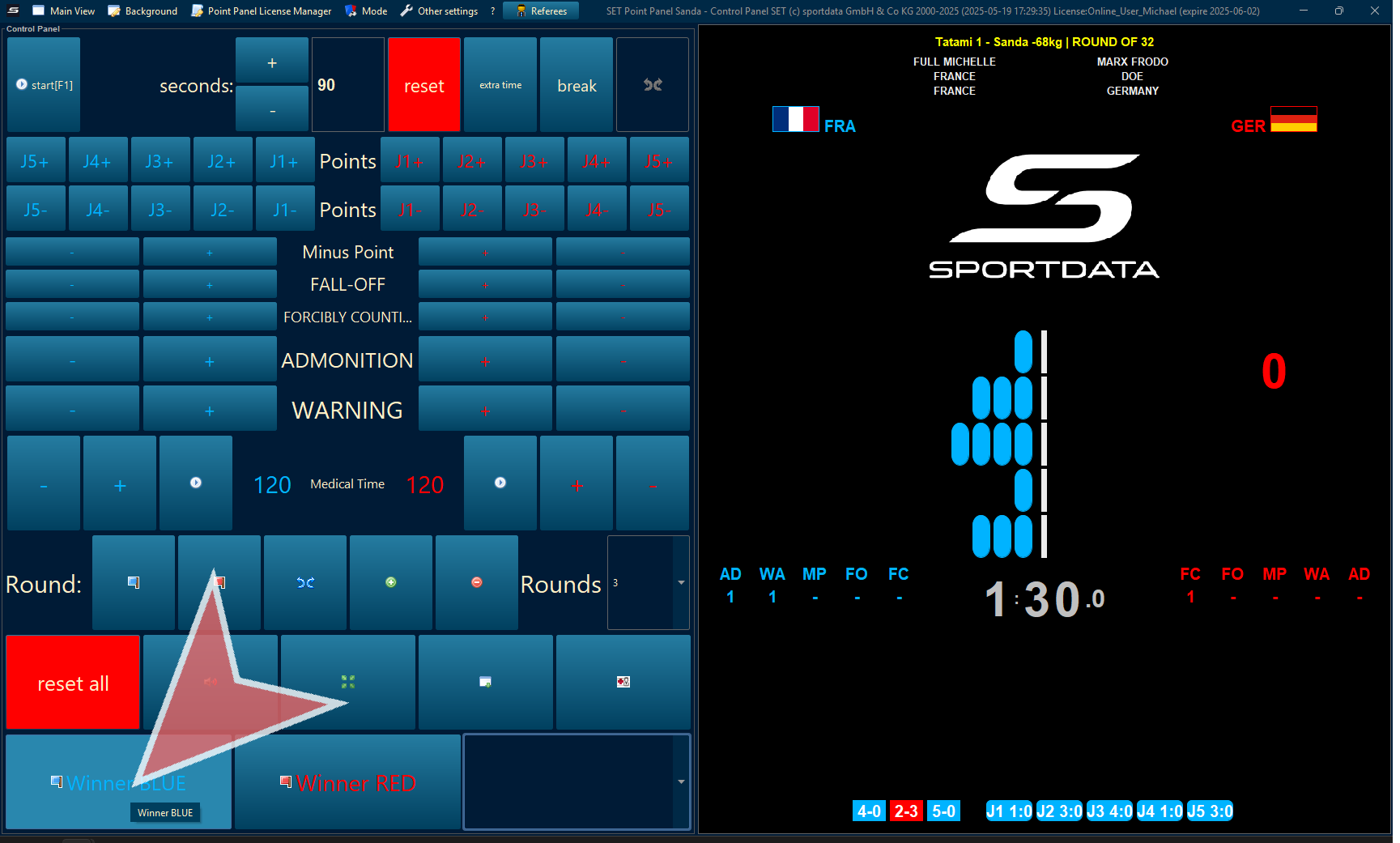
Draw Record Results
After closing the point panel, the winner has progressed, and the scores are recorded in the draw record.