
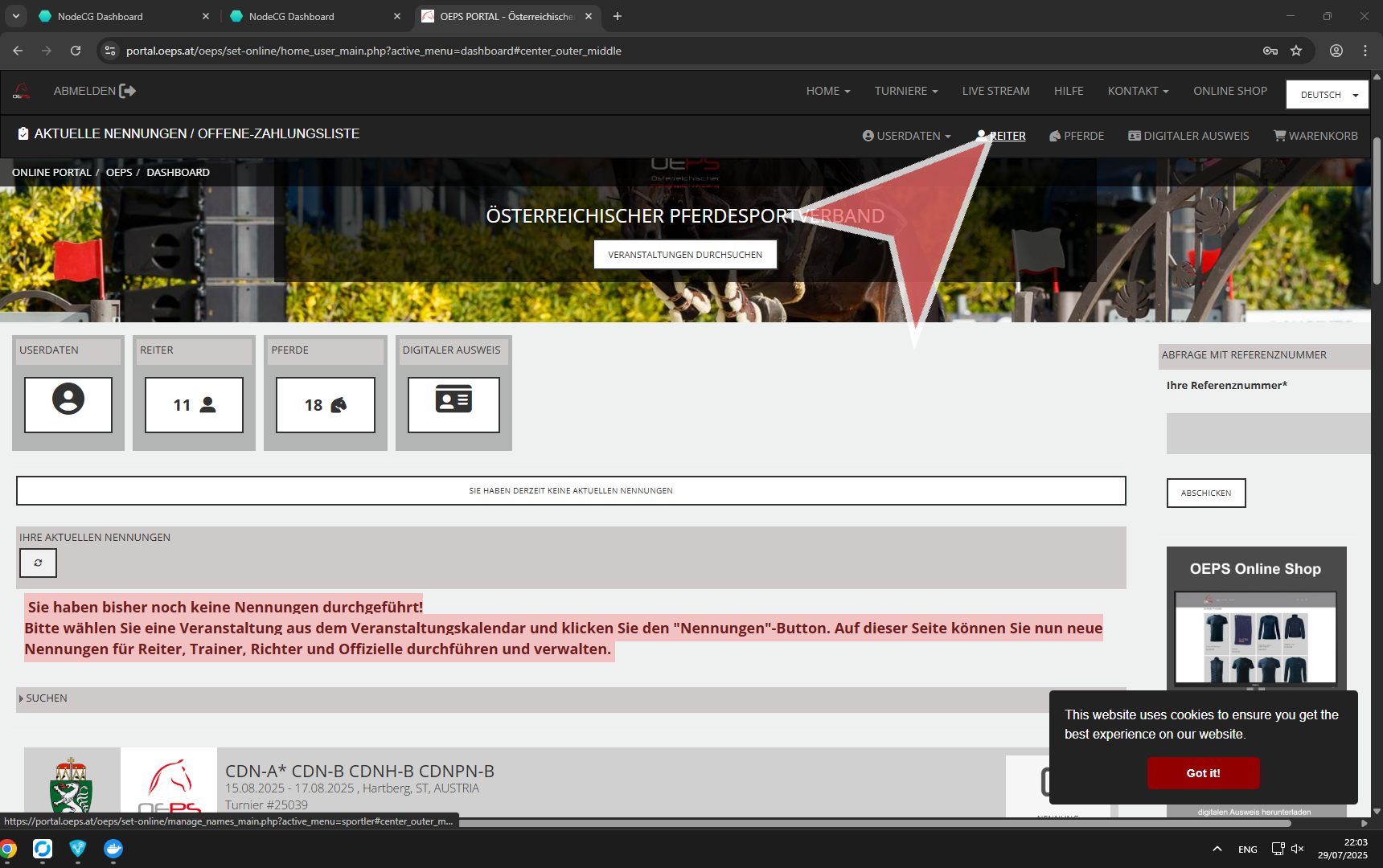
Click on the menu item “REITER”.
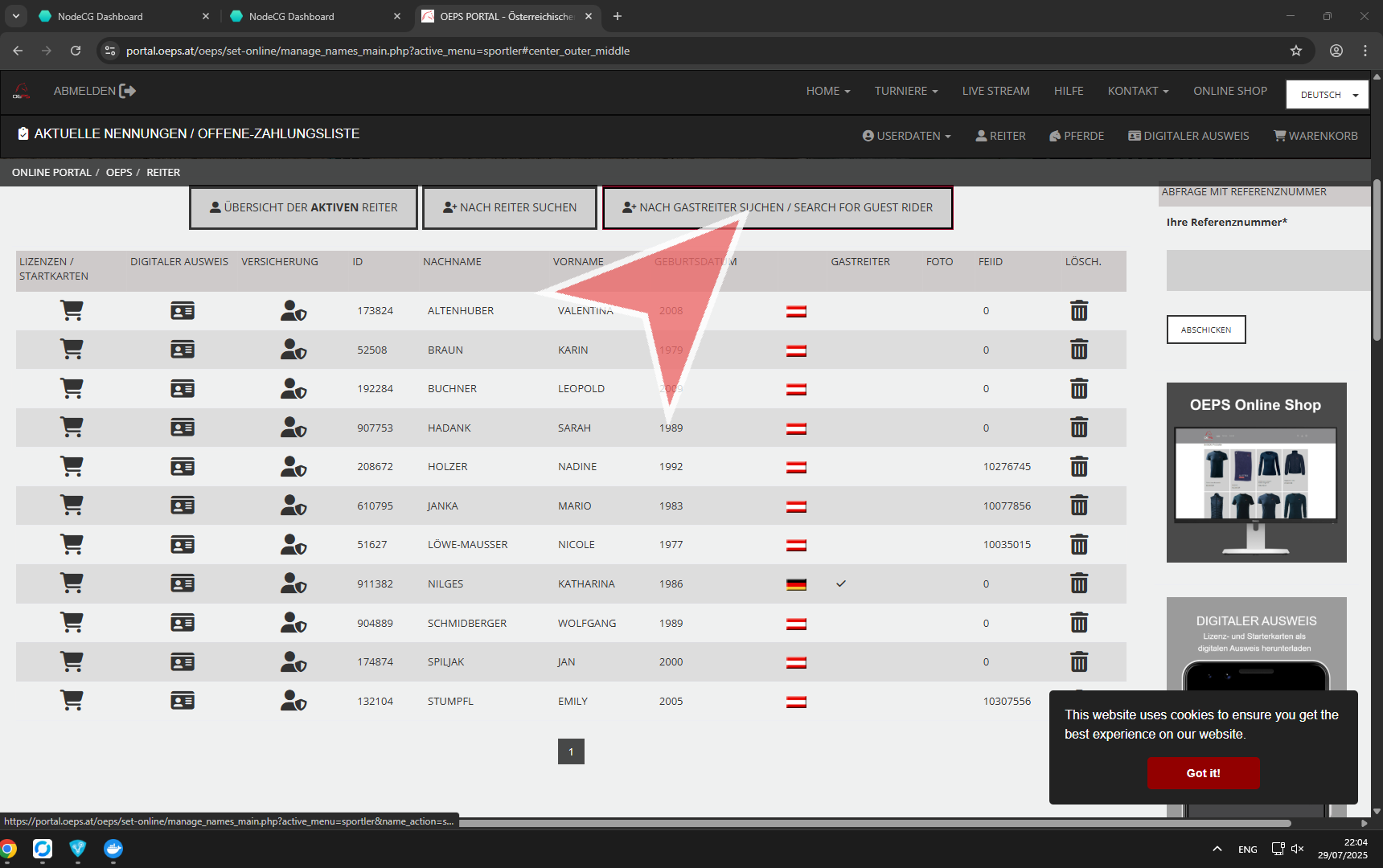
Click on “Nach Gastreiter suchen / SEARCH FOR GUEST RIDER”.
Fill out the Form “Neuen Gastreiter Registrieren / Register a new Guest Rider”.
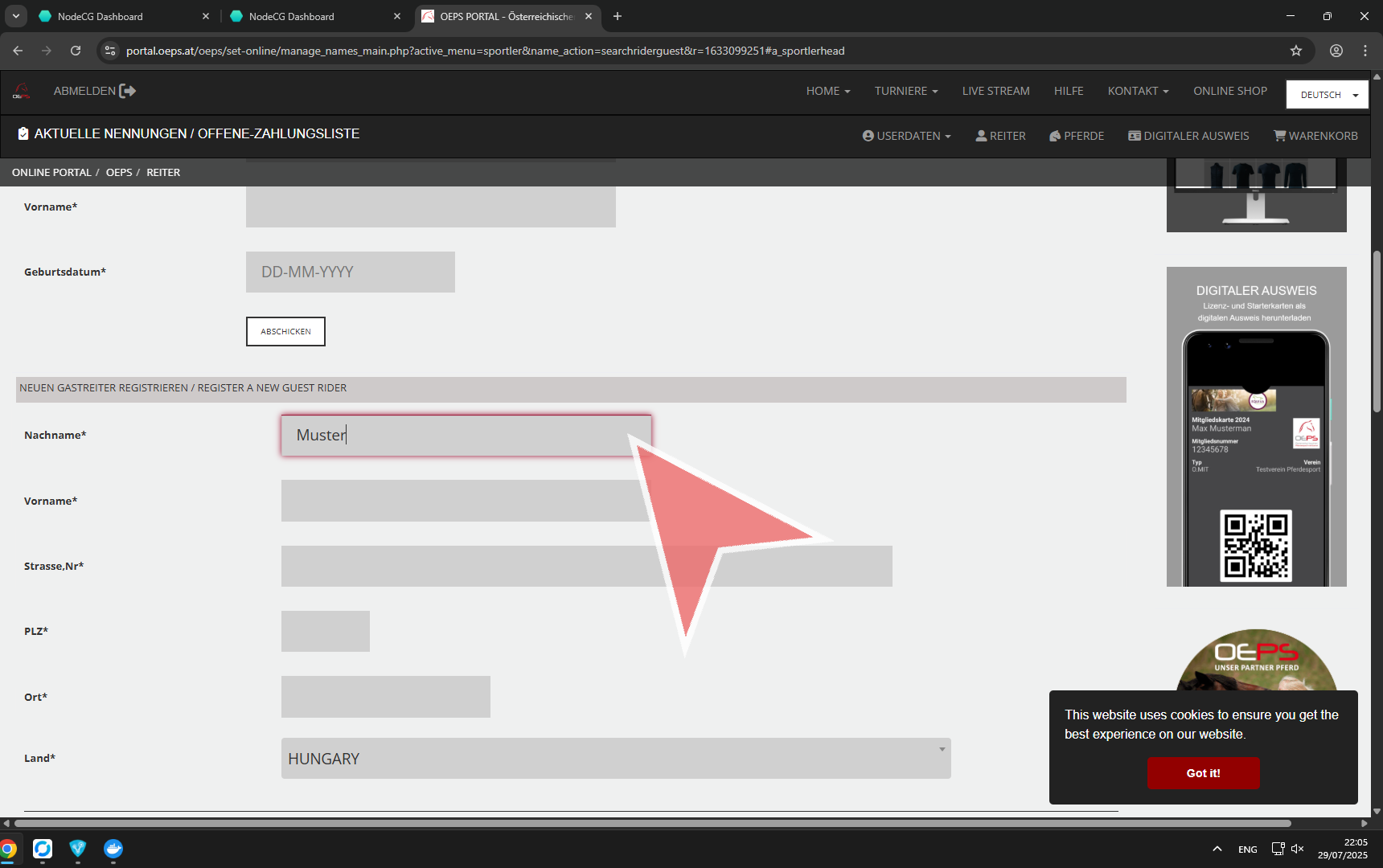
Fill out the Form “Neuen Gastreiter Registrieren / Register a new Guest Rider”.
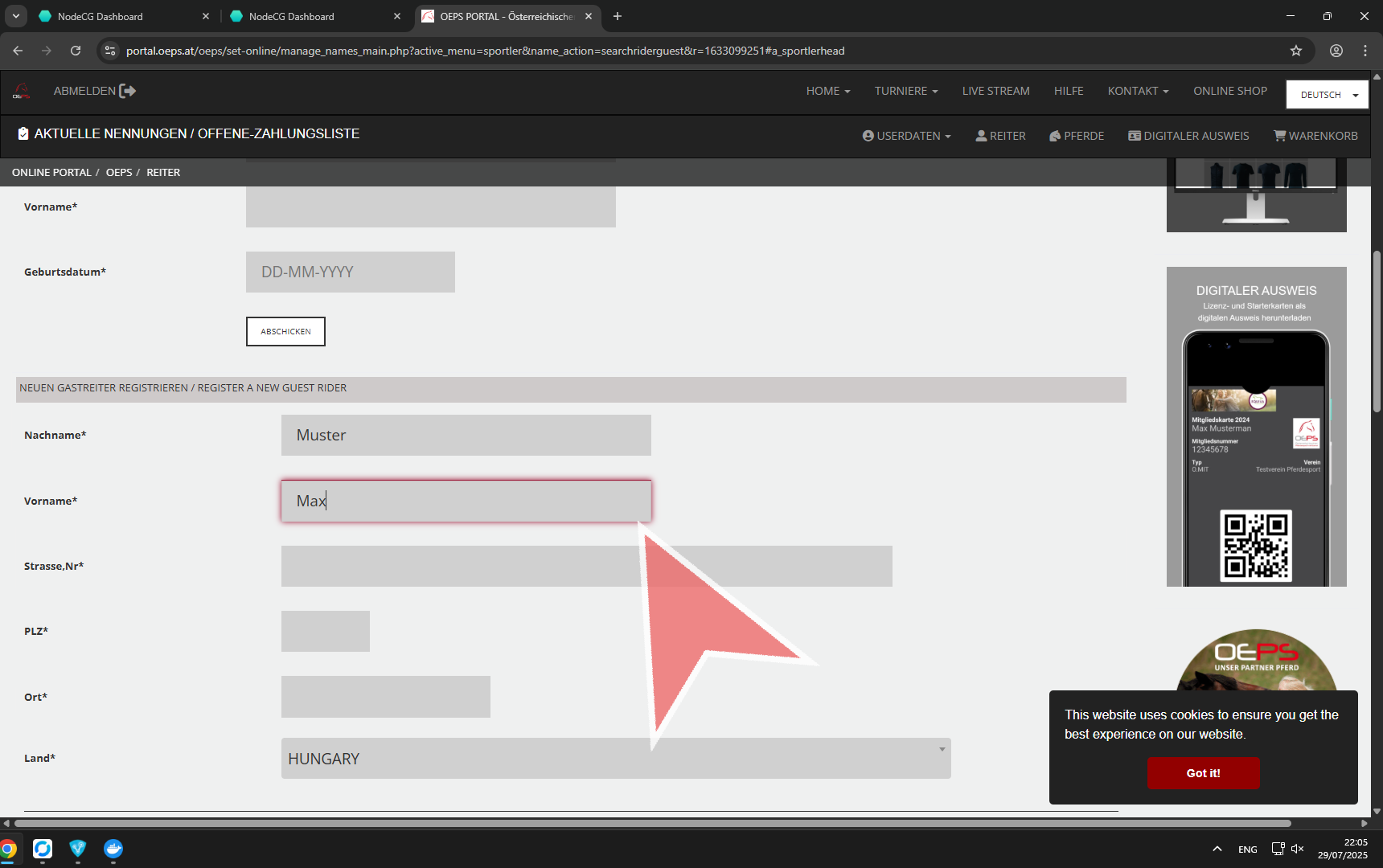
Fill out the Form “Neuen Gastreiter Registrieren / Register a new Guest Rider”.
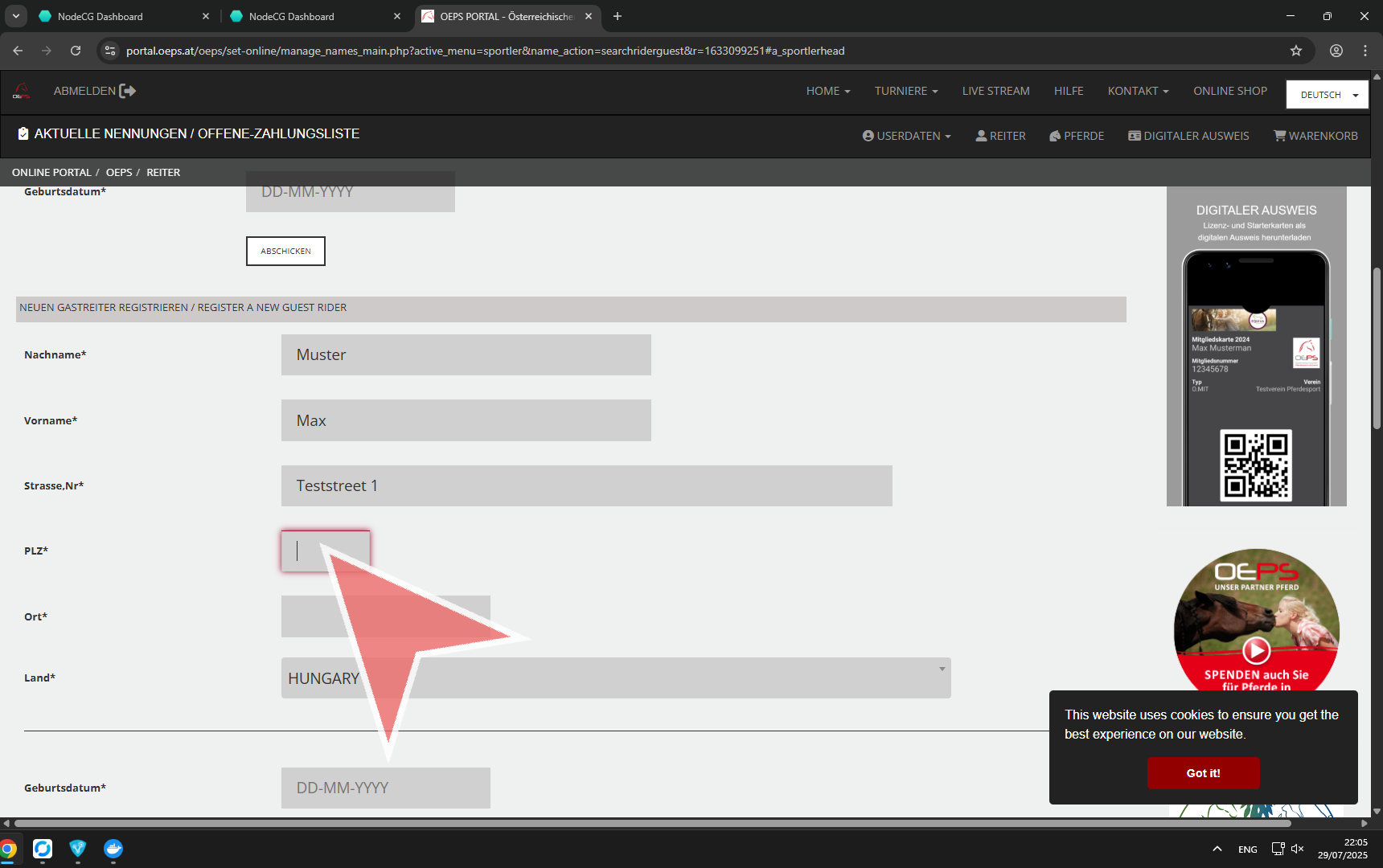
Fill out the Form “Neuen Gastreiter Registrieren / Register a new Guest Rider”.
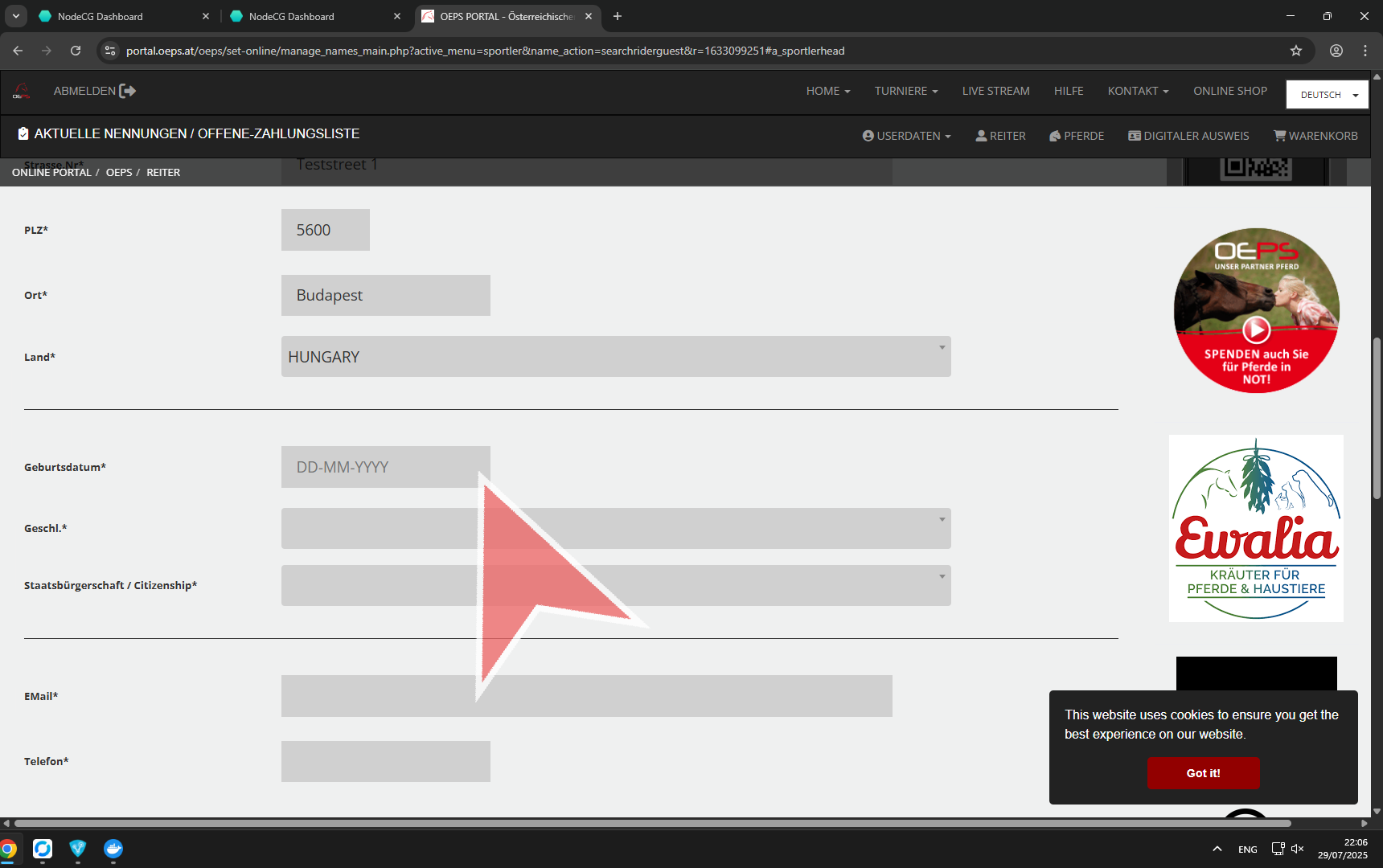
Fill out the Form “Neuen Gastreiter Registrieren / Register a new Guest Rider”.
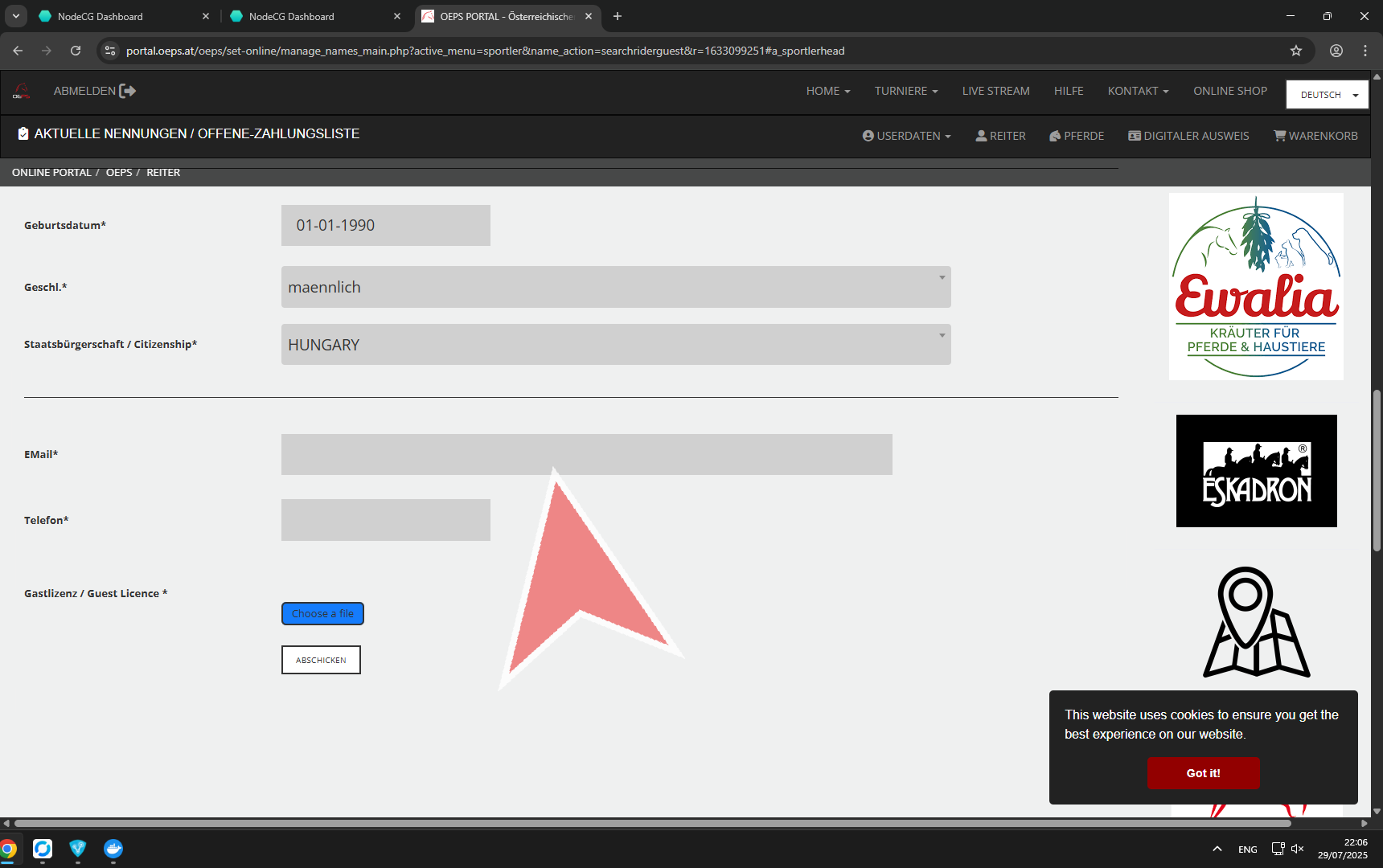
Fill out the Form “Neuen Gastreiter Registrieren / Register a new Guest Rider”.
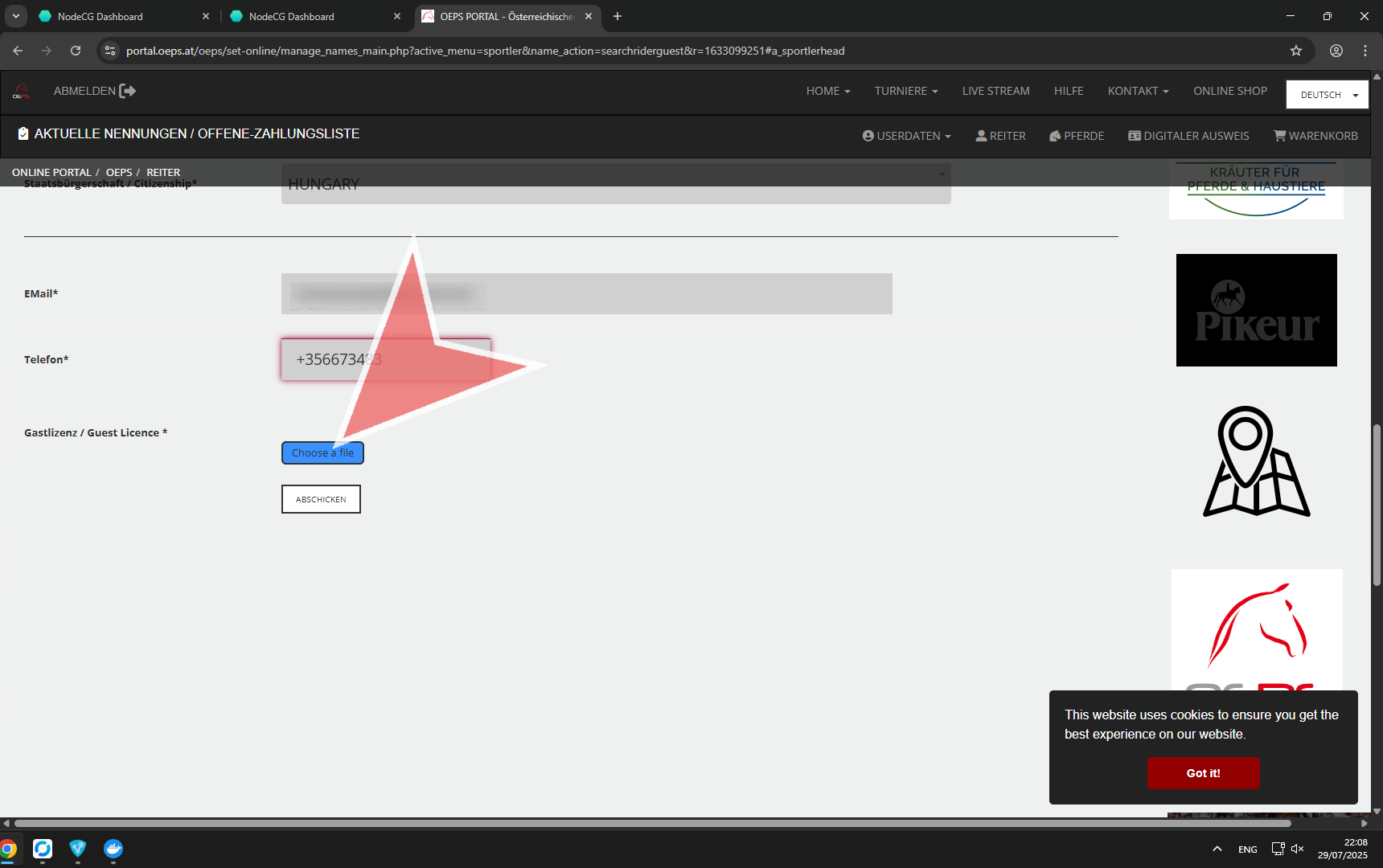
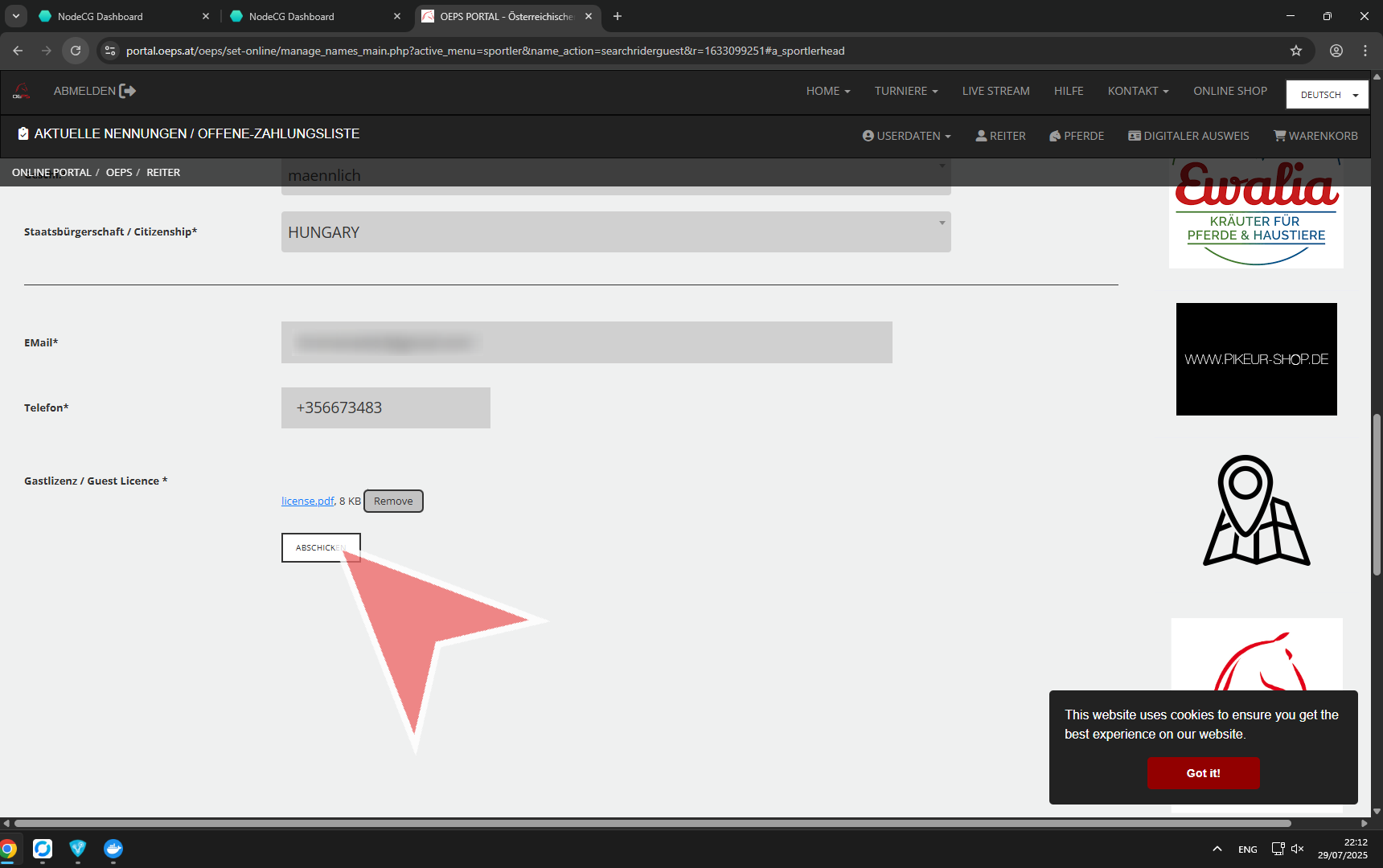
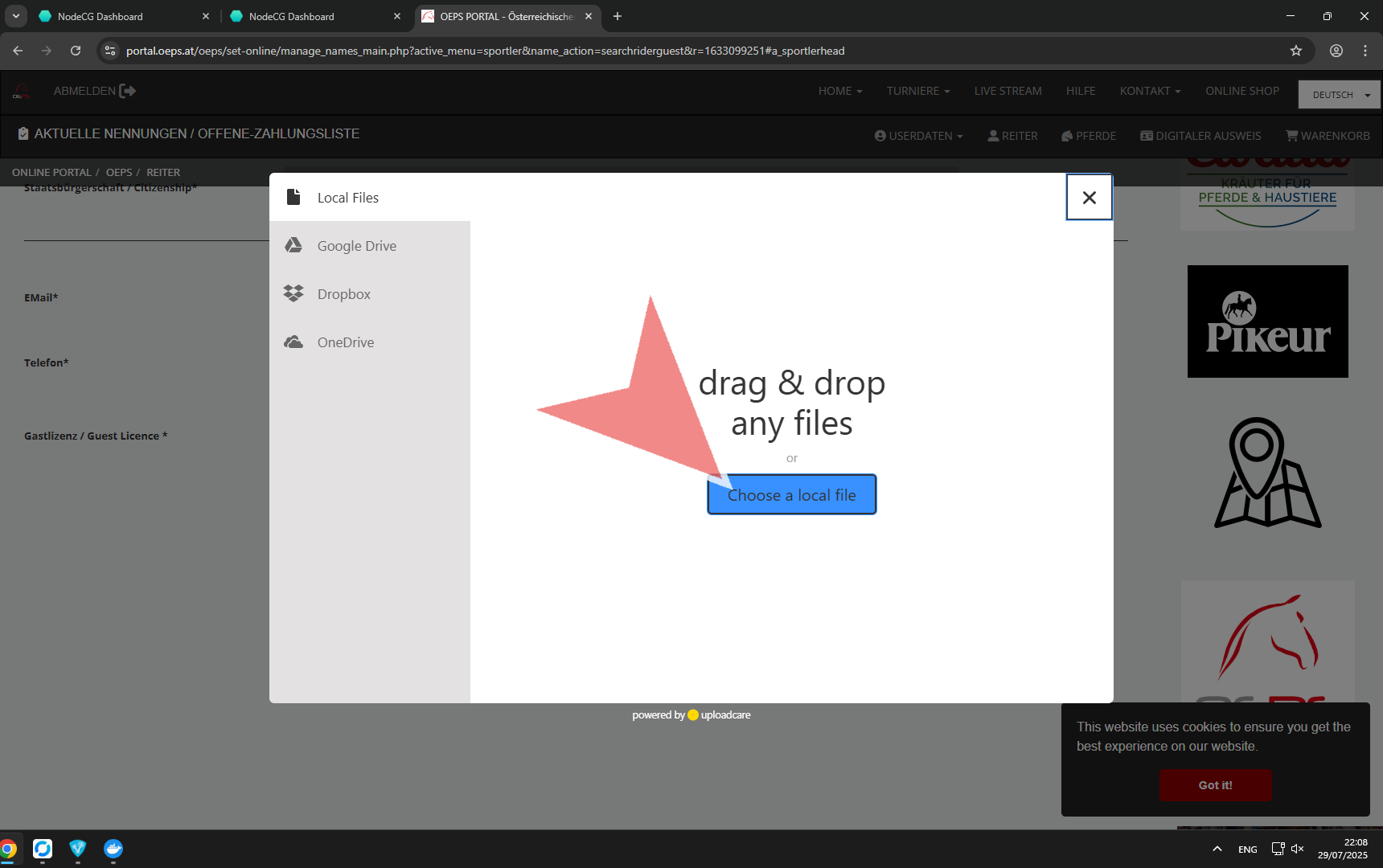
Upload a scan or photo of your license.
Click on the send button “Abschicken”, um die Registrierung abzuschließen.
The OEPS team will process your request and inform you once finished. After you got notified about your your approval, you can search for your guest rider profile in the system and add it to the list of your riders.