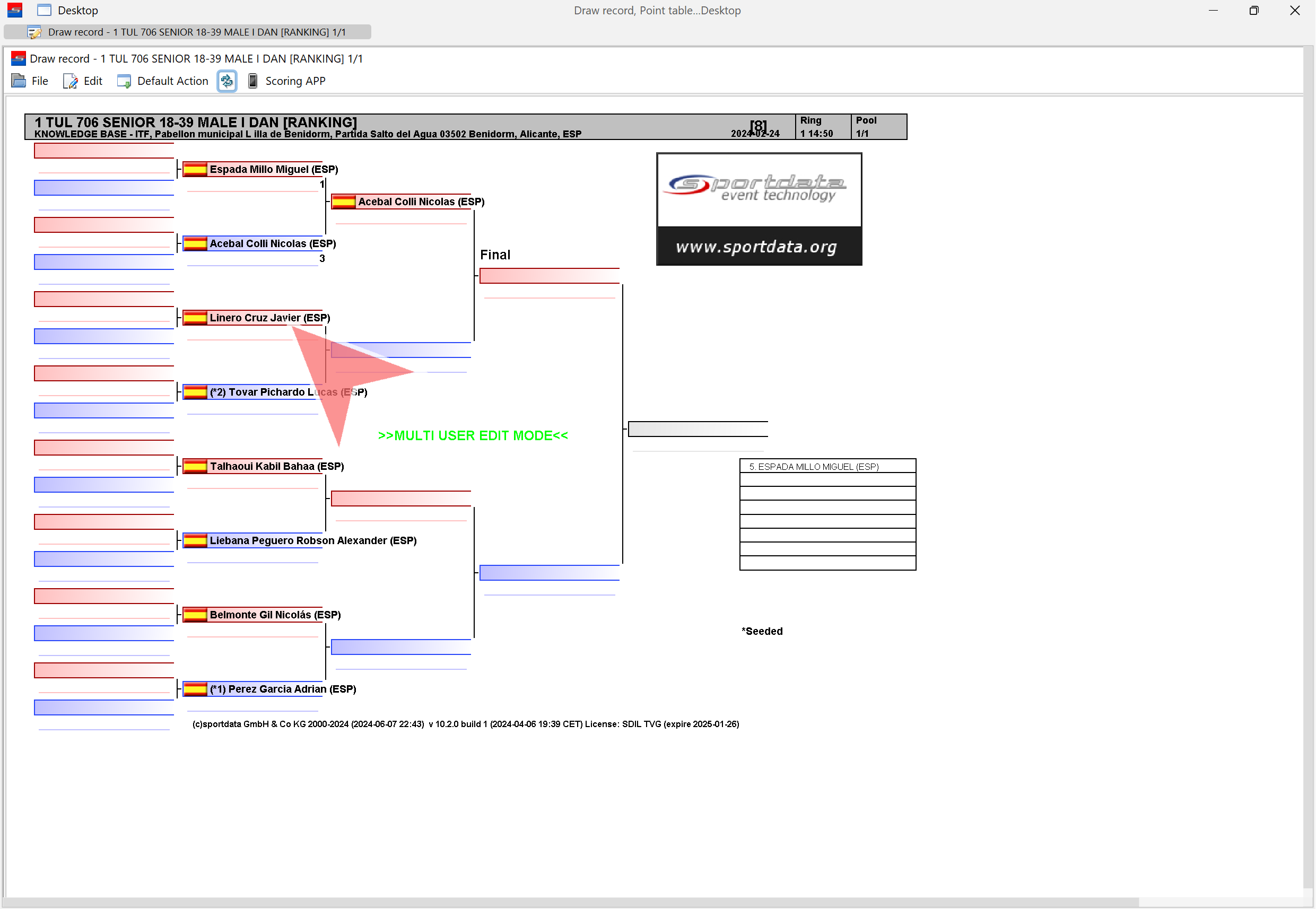
ITF Taekwon-Do Patterns (Tul) are a fundamental component of competition in which athletes perform a sequence of pre-arranged techniques demonstrating precision, balance, rhythm, power, and technical accuracy. Governed by the official International Taekwon-Do Federation (ITF) rules, patterns competitions are judged based on technical execution, presentation, and adherence to standardized criteria.
The ITF Taekwon-Do Patterns Scoreboard and Point Panel is a digital scoring solution designed to support operators in managing pattern-based events. The software allows operators to control the scoreboard, record judges’ scores, manage rounds or competitor runs, display athlete information, and ensure that official results are accurately calculated and presented for referees, athletes, coaches, and spectators.
This guide provides an overview of the ITF Patterns Scoreboard features and explains the key functions required to successfully manage professional ITF Taekwon-Do competitions, including match setup, scoring input, judge coordination, result processing, and final ranking confirmation.
Software download- Interactive Demo
Download the SET OVR or use our interactive demo to follow along with the article .
Download the SET OVR to get the free scoreboard or use our interactive demo to follow along with the article . First, select your operating system, then download the installer, and during the set up you can select SET Point Panel for just the scoreboard. Also try our SET OVR click it as well to learn how to create entries, draws, draw records, timetables and more for free.
How to operate the ITF Taekwon-do Pattern Scoreboard
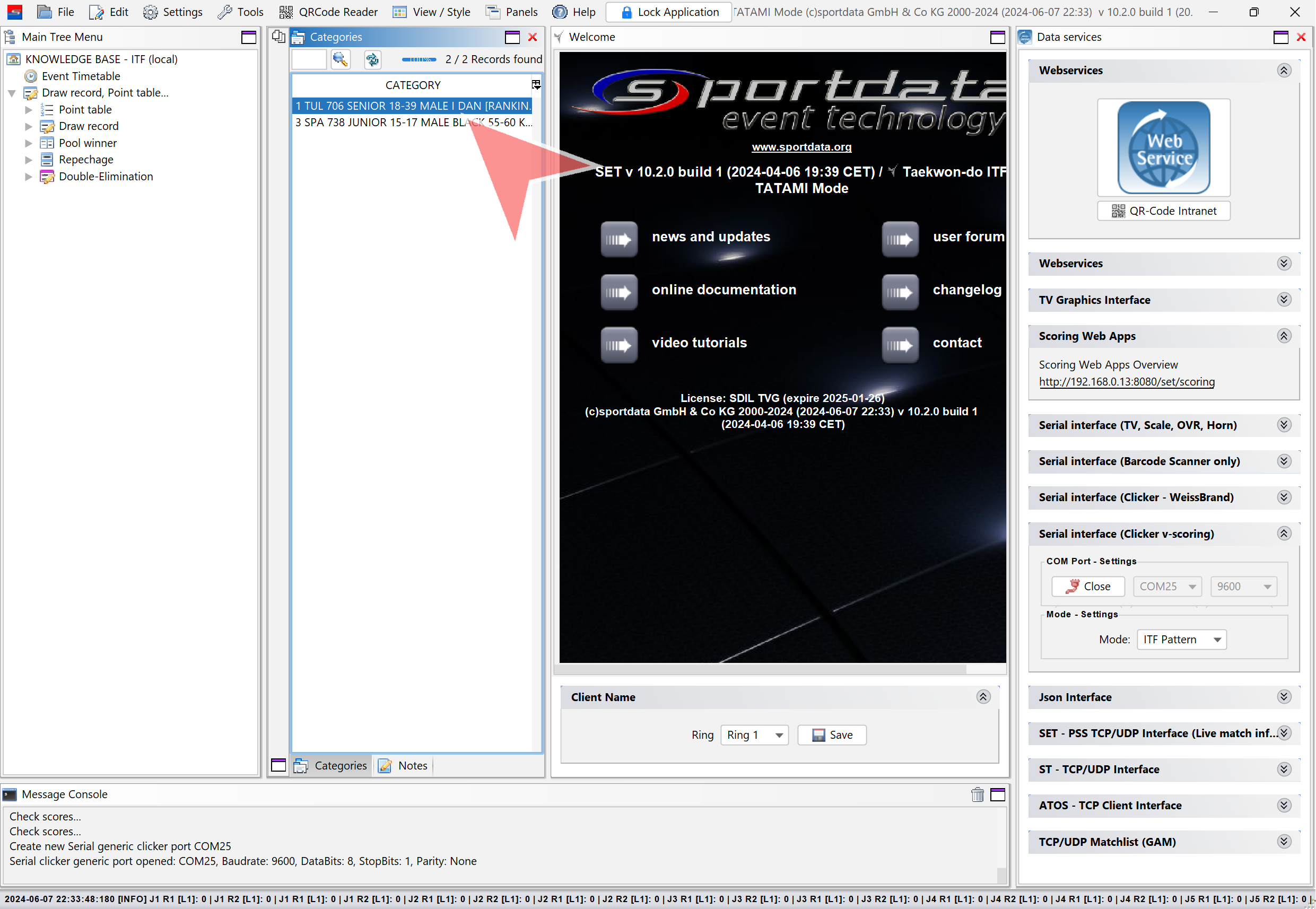
Open a category by double-clicking on it.
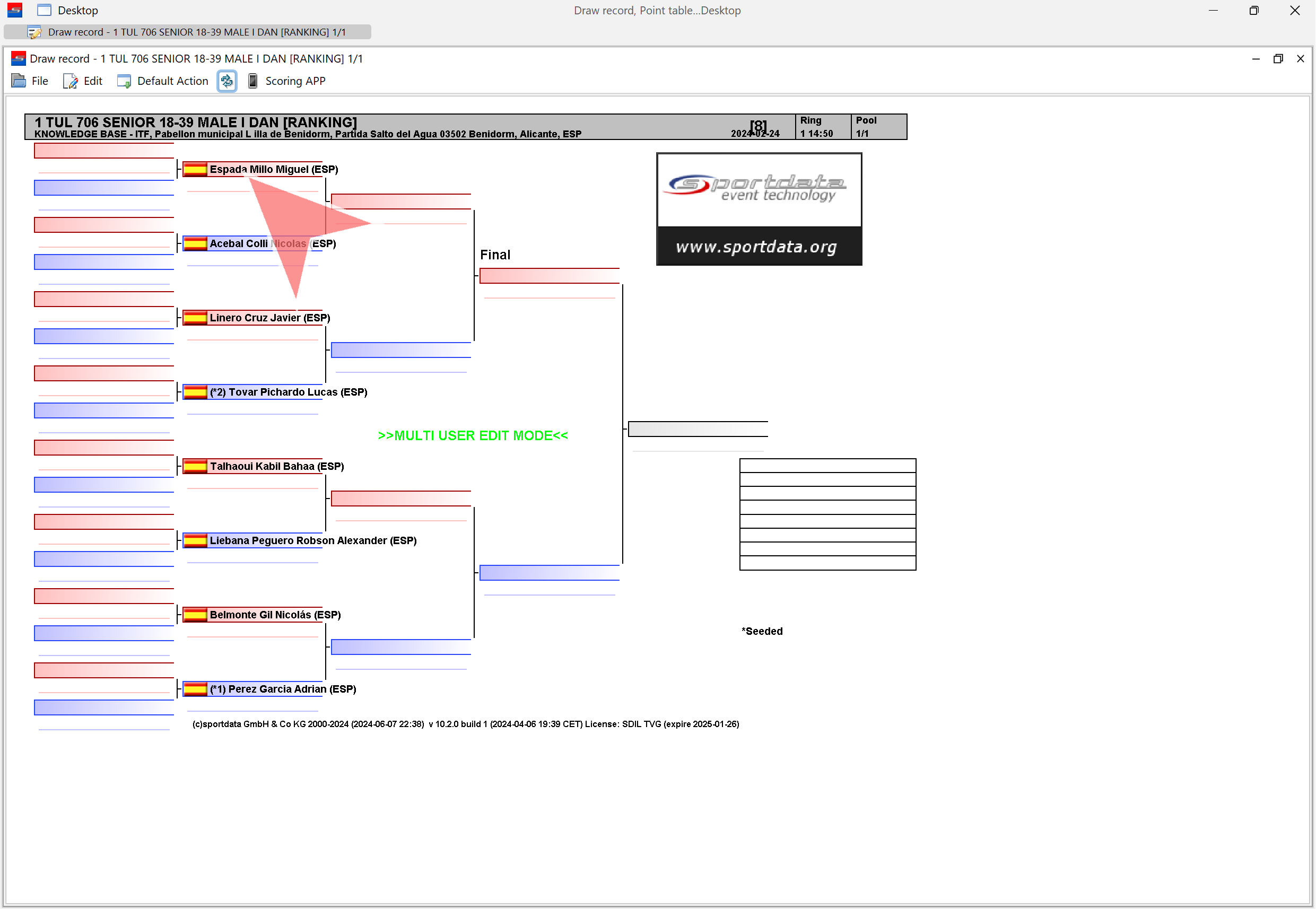
Open a match by clicking on a name.
Always reset the match before starting!
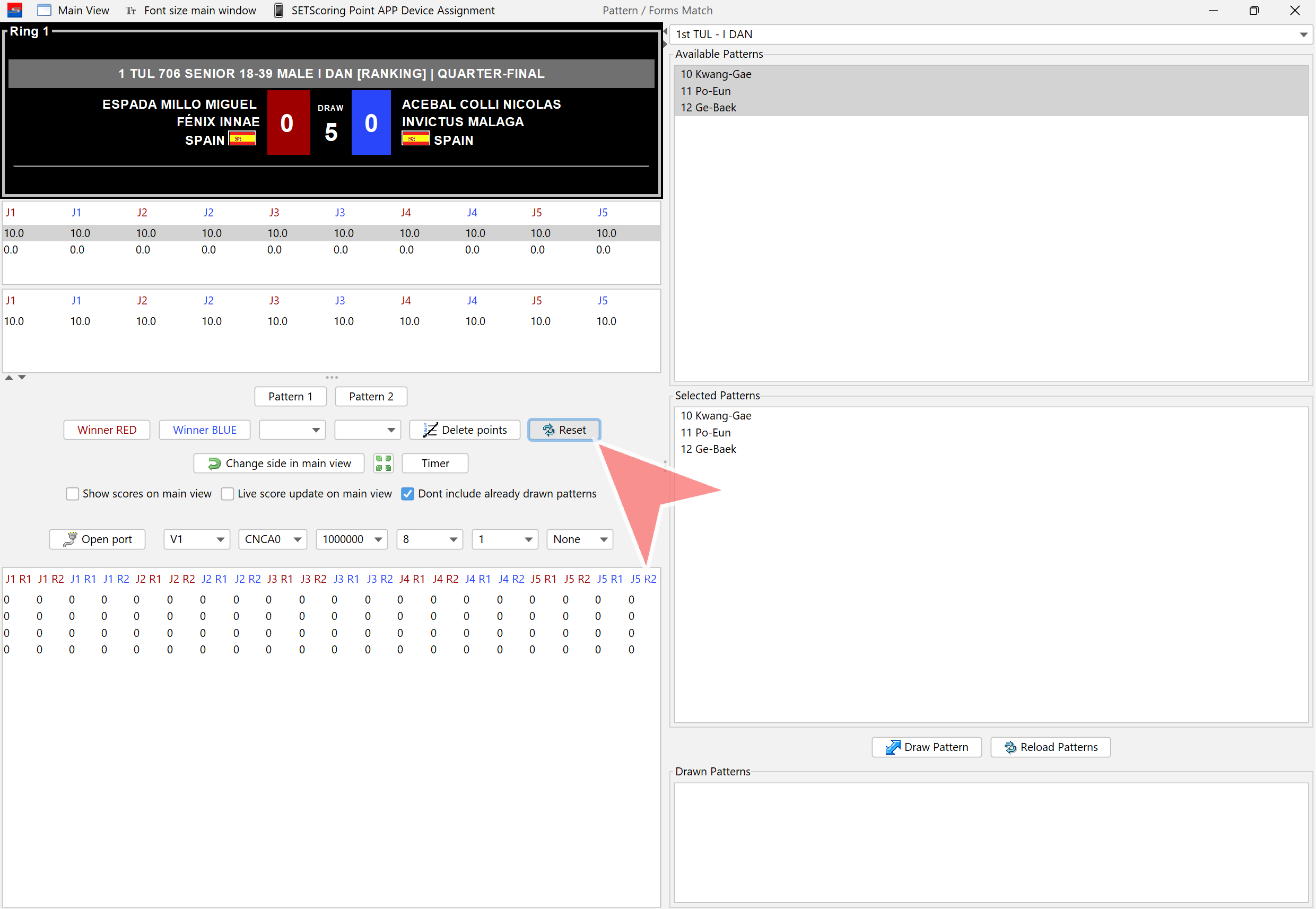
Confirm the match reset by clicking on „Yes“.
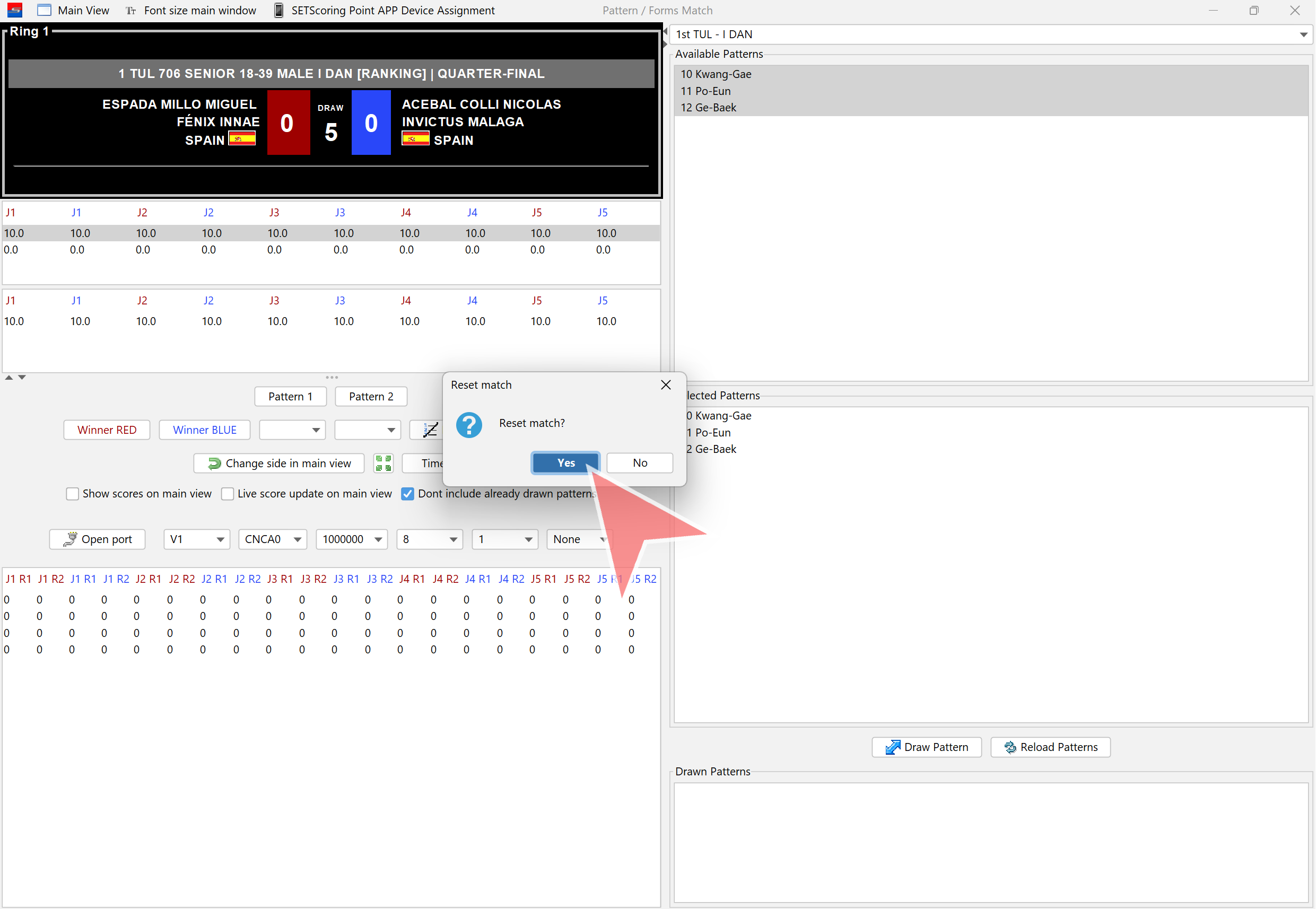
1st Pattern
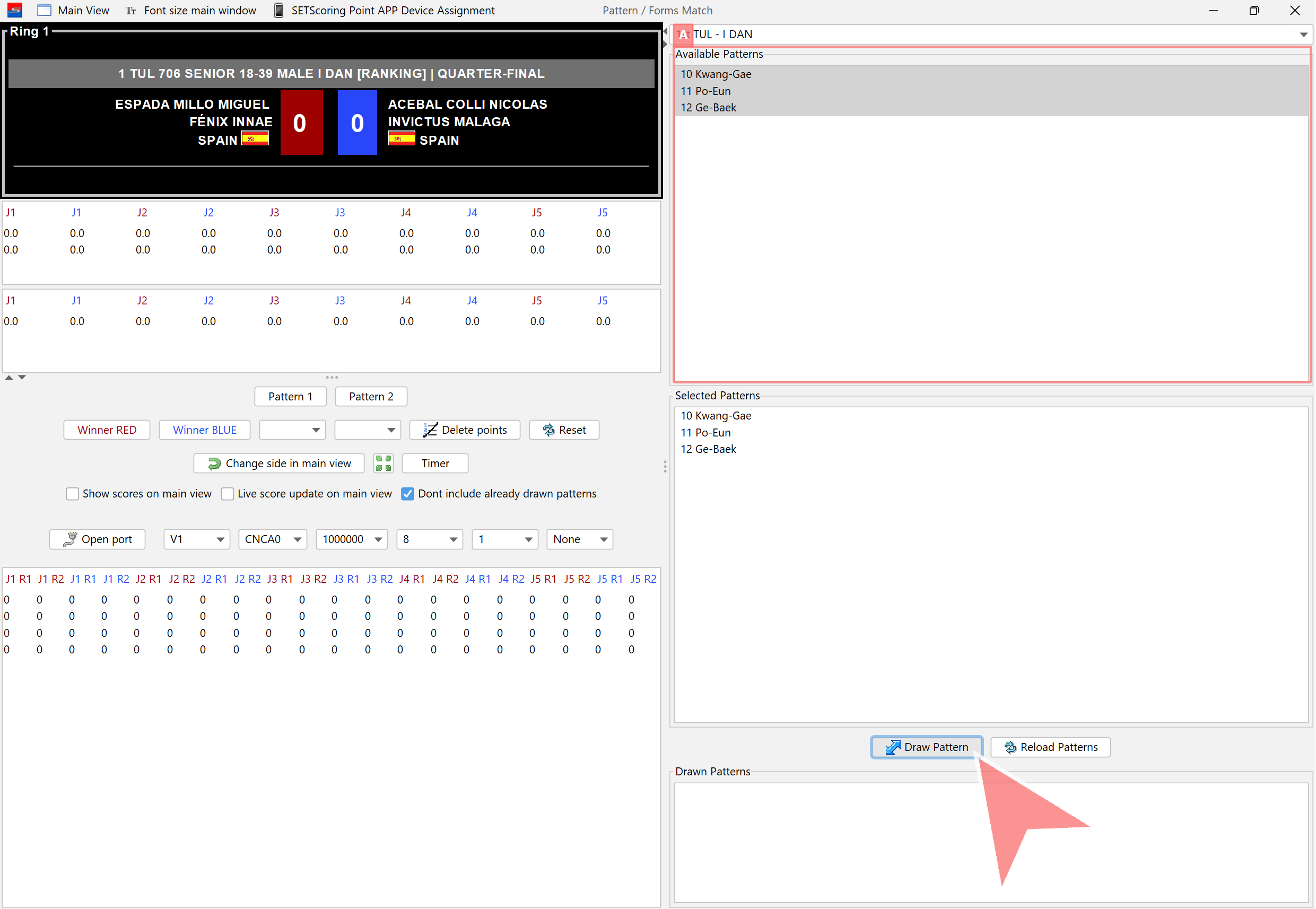
Ensure the correct patterns are selected. Click on „Draw Pattern“.
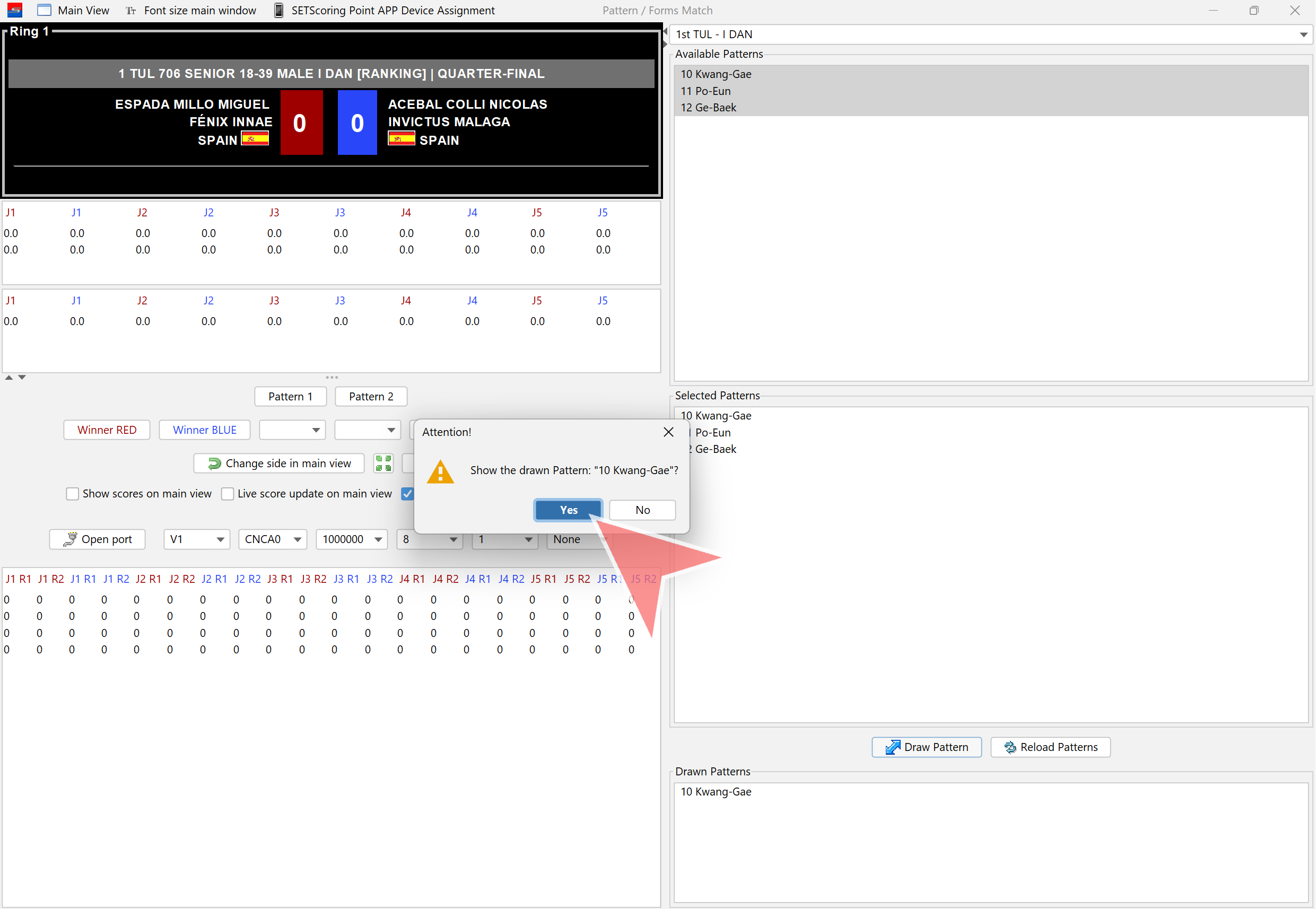
Confirm the drawn pattern. It will be displayed on the screen once „Yes“ is clicked.
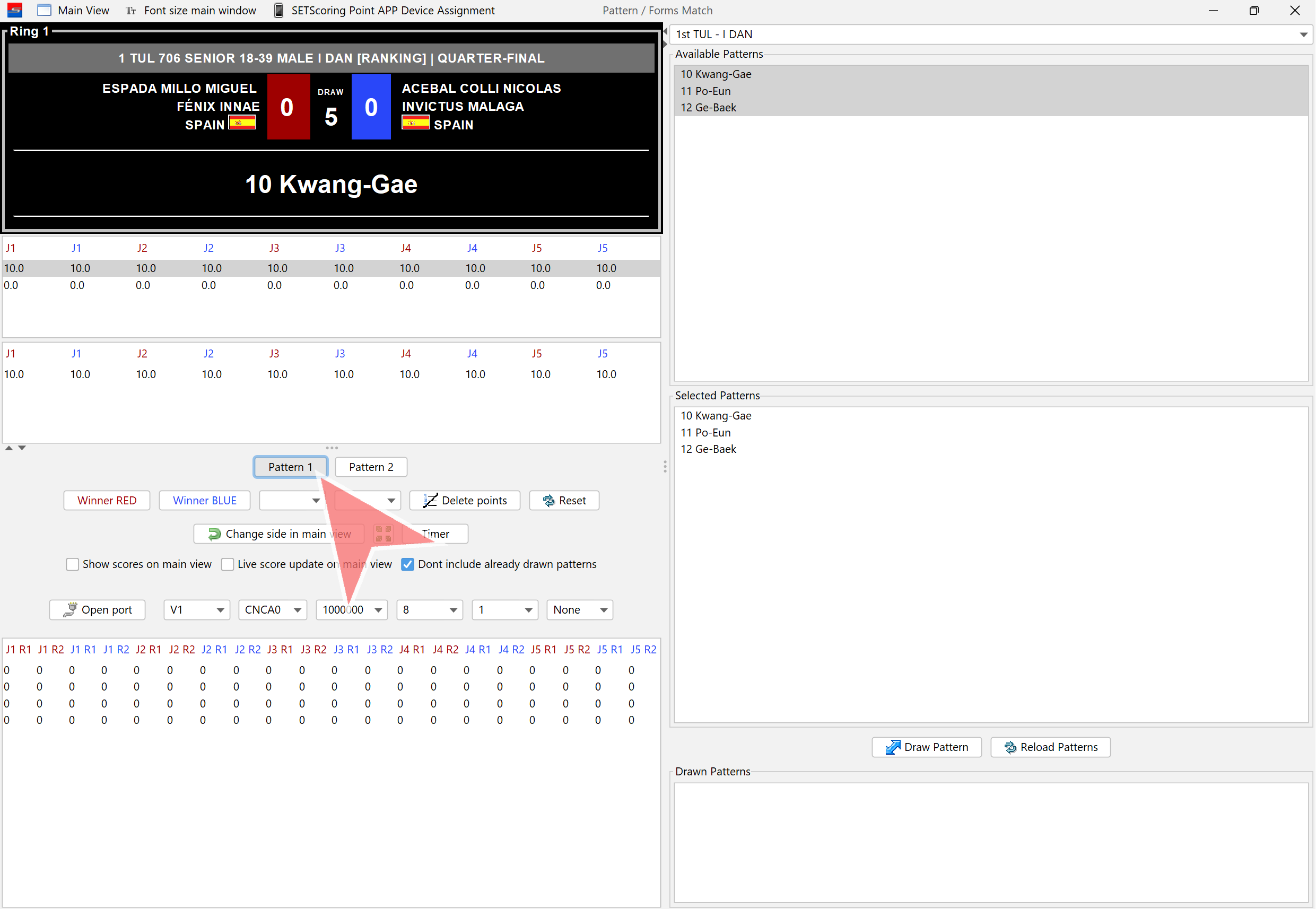
Click on „Pattern 1“ to open scores window.
Judges are now able to start scoring.
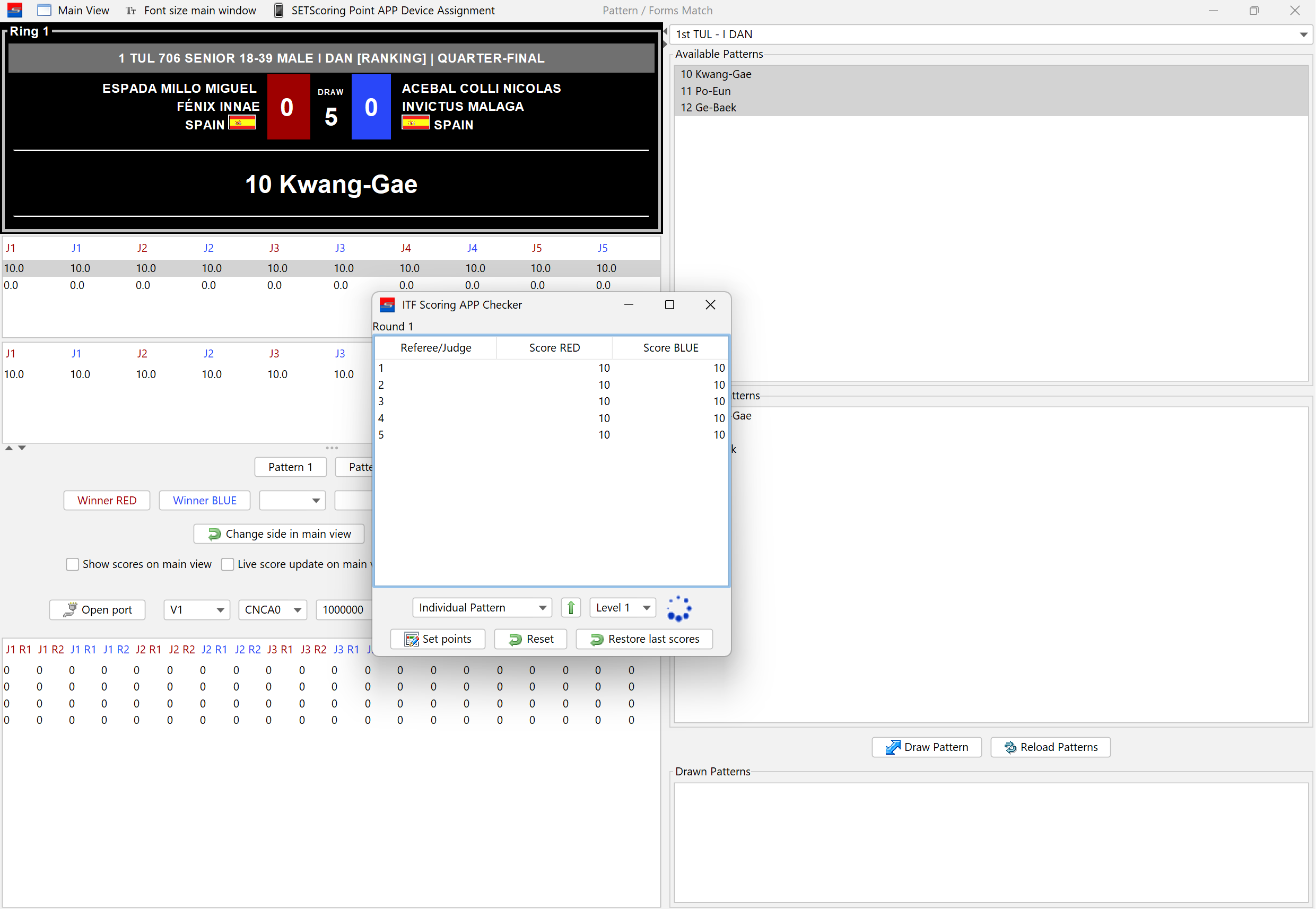
If there is only one level, click on „Set Points“ and close the window.
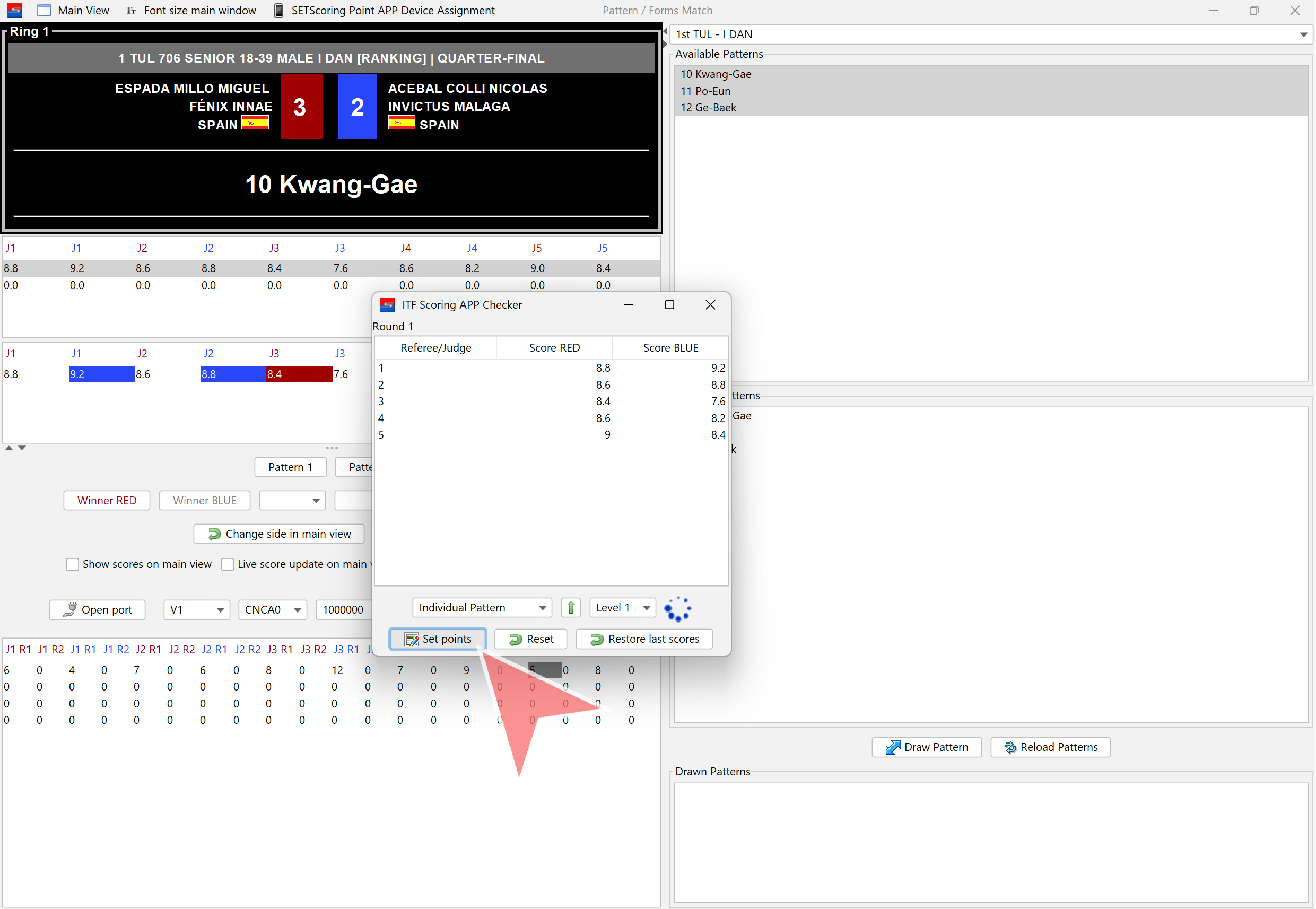
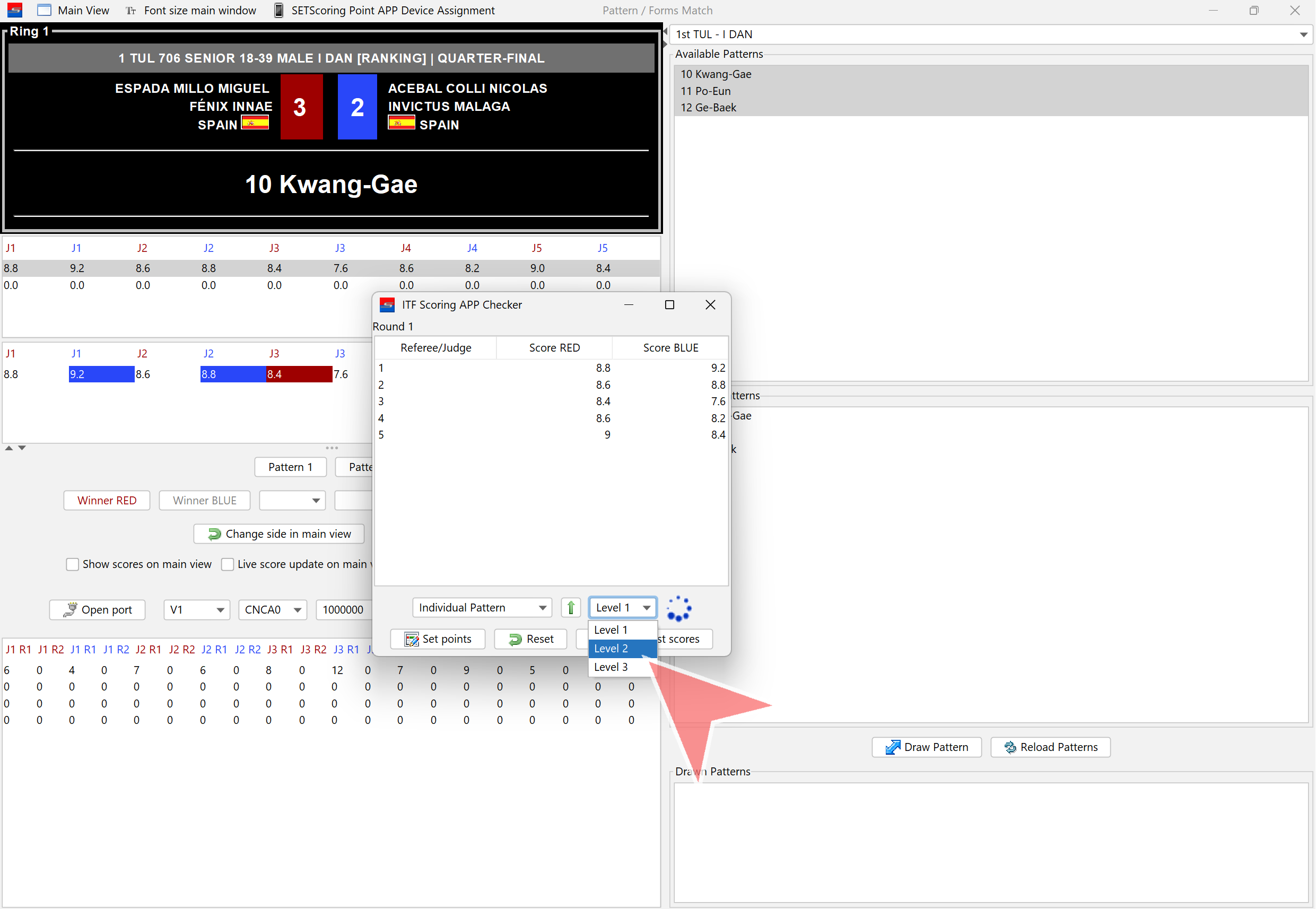
If there is more than one level, click on the dropdown menu and select the next level when the main judge indicates, after the pattern is completed.
Select the next level.
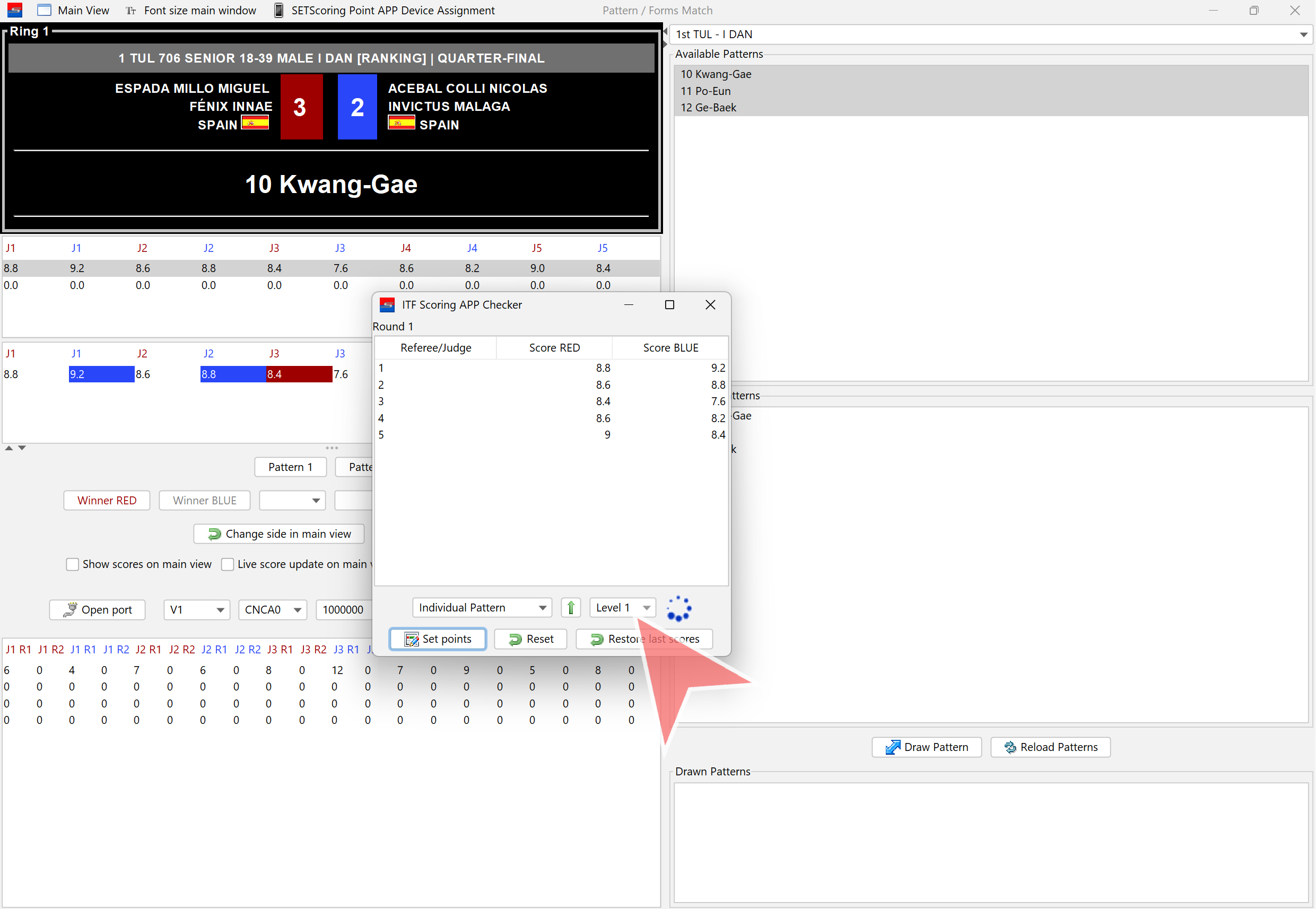
The green arrow can also be clicked to proceed to the next level.
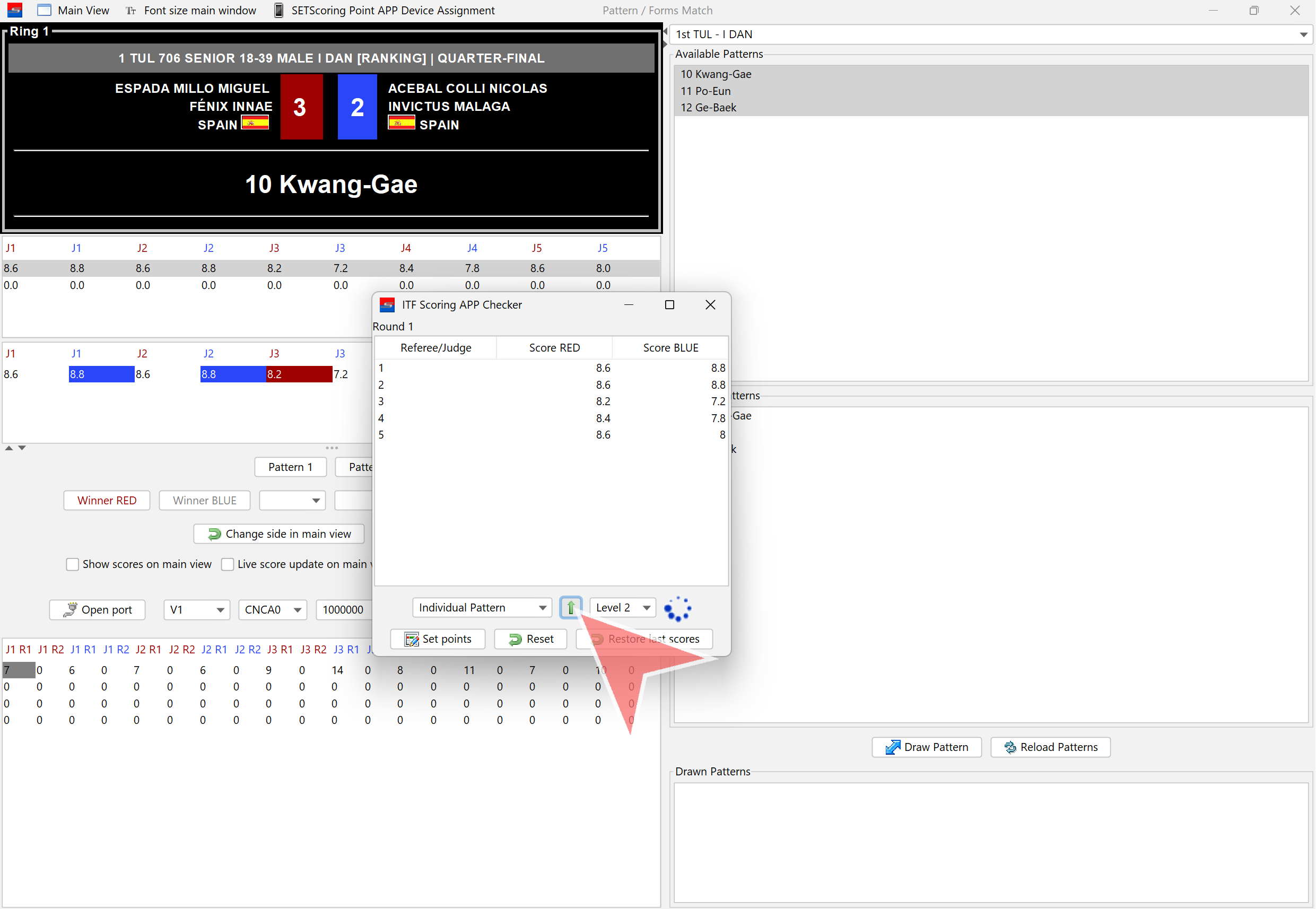
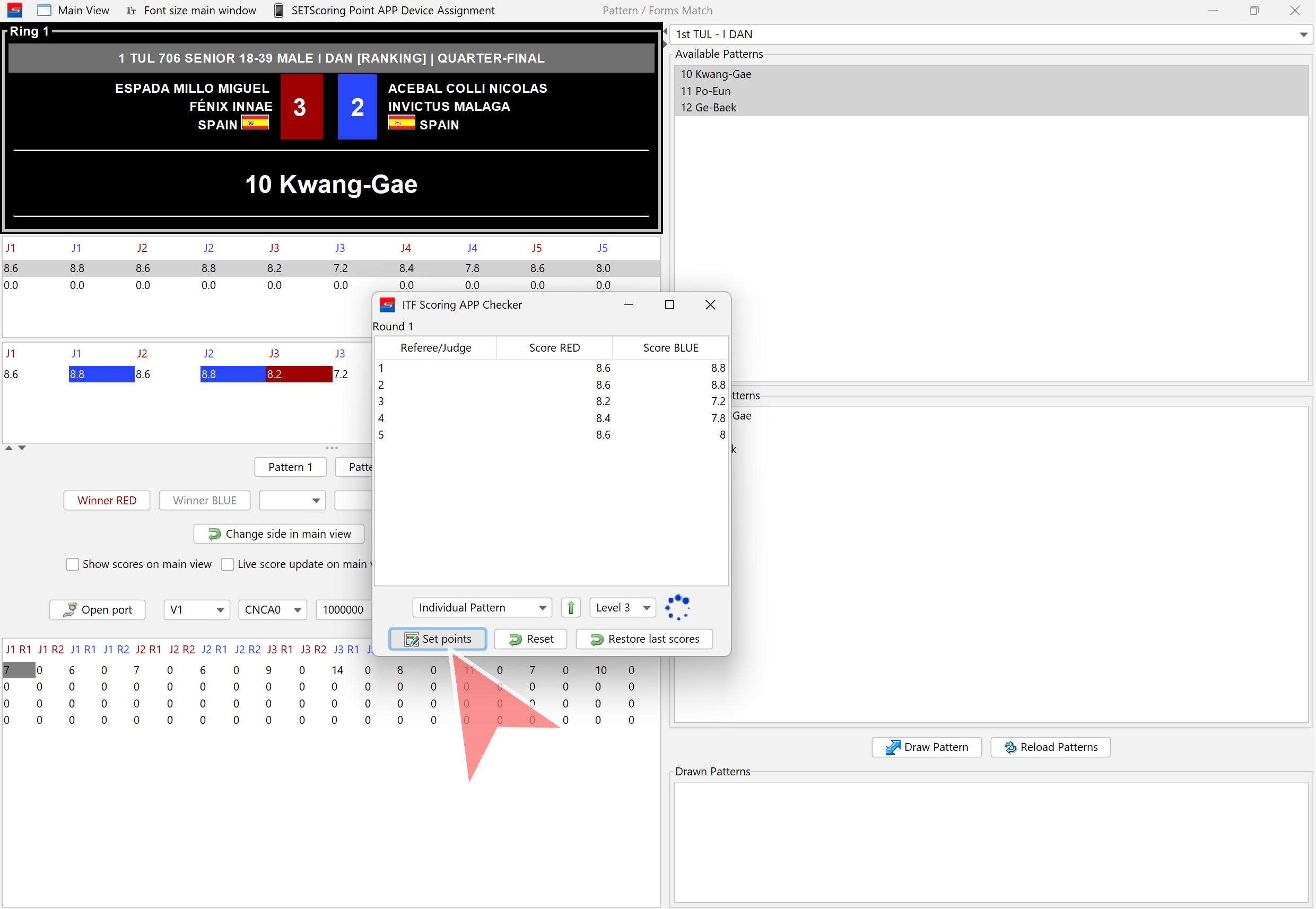
When scoring for Pattern 1 is finished, click on „Set Points“. The scores will then be displayed on the main screen.
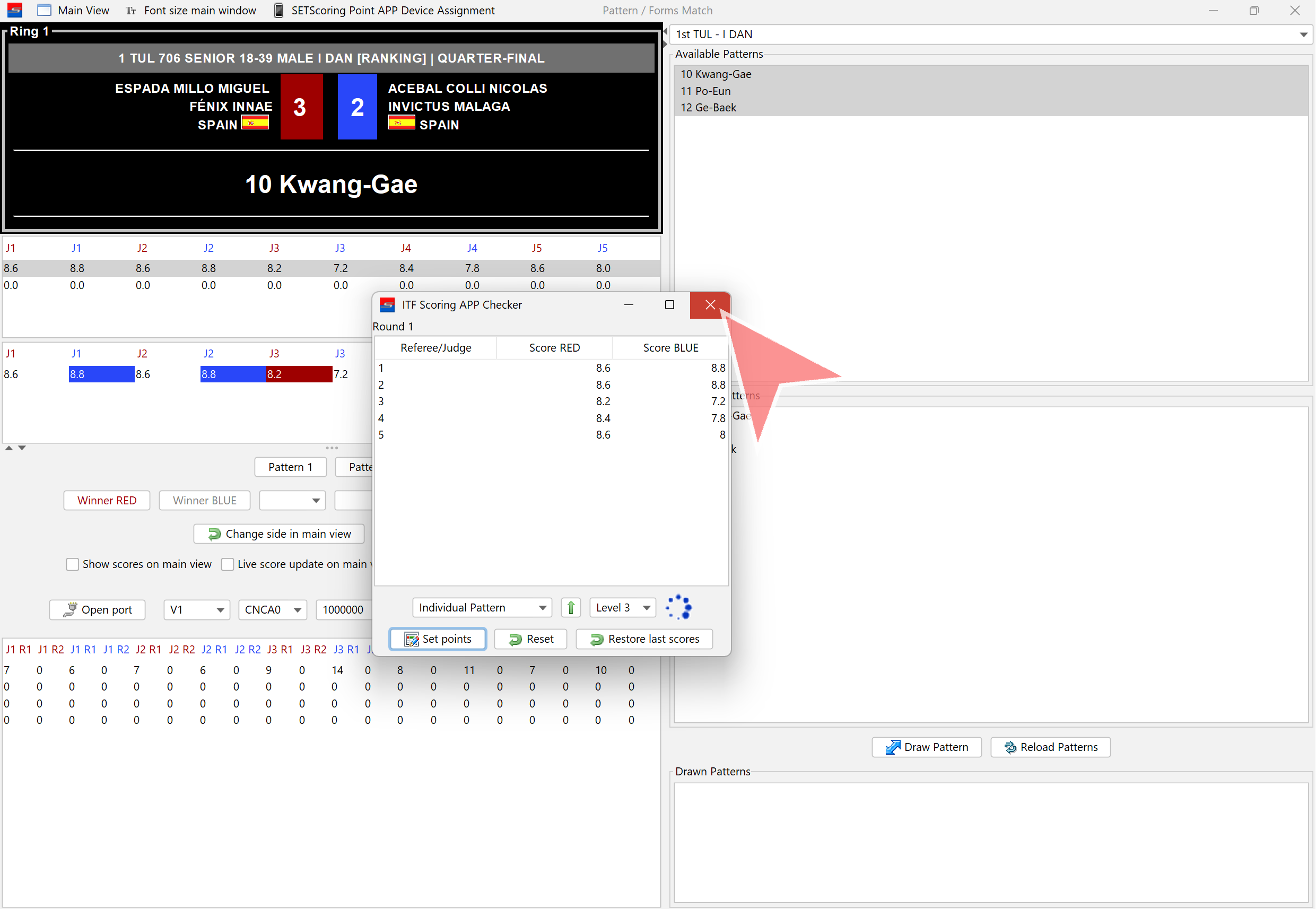
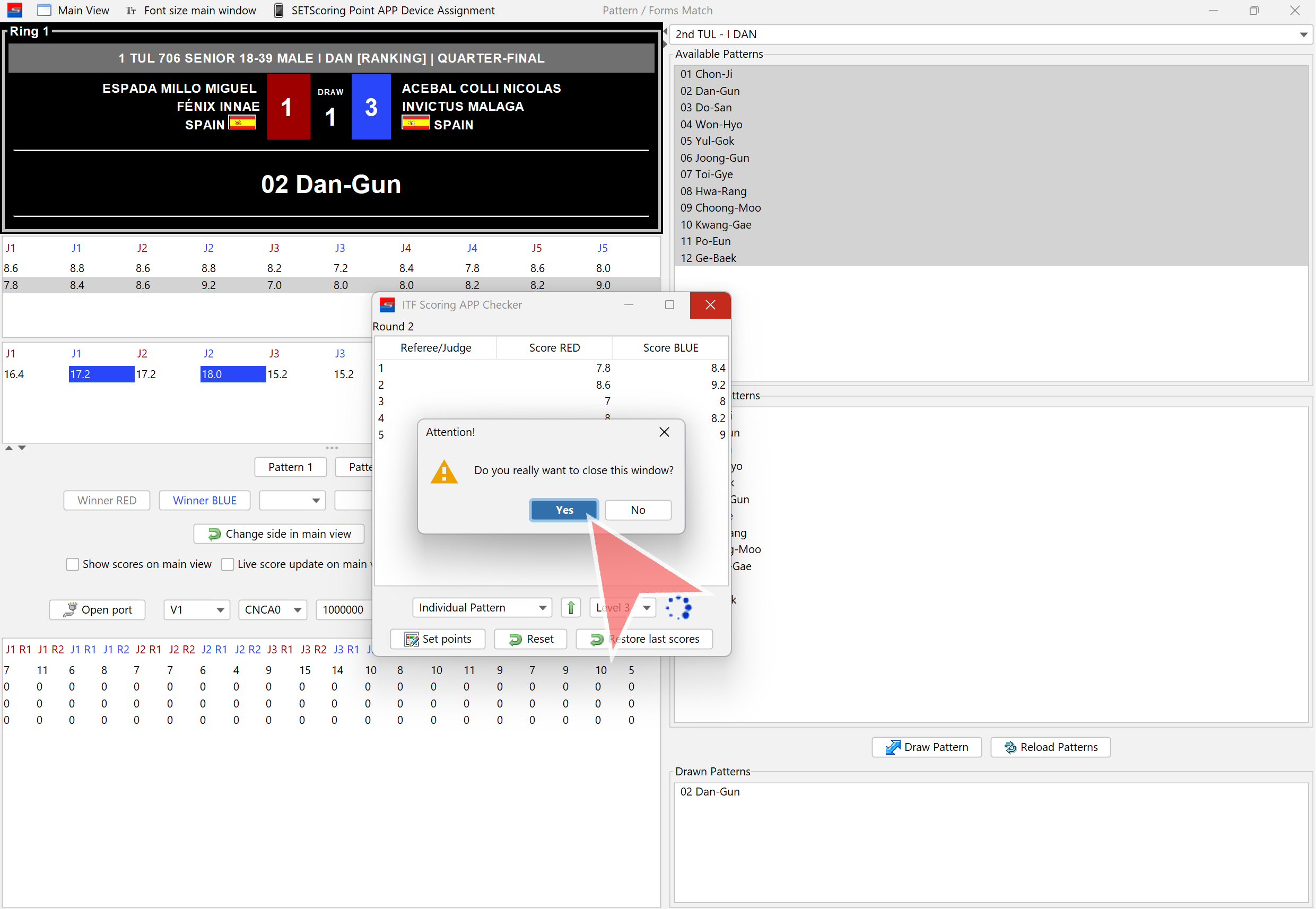
Close the window.
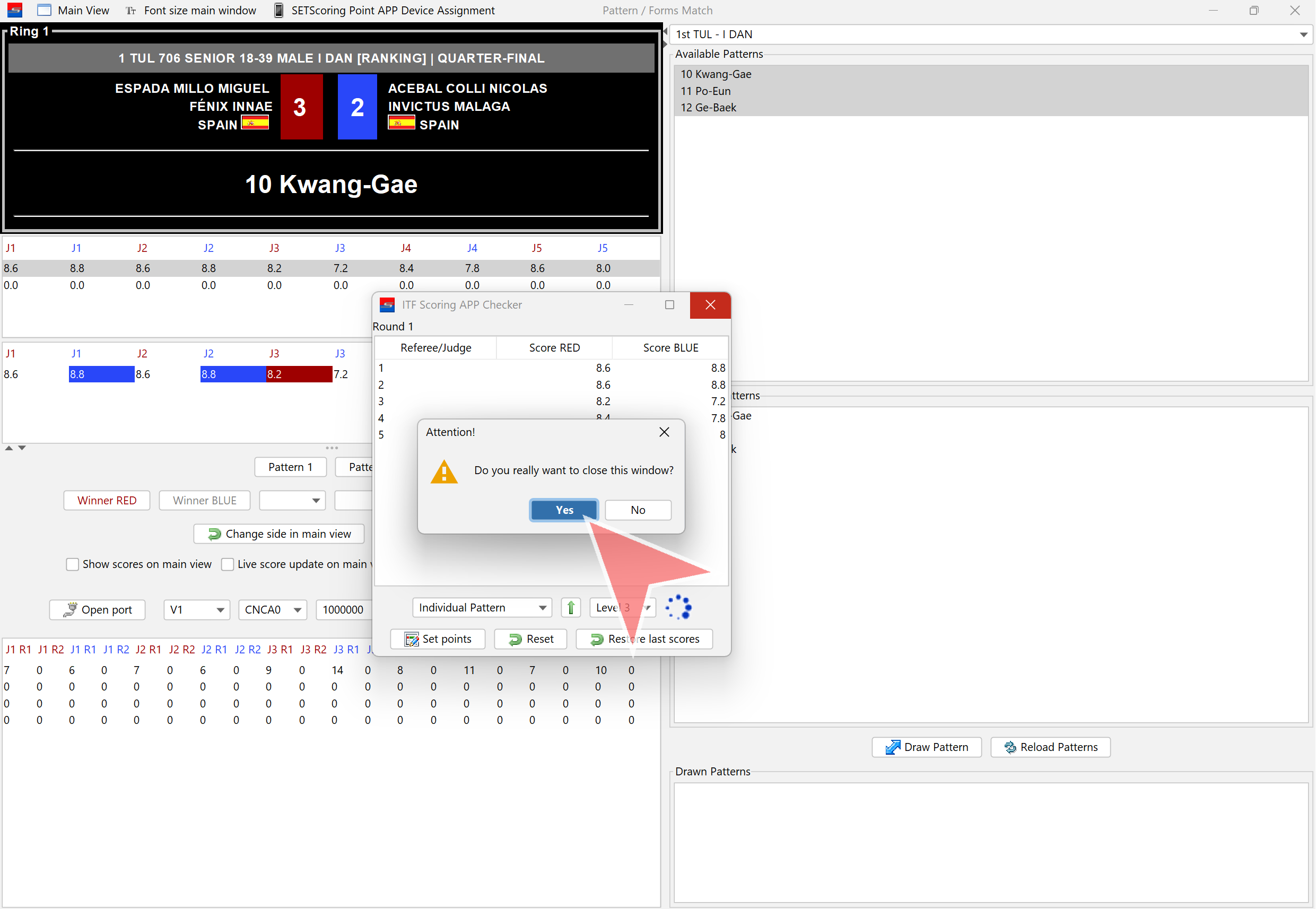
Confirm closing the window by clicking „Yes“.
Pattern 2
Click on the pre-selected patterns dropdown.
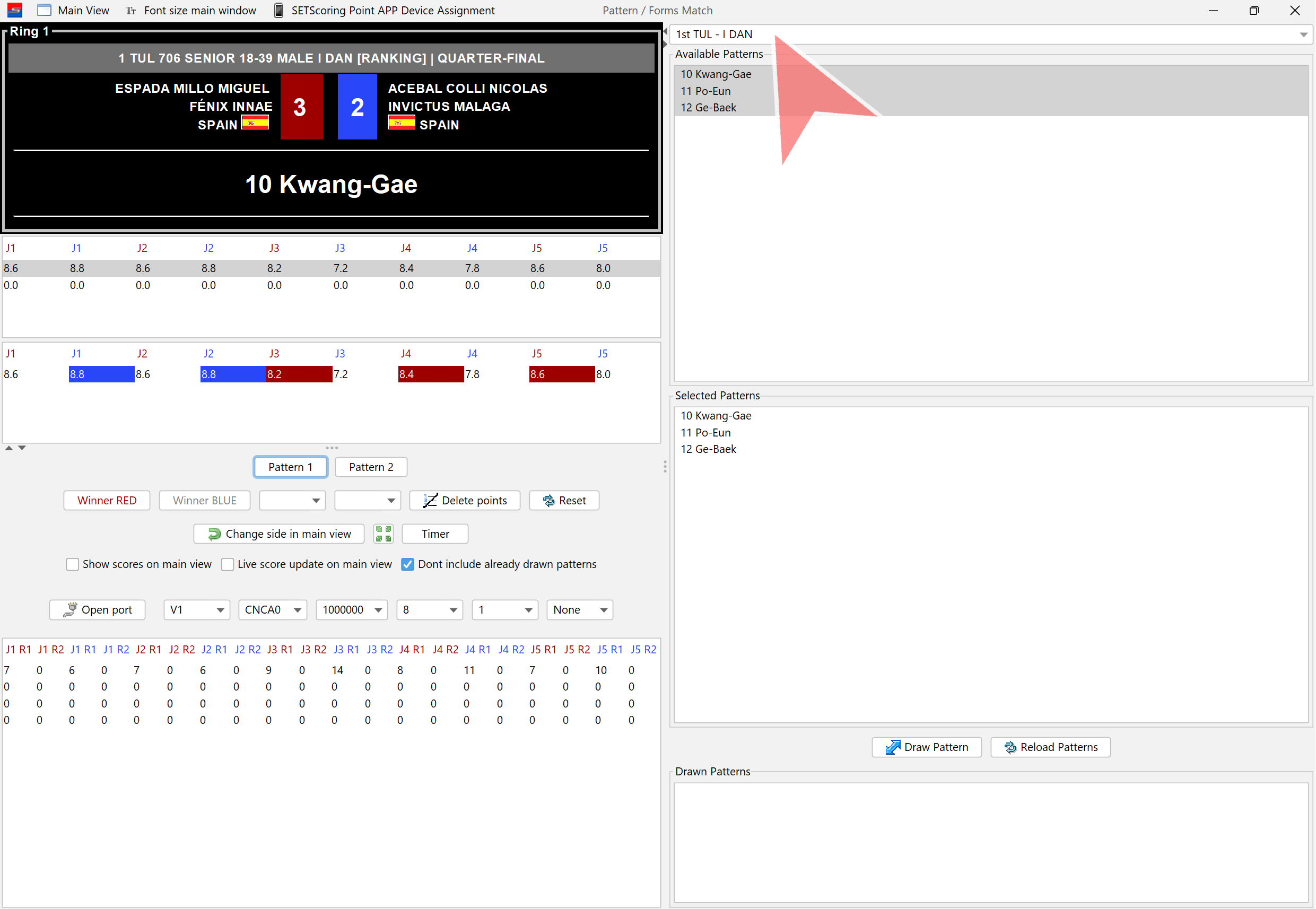
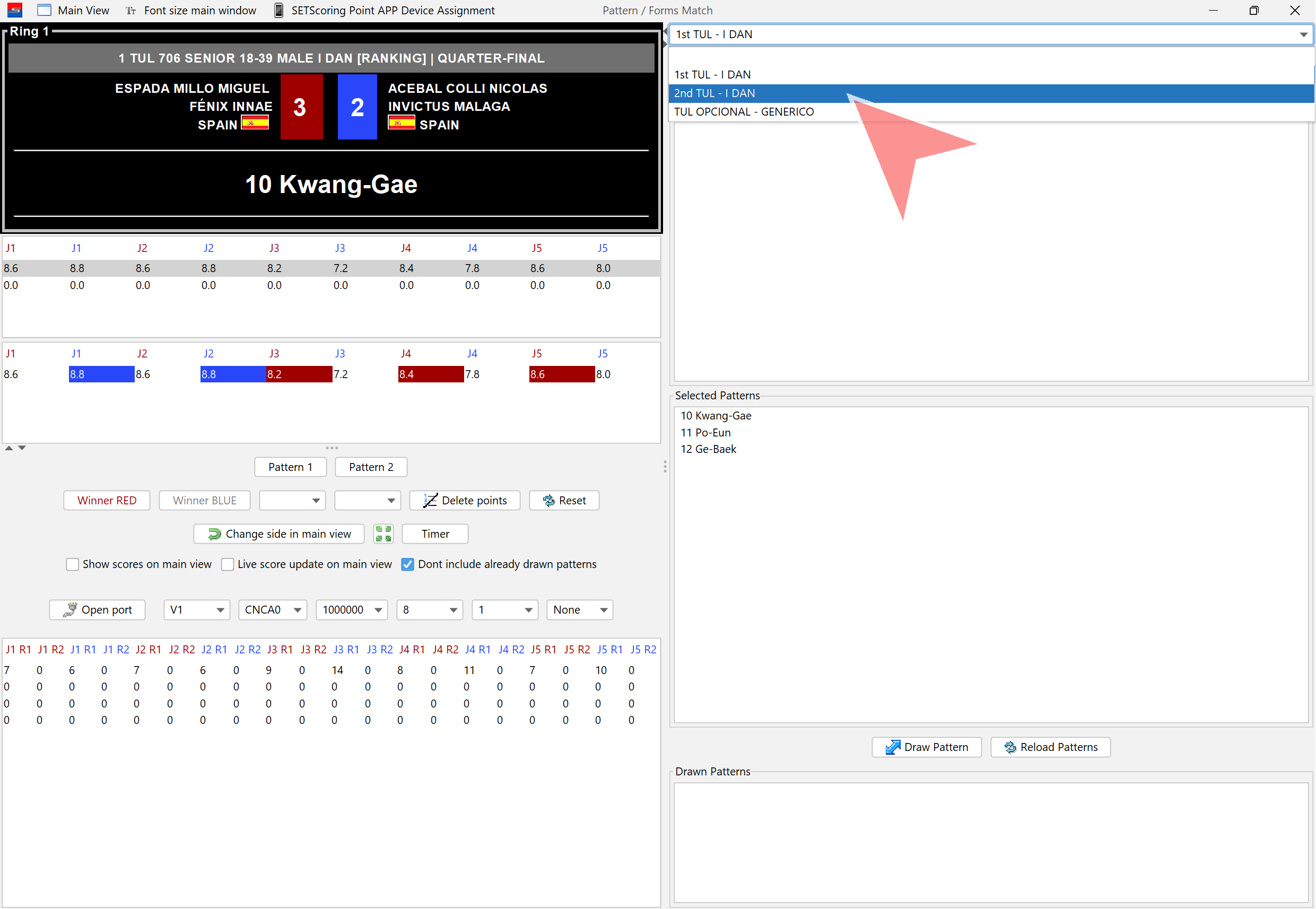
Select Pattern 2 or manually choose patterns to randomly draw the next one to be performed.
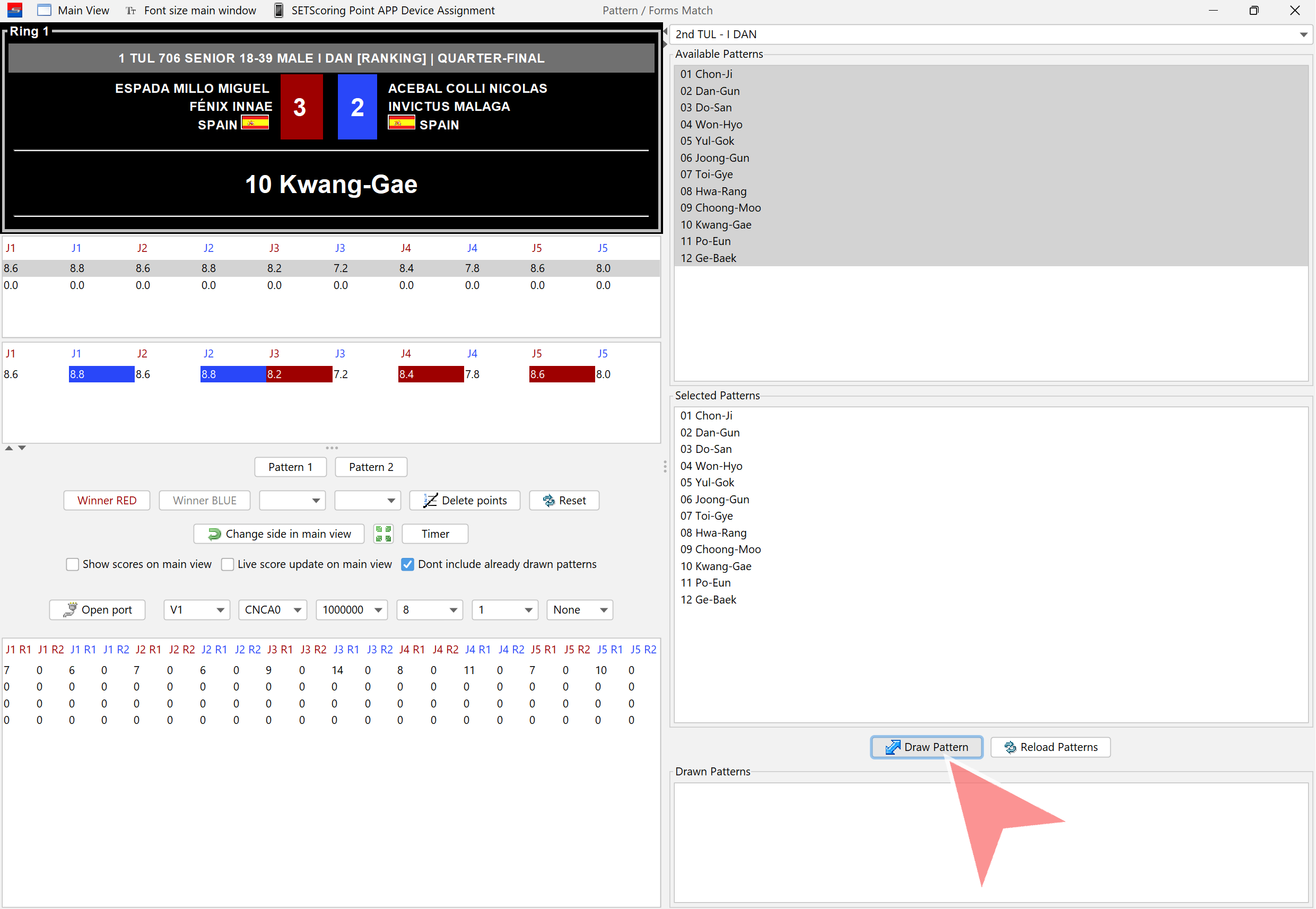
Click on „Draw Pattern“. A pattern that has already been drawn will not be included in this draw.
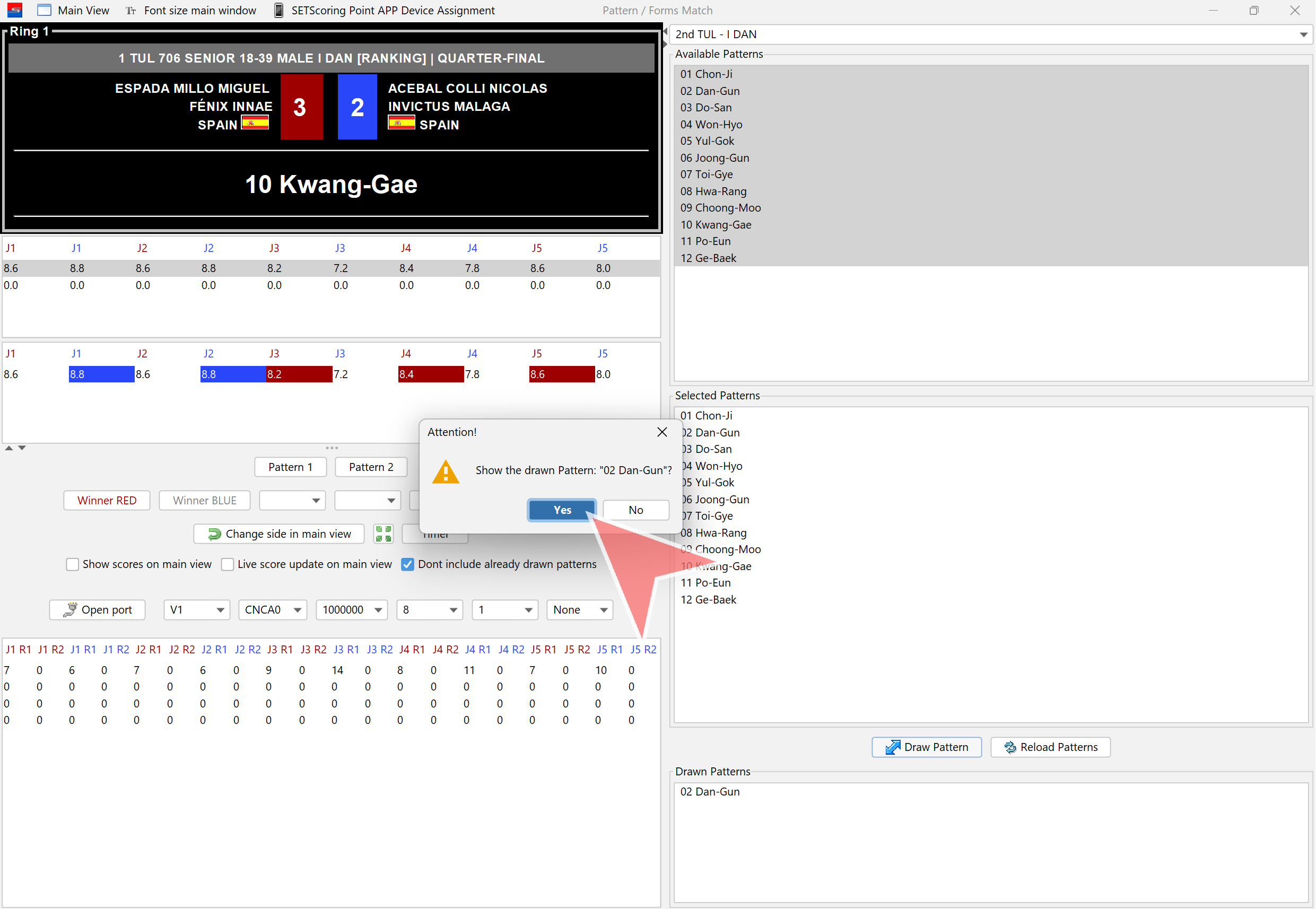
Confirm Pattern 2. It will be displayed on the screen once „Yes“ is clicked.
Click on „Pattern 2“ to open the scores window.
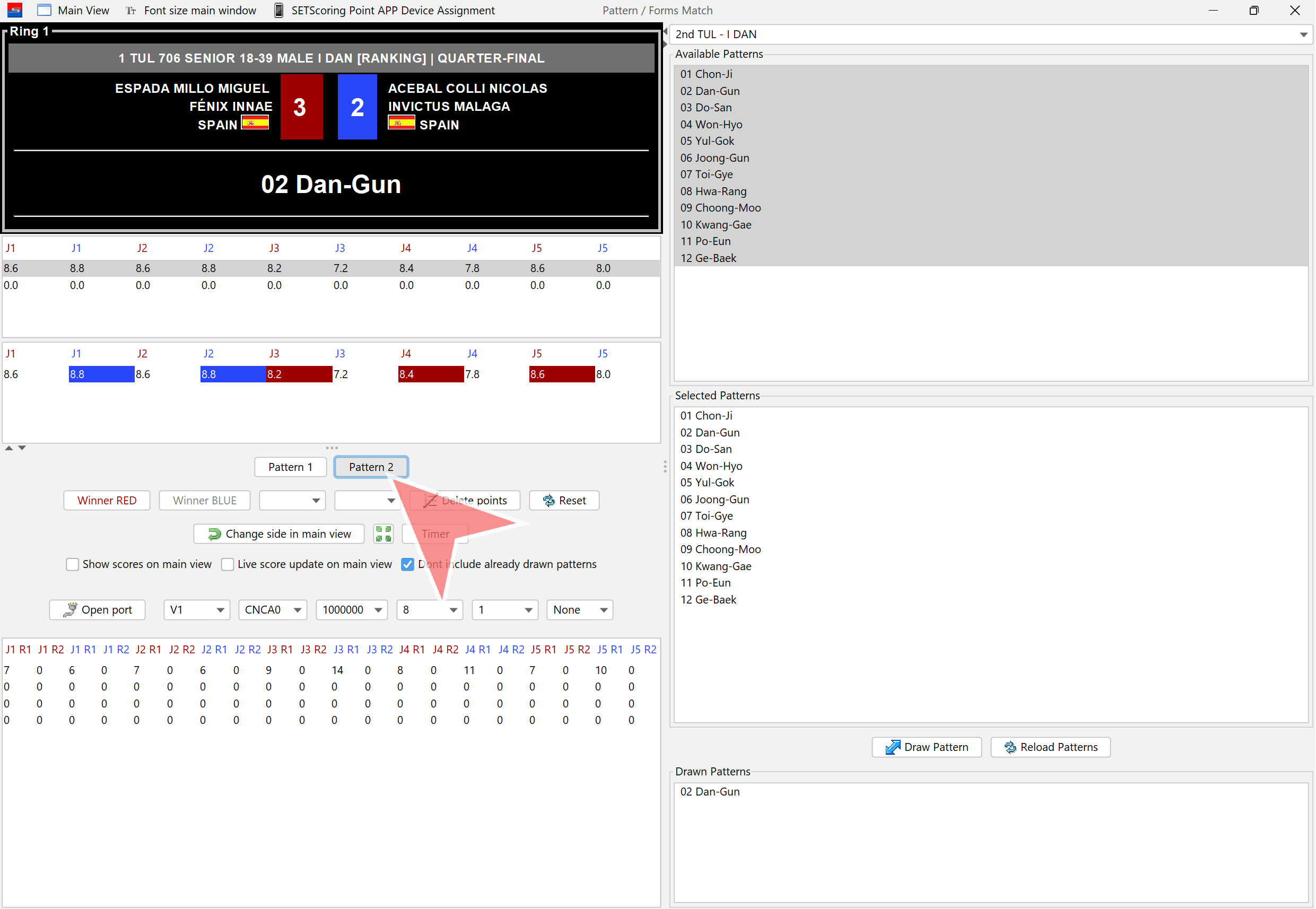
Click on the „Next Level“ button when moving to the next level.
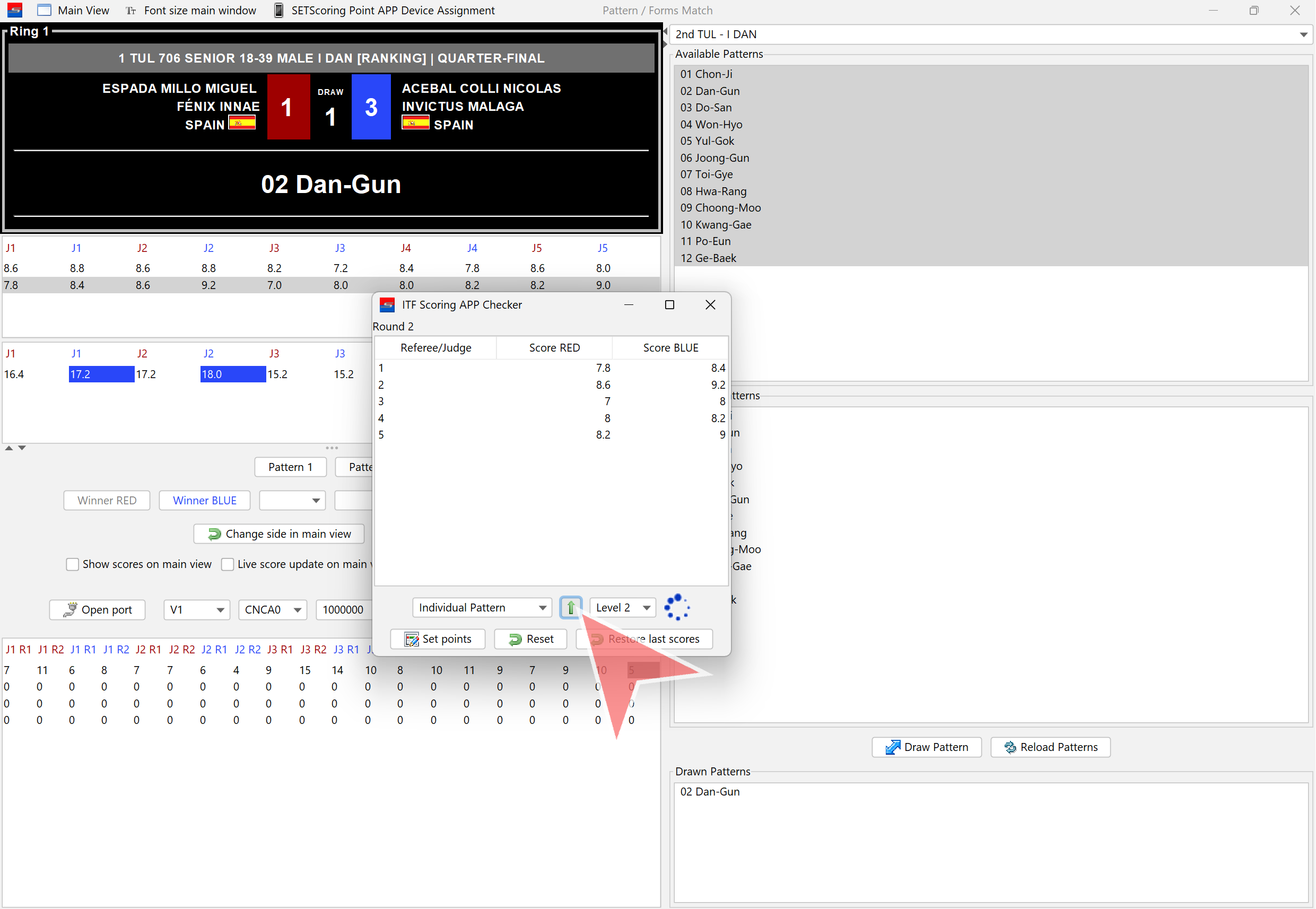
When scoring for Pattern 2 is finished, click on „Set Points“. The scores will then be displayed on the main screen.
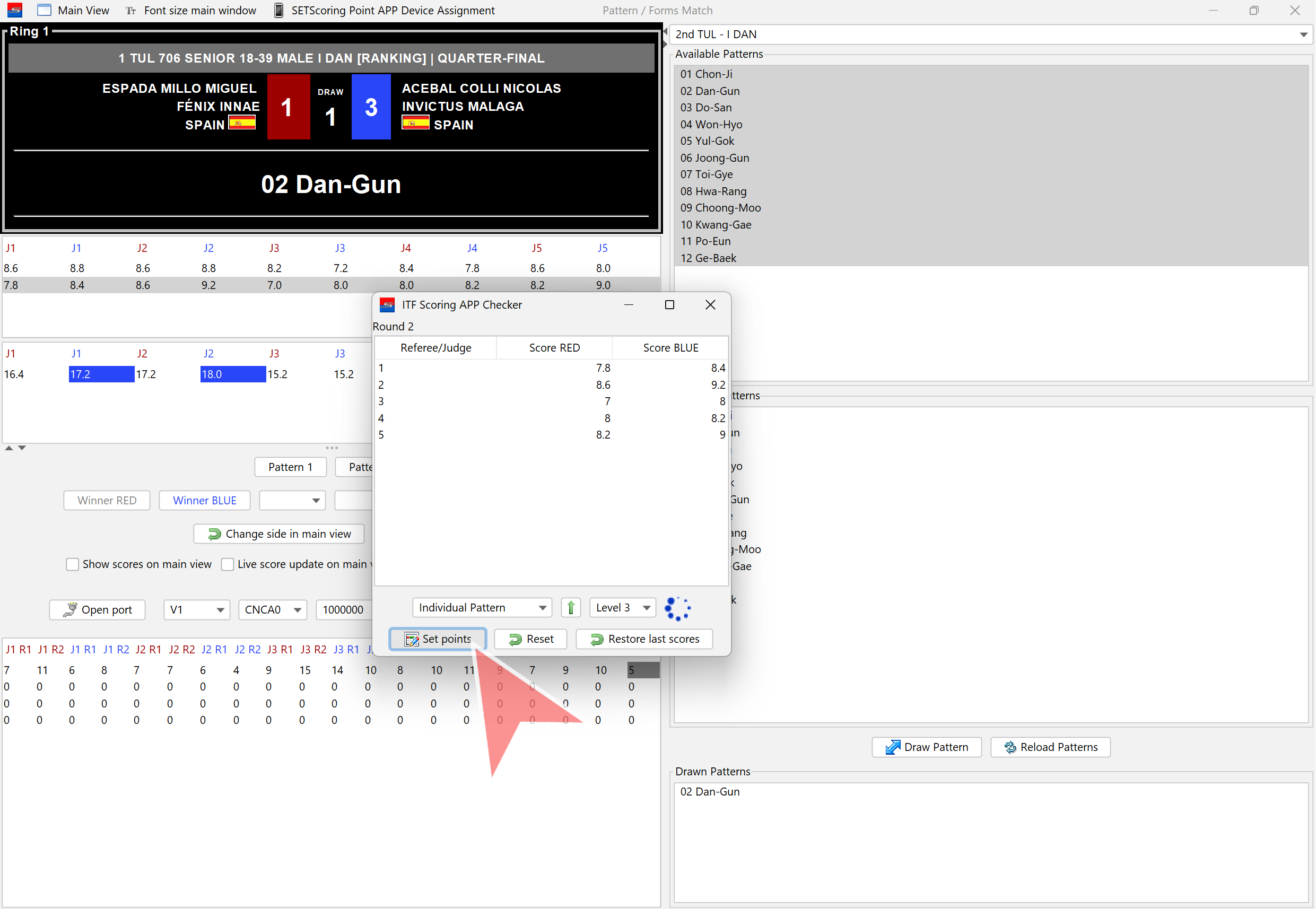
Close the Pattern 2 scores window.
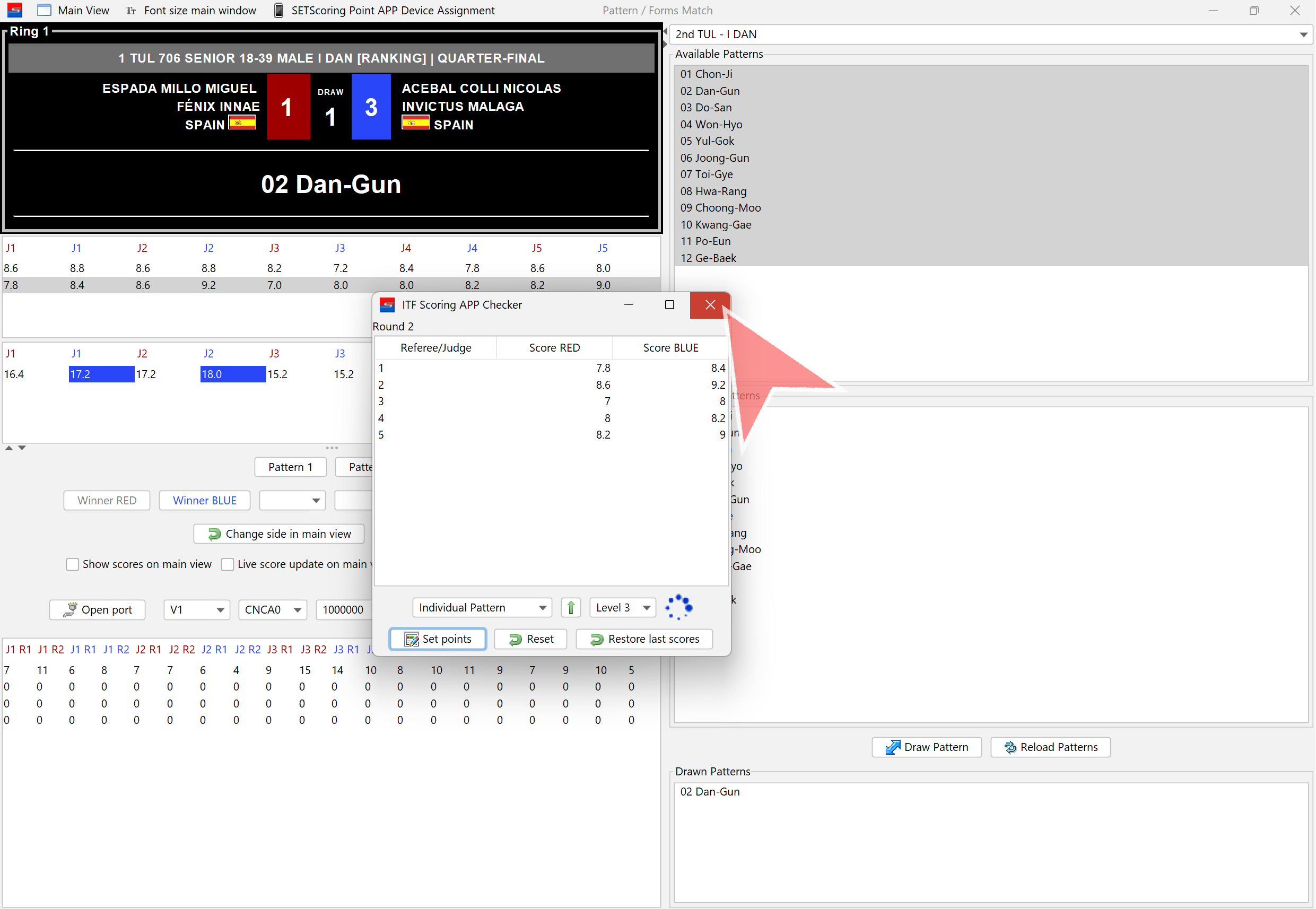
Confirm closing the window by clicking „Yes“.
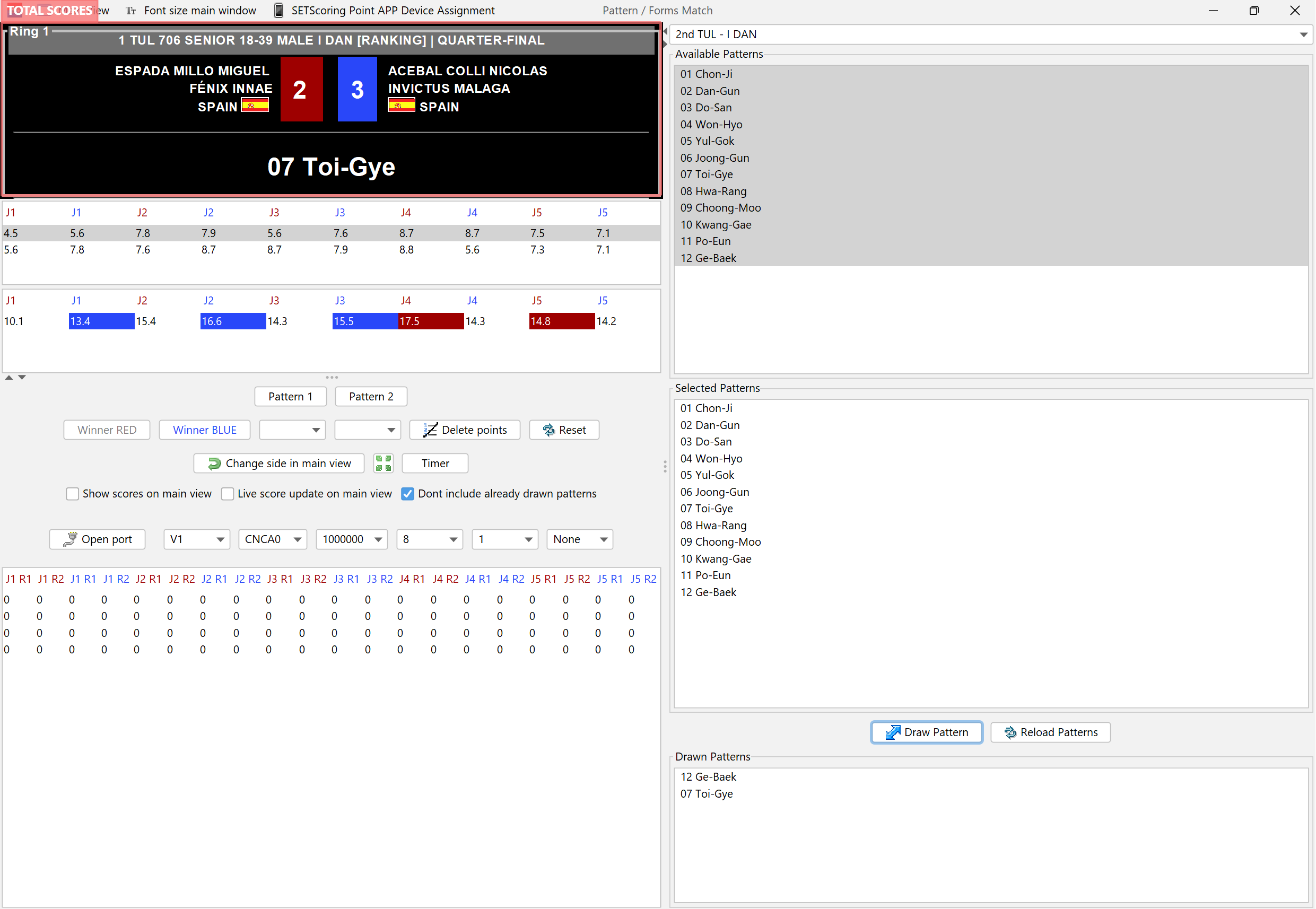
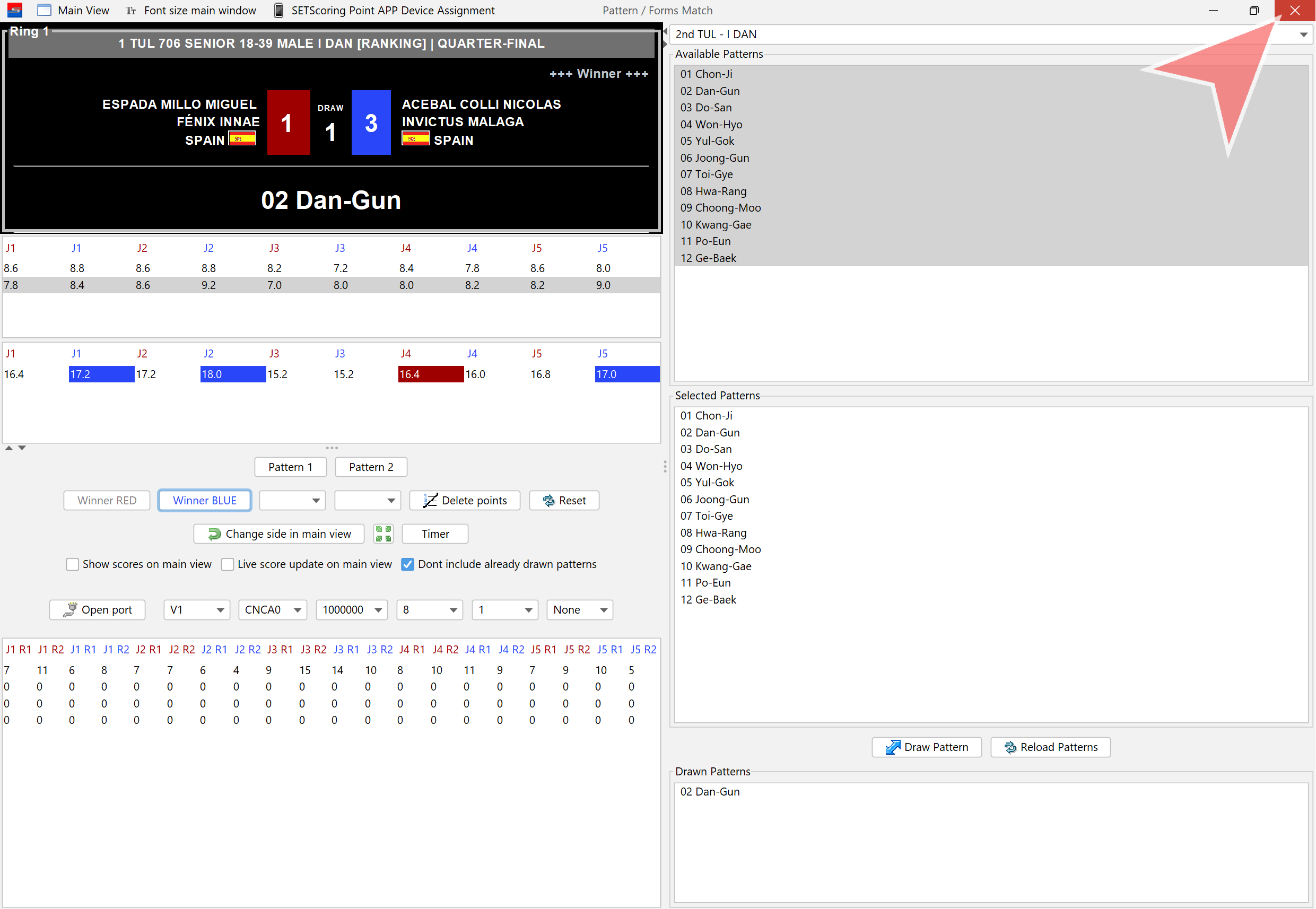
Total scores: Each score is the result from a judge, calculated by summing up the scores from both patterns.
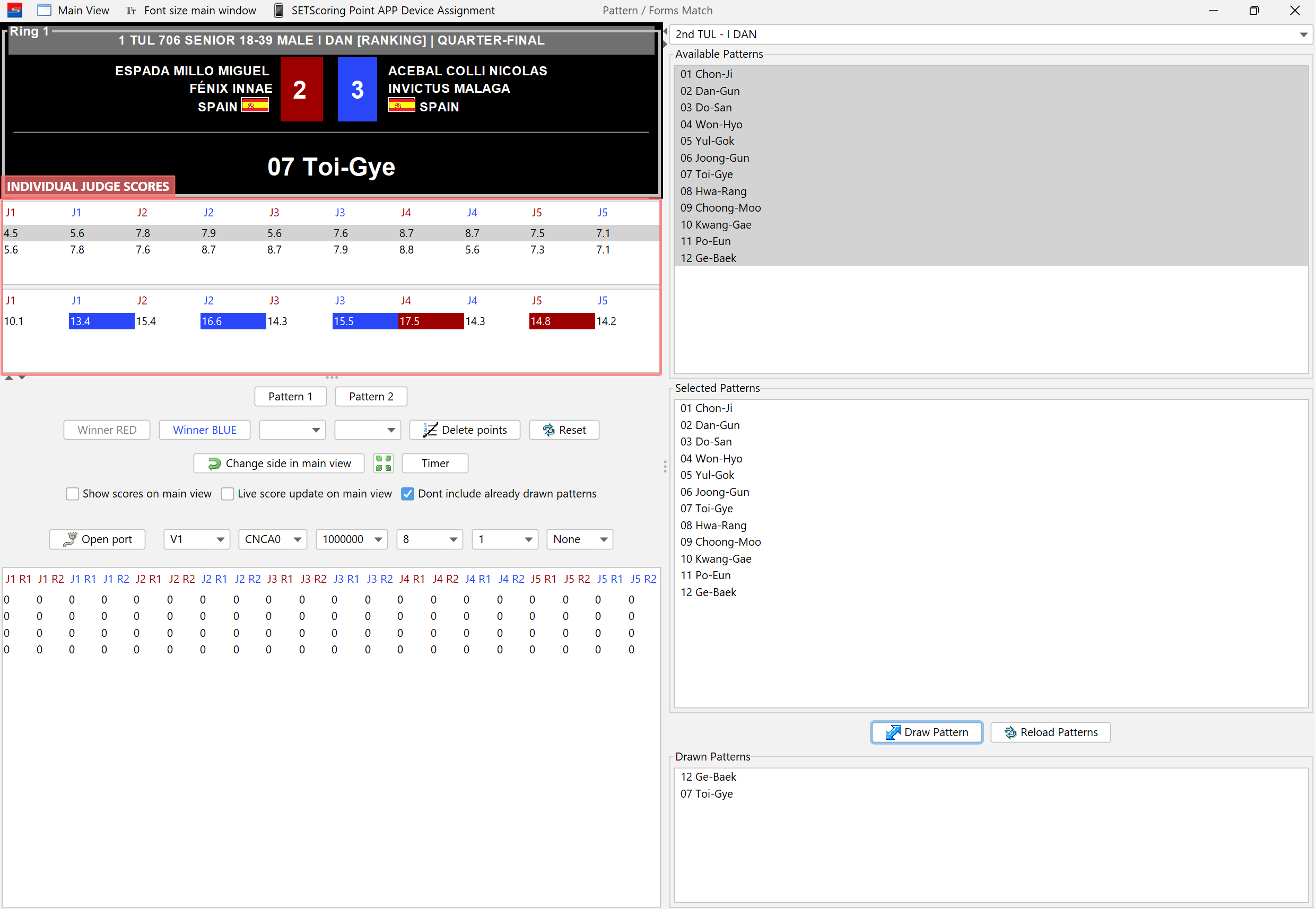
Individual scores from each judge for each pattern are displayed. The last row shows the total scores.
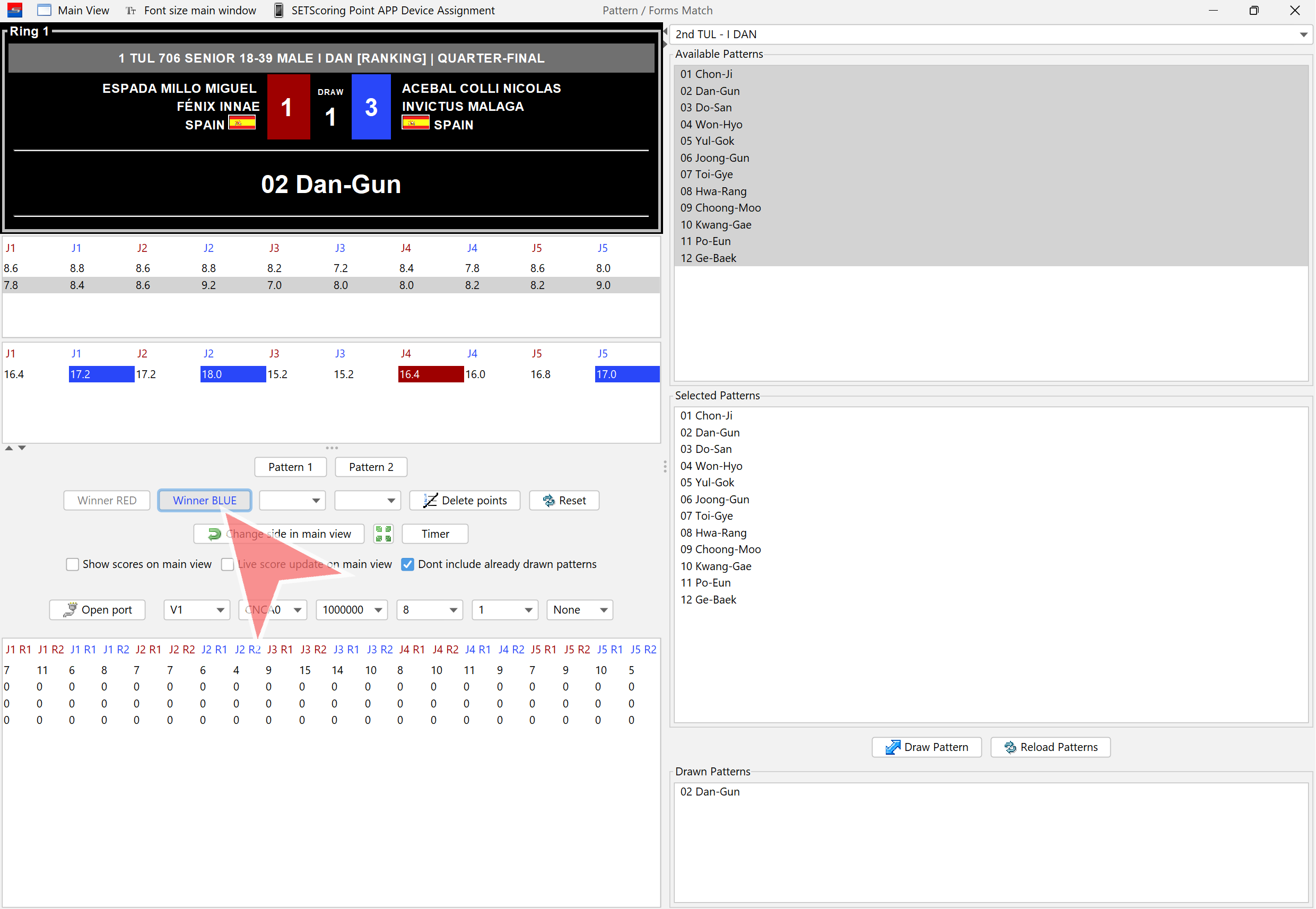
Click on „Winner RED“ or „Winner BLUE“ to save the winner.
Close the match.
Open the next match and start again.