
Judo is a dynamic martial art and Olympic combat sport where accurate scoring, penalty management, and precise timekeeping are essential for fair competition. Governed by the official International Judo Federation (IJF) rules, each match requires real-time management of scores, penalties, match time, and official decisions made by the referees.
The IJF Judo Point Panel and Scoreboard is a digital scoring solution designed to support operators in managing all aspects of a judo match. The software allows operators to control the scoreboard, update scores such as Waza-ari and Ippon, record penalties including Shidos, manage the match timer, and display official match information for referees, athletes, coaches, and spectators.
This guide provides an overview of the Judo Point Panel features and explains the key functions required to successfully manage professional IJF Judo competitions, from match setup and scoring inputs to time management and result confirmation.
Free Scoreboard – Interactive Demo
Download the SET OVR to get the free scoreboard or use our interactive demo to follow along with the article . First, select your operating system, then download the installer, and during the set up you can select SET Point Panel Kabaddi for just the scoreboard. If you want to also try our SET OVR click it as well and learn how to create entries, draws, draw records, timetables and more for free.
How to Operator Judo Scoreboard
Open Match
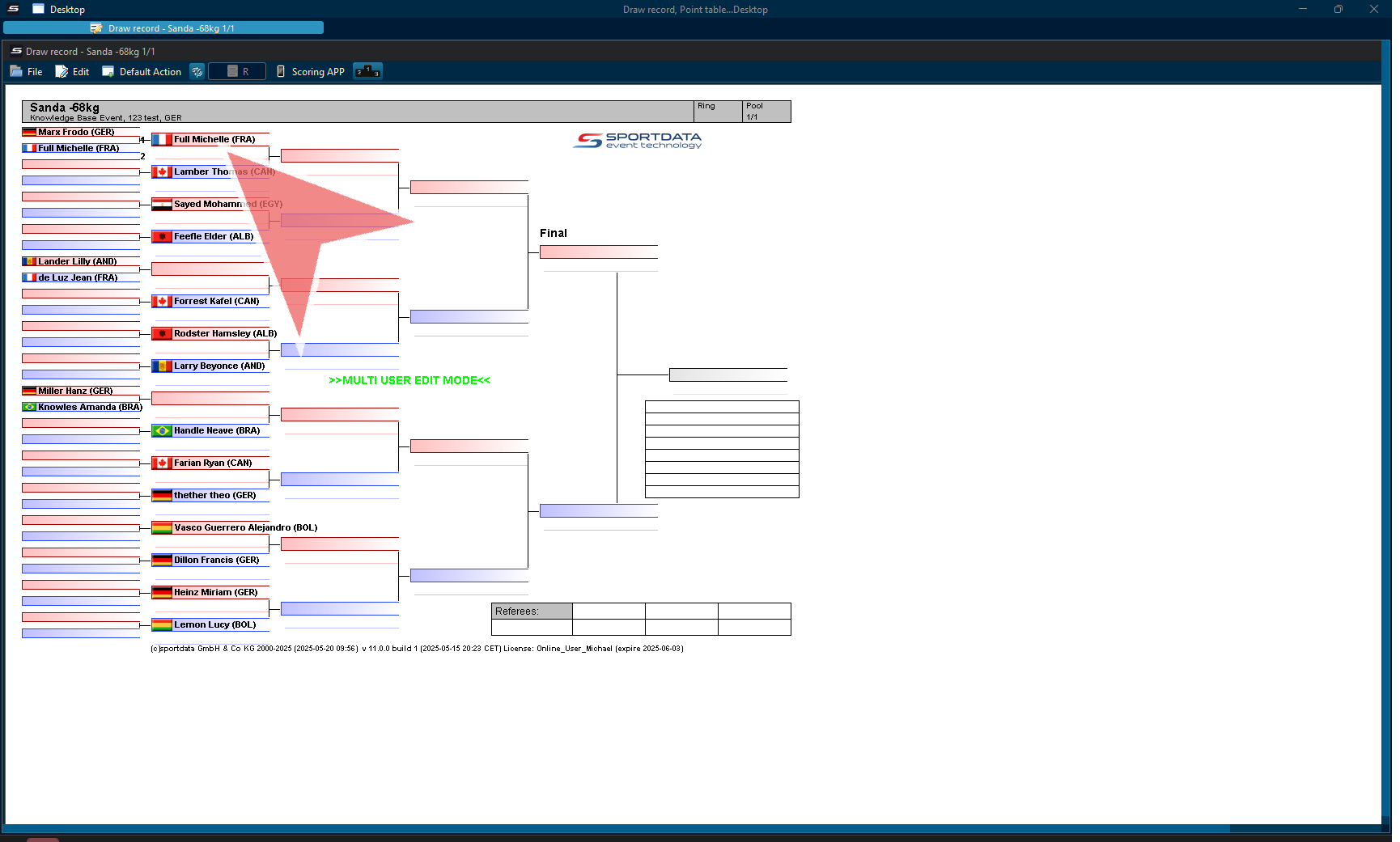
To get started, right-click on the match in the Draw record.
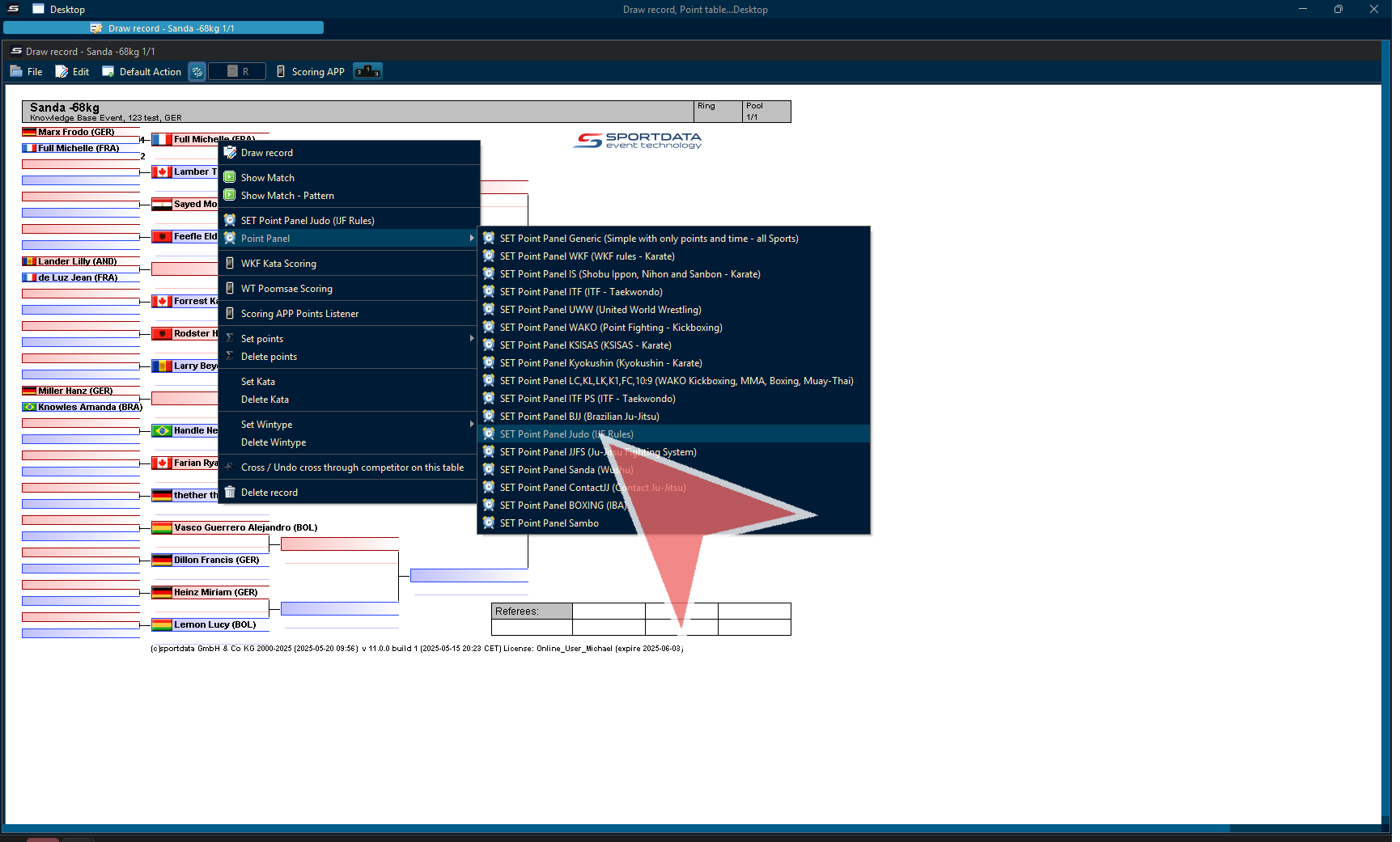
Go to point panel, and select the Judo option.
Tip: if these options don’t appear, instead a scoreboard automatically opens, then change the default action to draw record.
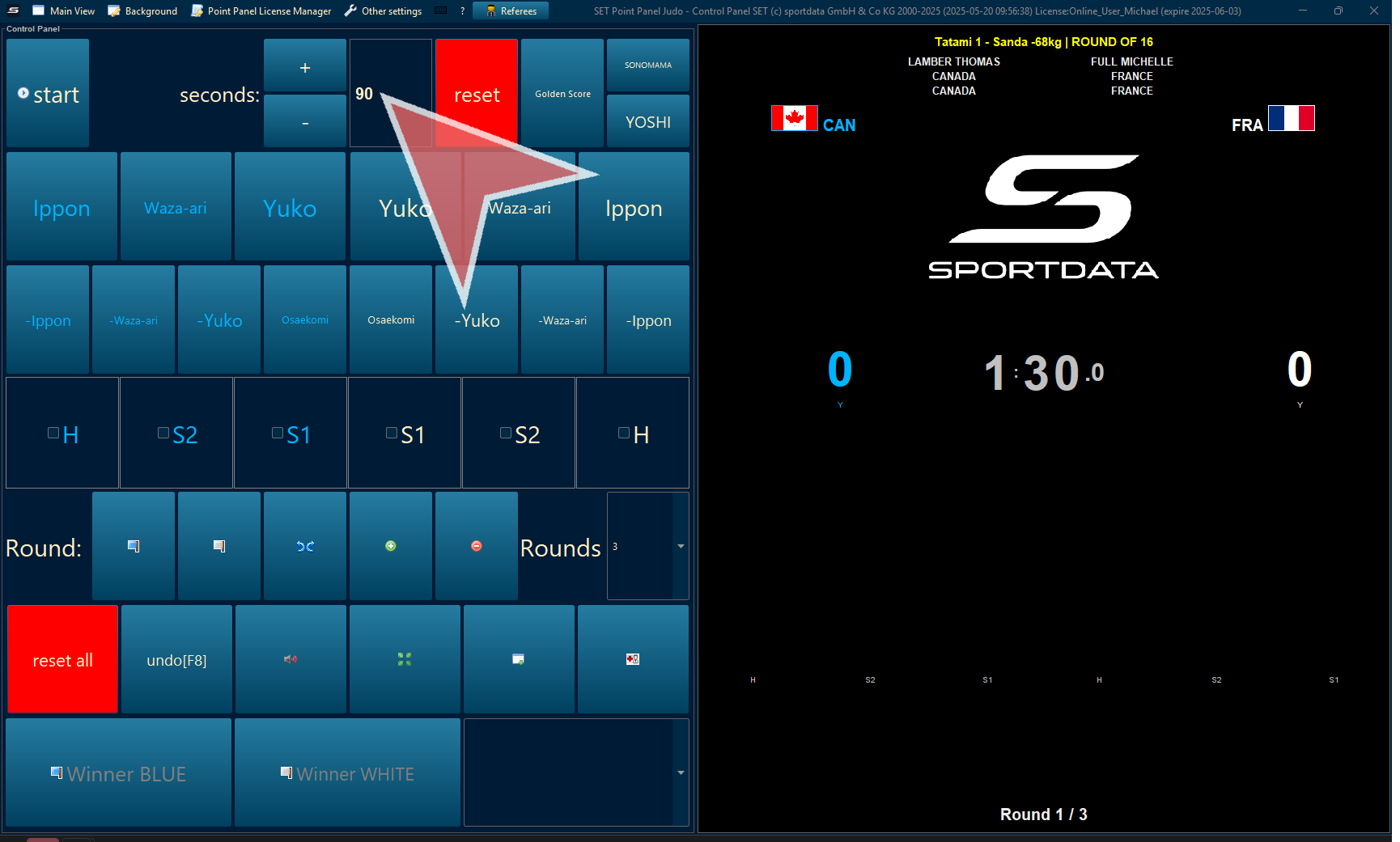
Judo Scoreboard
Continue clicking to proceed further.

Match Time
Change the default time in seconds if required, and press reset.
Reset All
Before each match, press reset all.
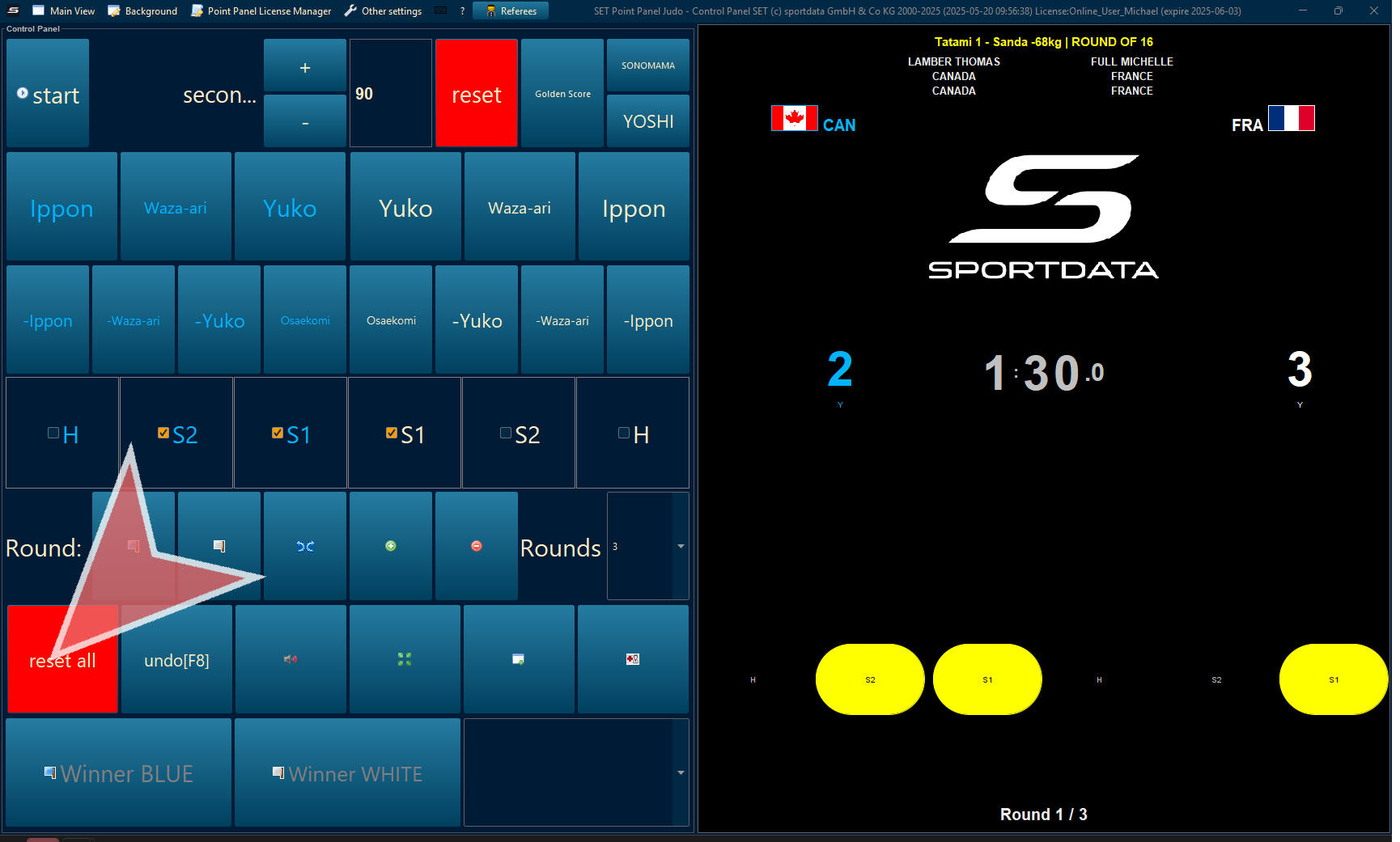
Match Time
Change the default time in seconds if required, and press reset.
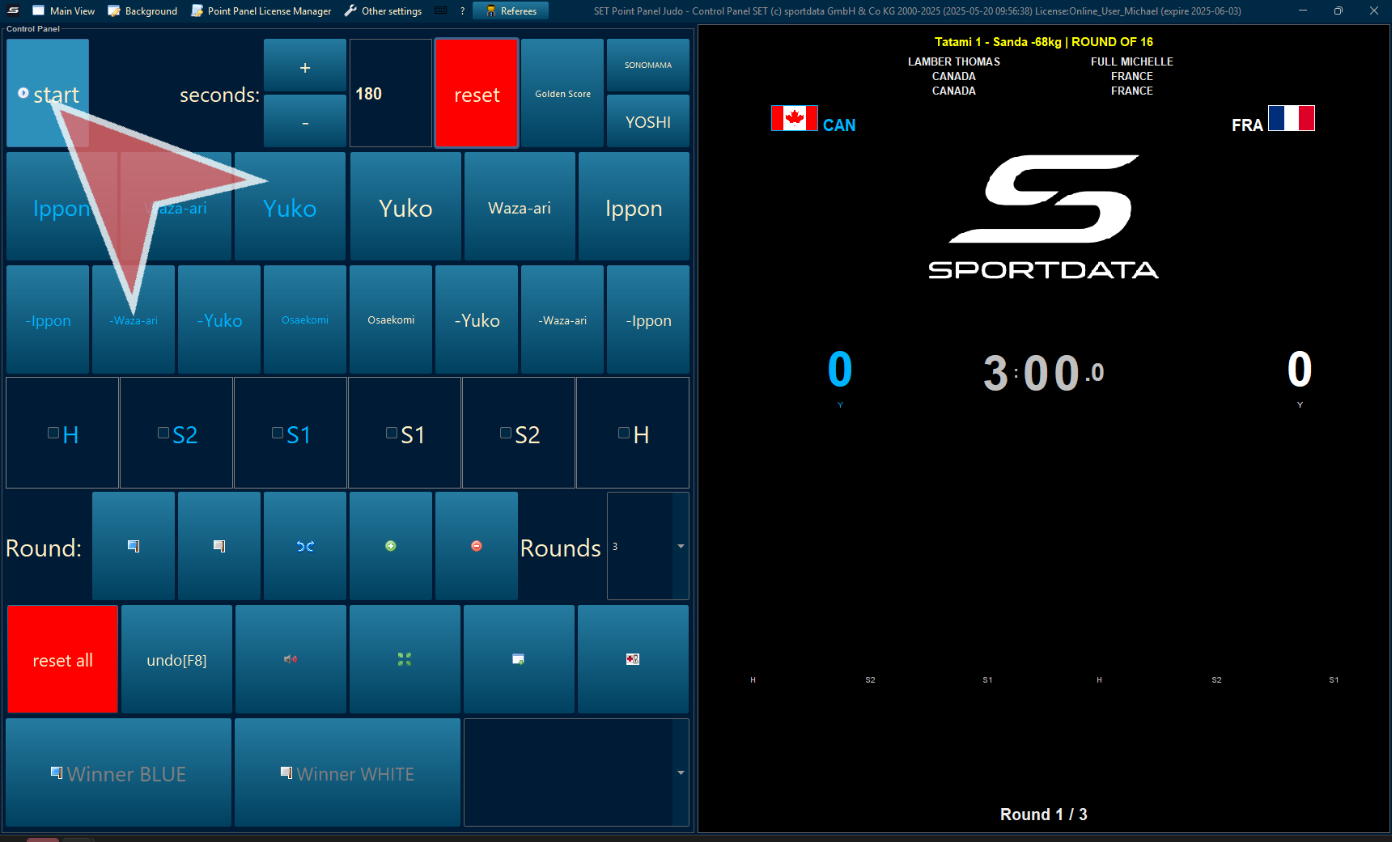
Start Match
click or tap the space bar to start and stop the time.
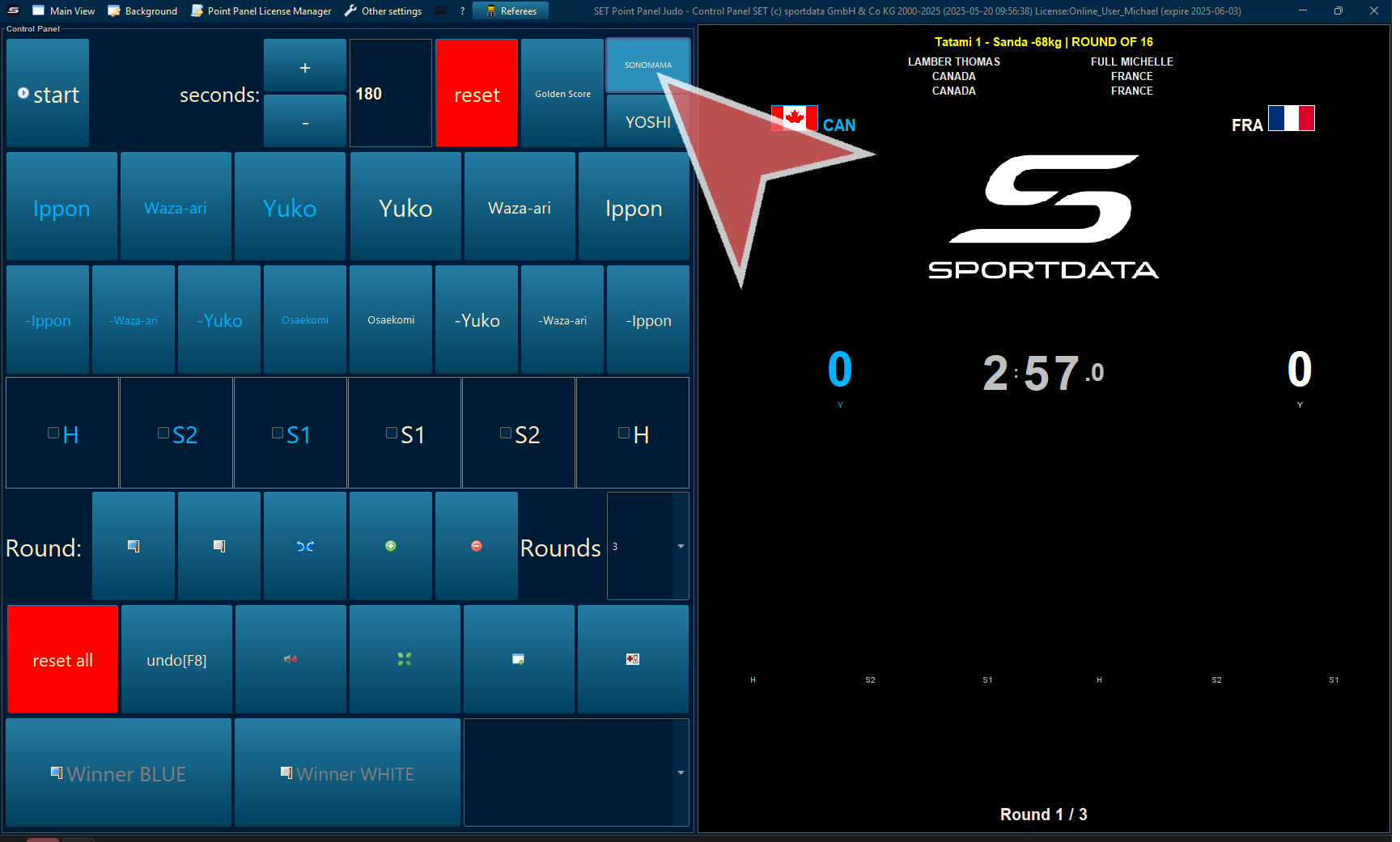
Sonomama
Press sonomama to stop and yoshi to stop and start the time.
Oseakomi
Click on the Oseakomi to start the timer.
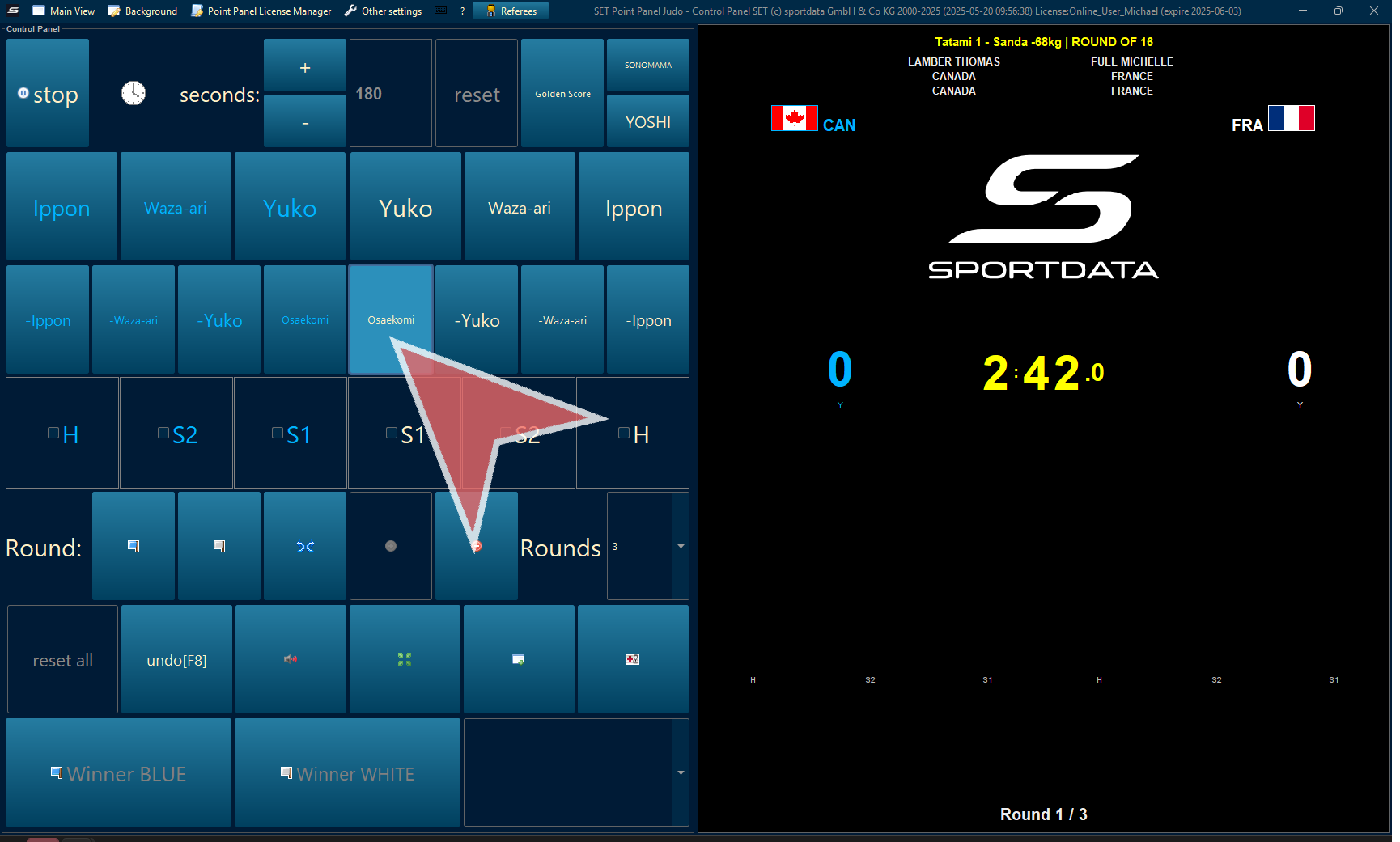
Oseakomi time will appear both in the point panel and the scoreboard.
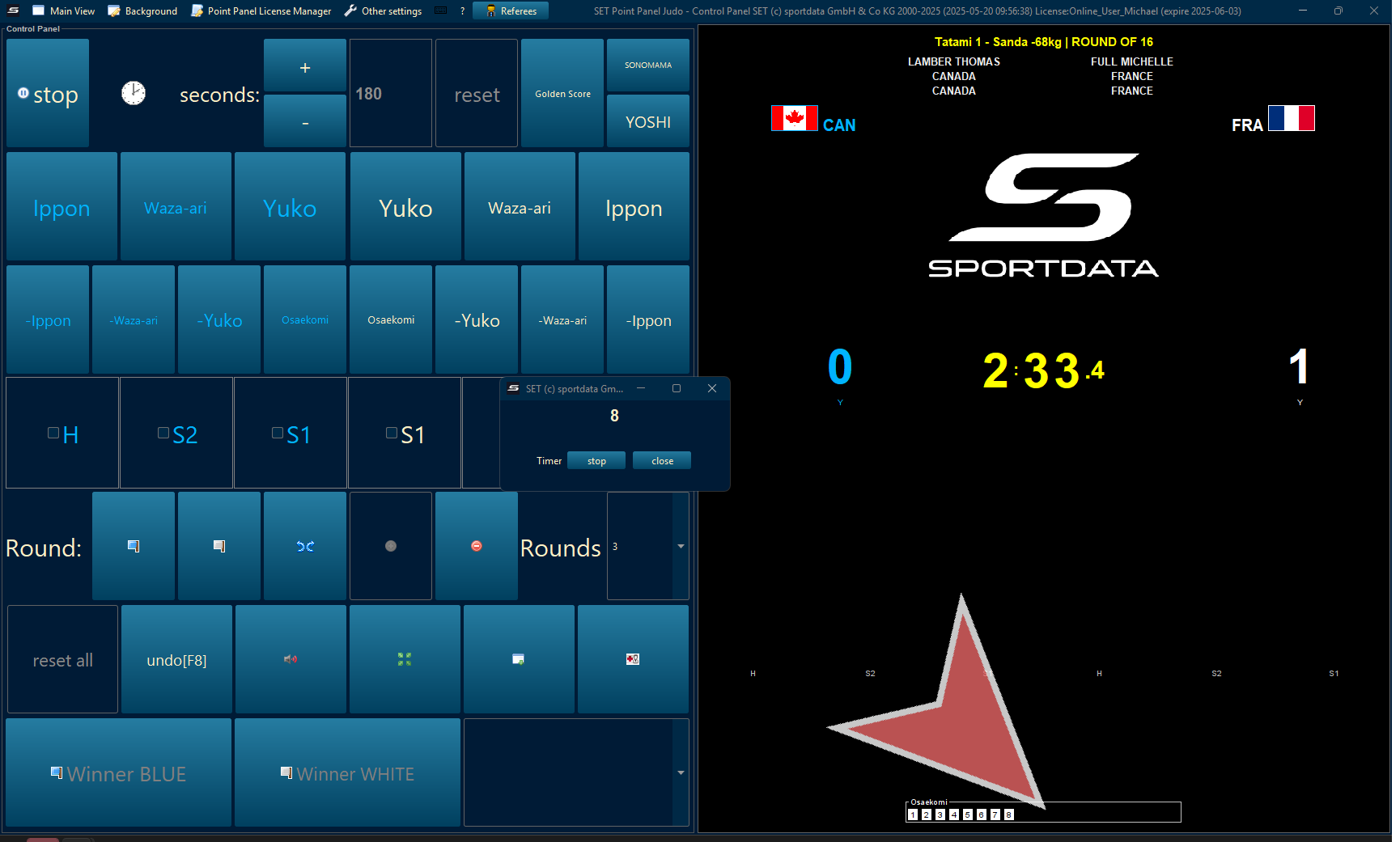
Here is Oseakomi on the scoreboard.
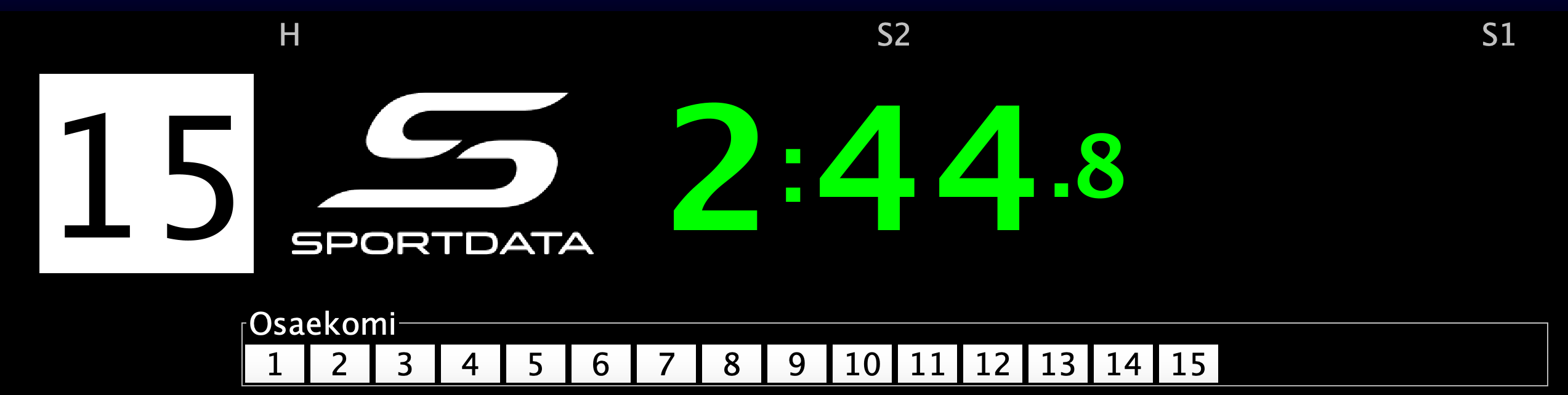
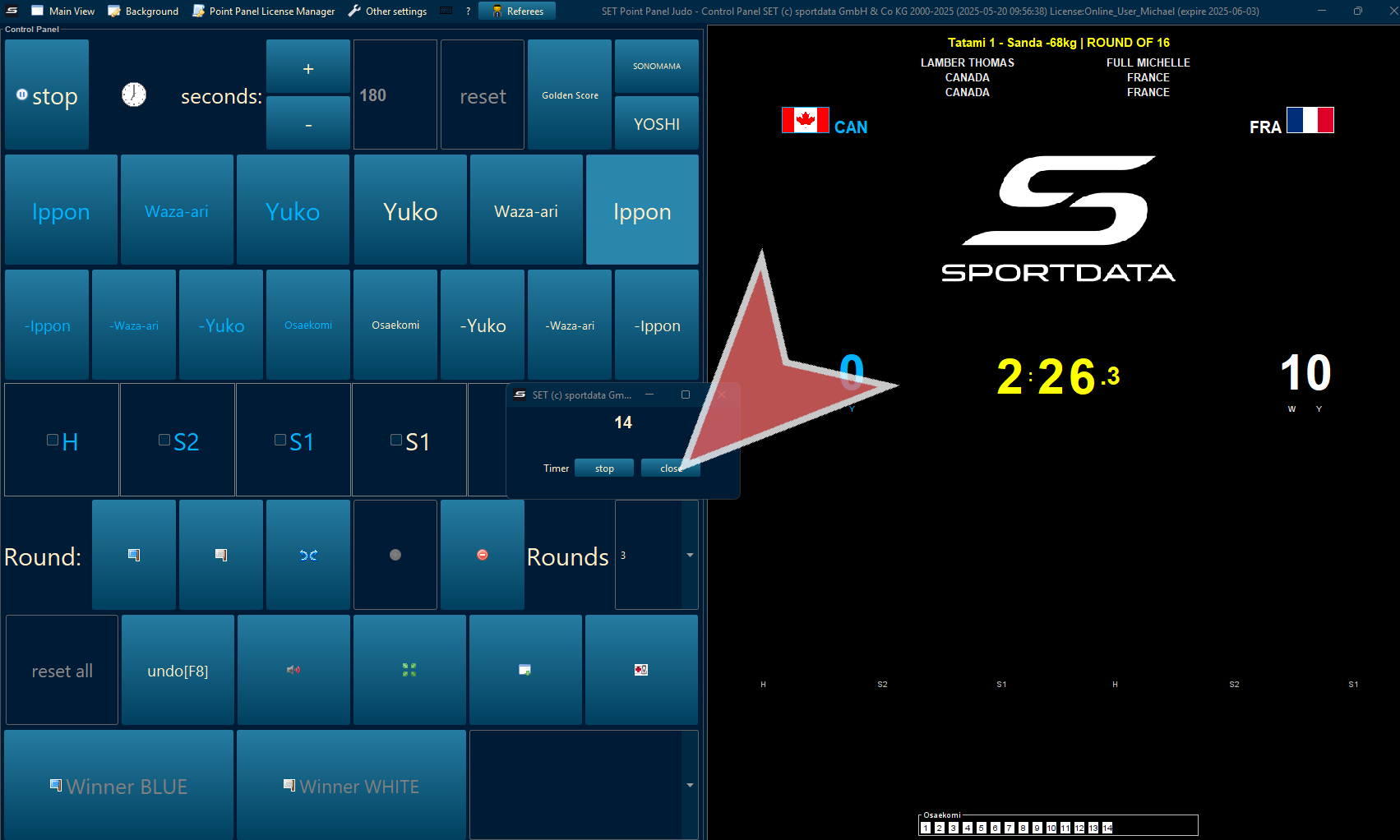
Close the tab to remove the timer.
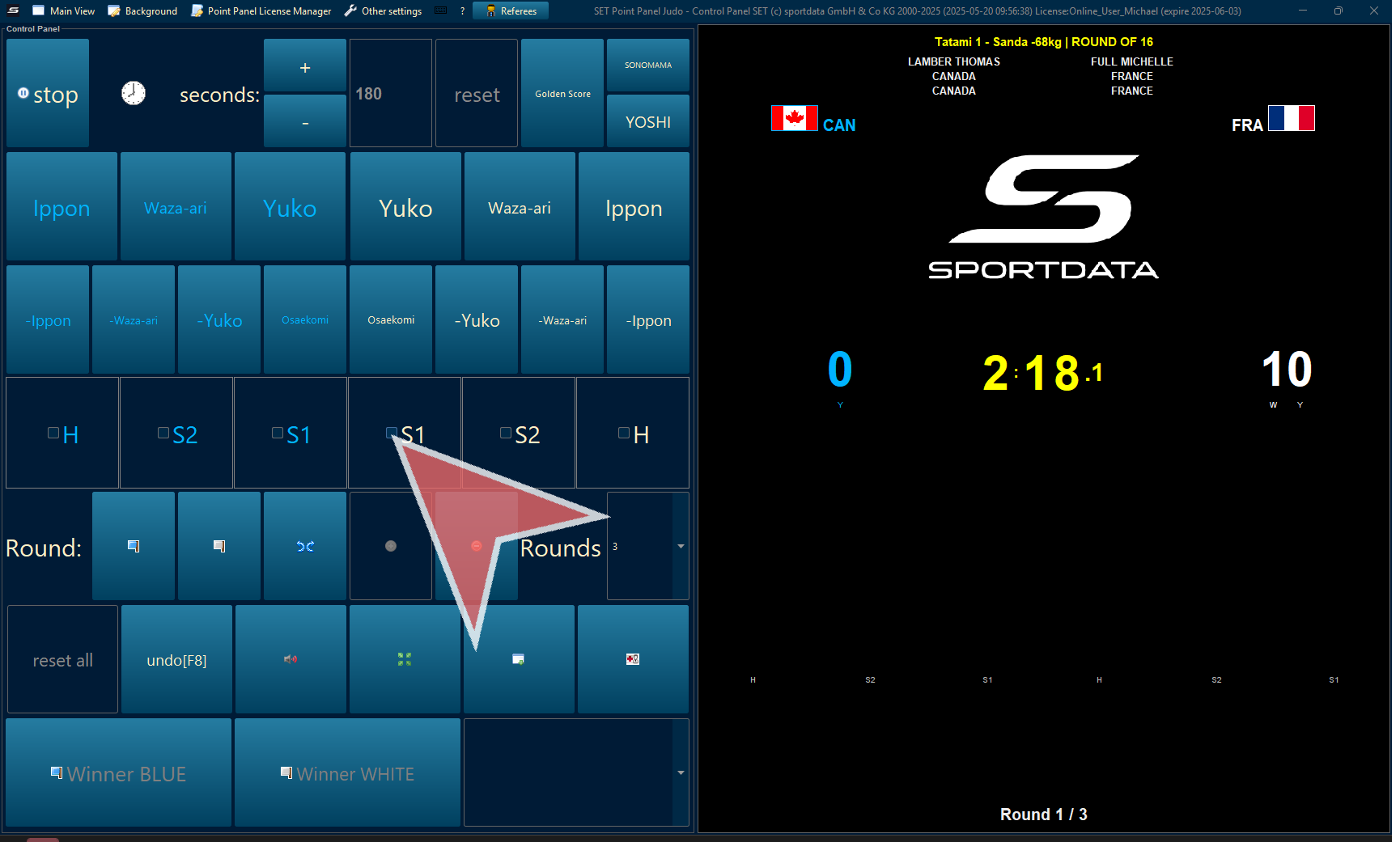
Shido & Hansoku-make
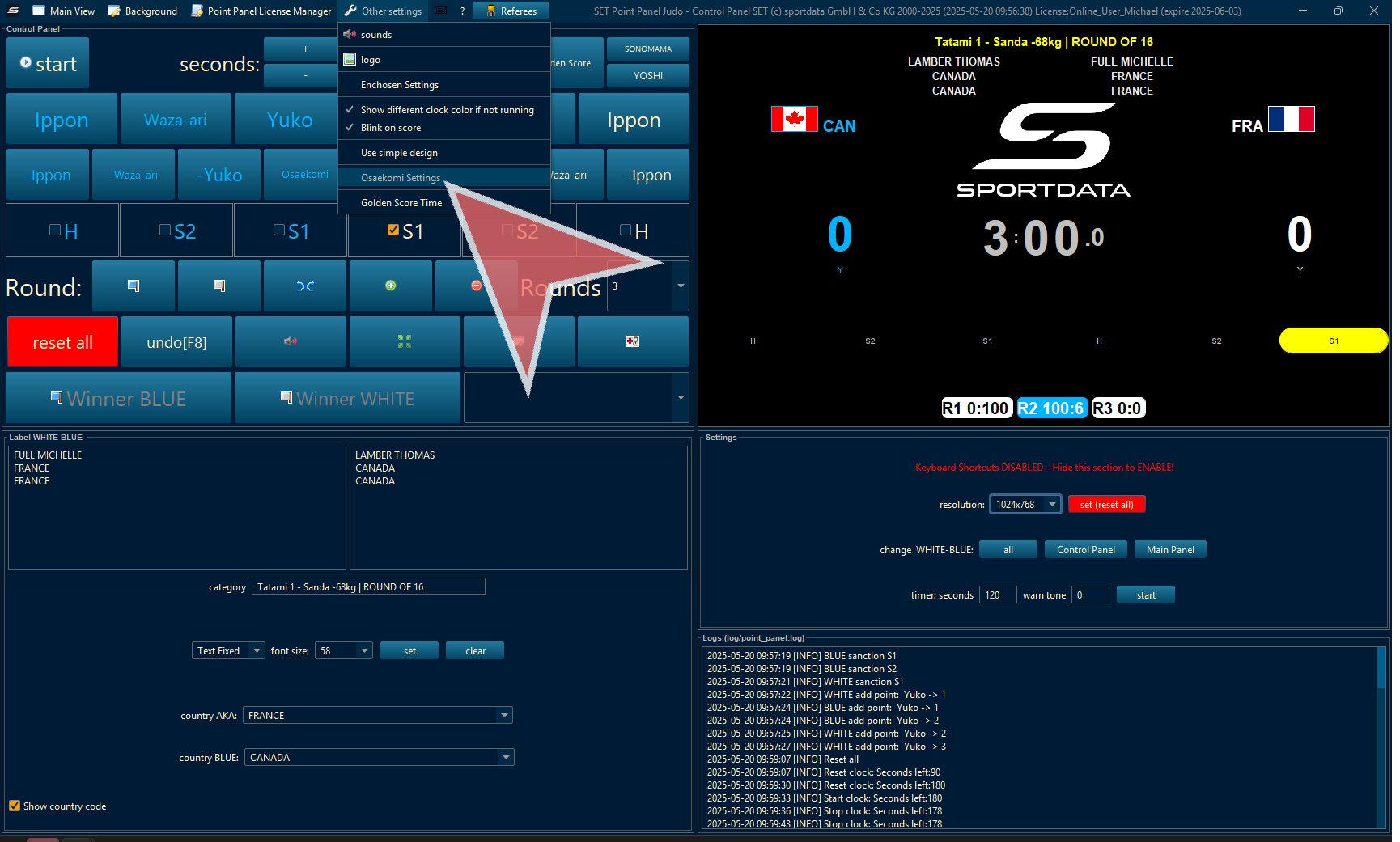
Click on S1 for the first Shido, S2 for the second, and H for Hansoku-make which will result in immediate disqualifications.
Undo Last Action
Press undo, to undo the last action.
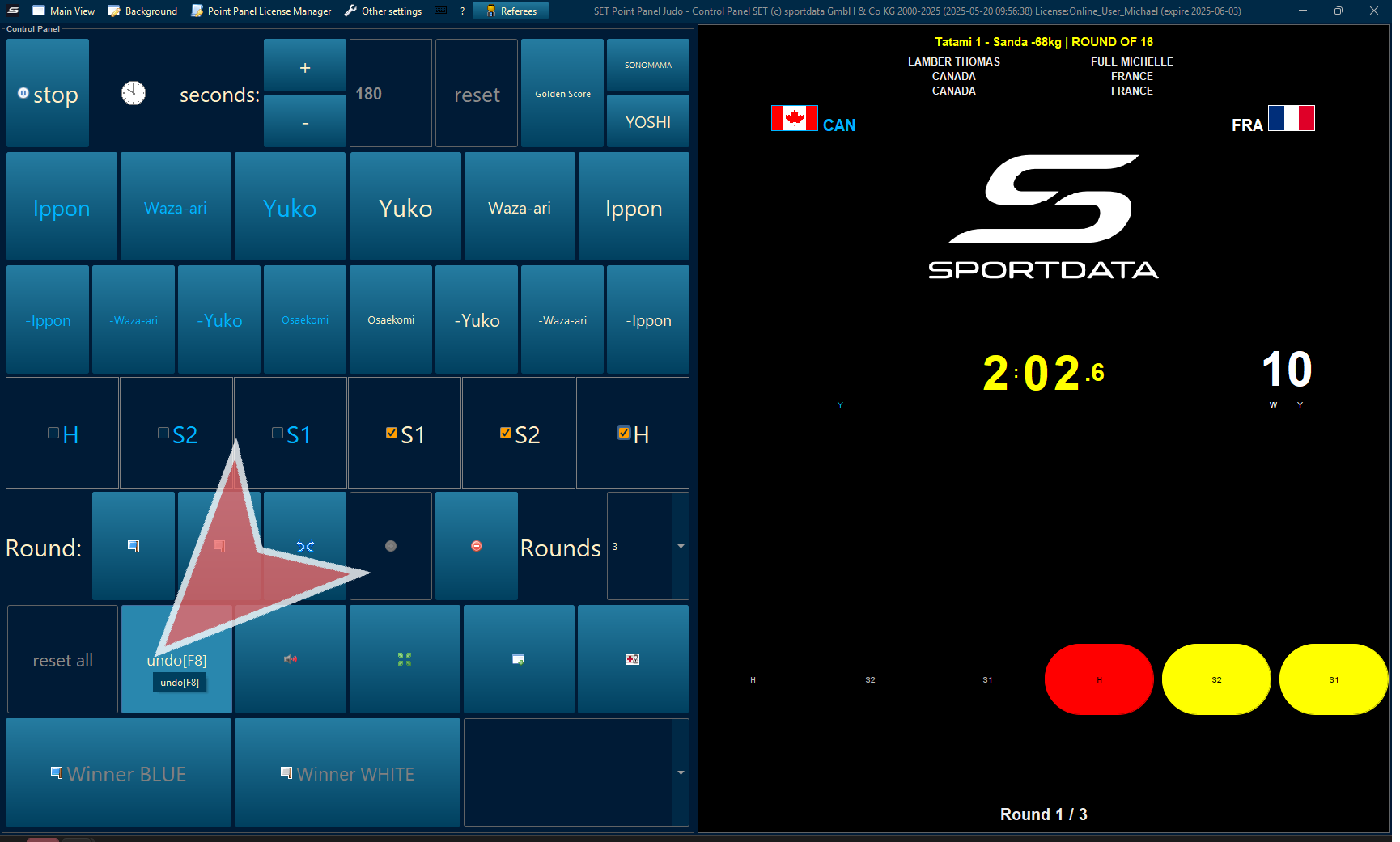
Declare Round Winner
To declare the winner of a round, select blue or white flag. To declare a tie, press the 2 diverging arrows.
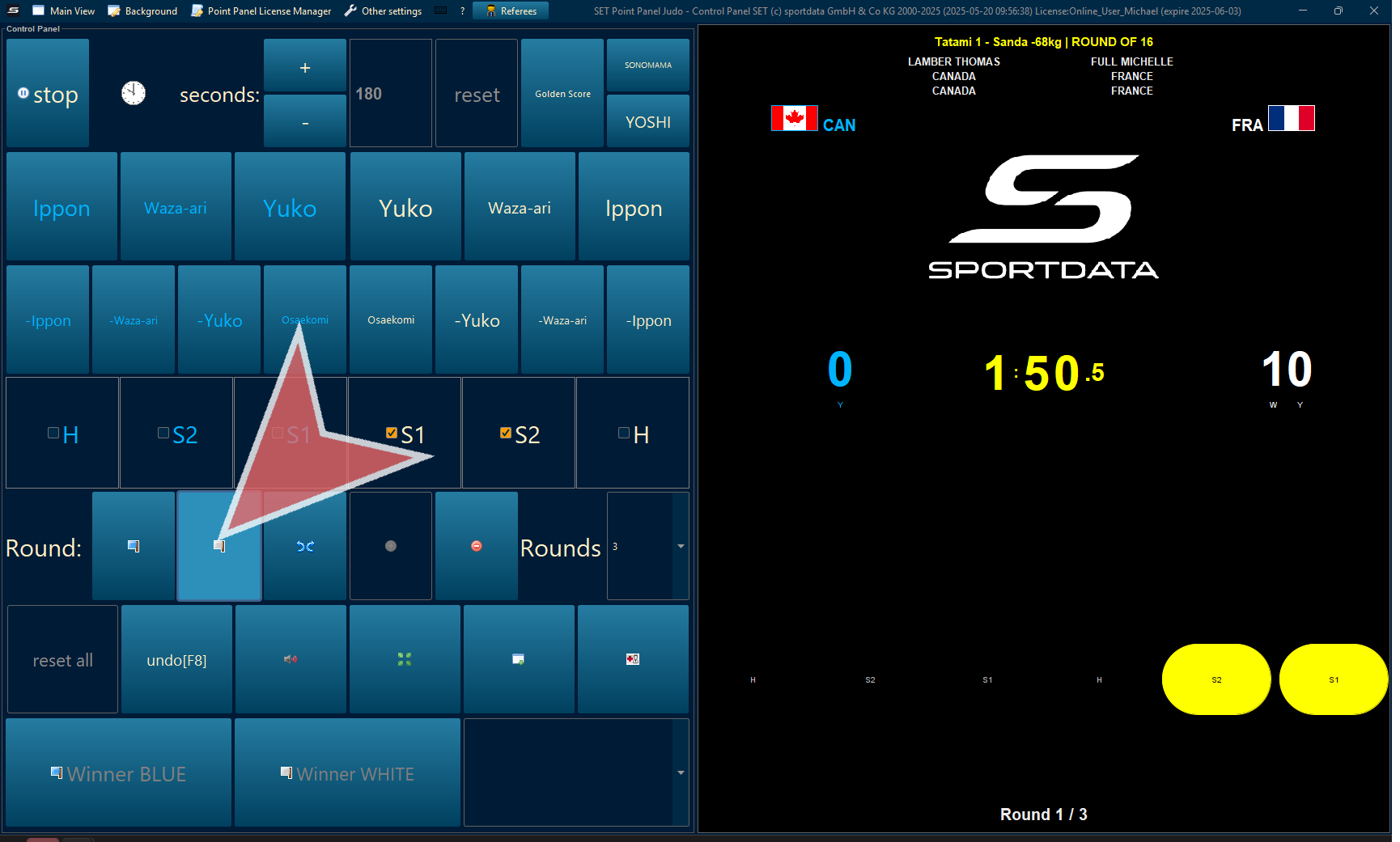
Next Round
To progress to the next round press the green plus icon. If you added too many rounds, press the red minus arrow.
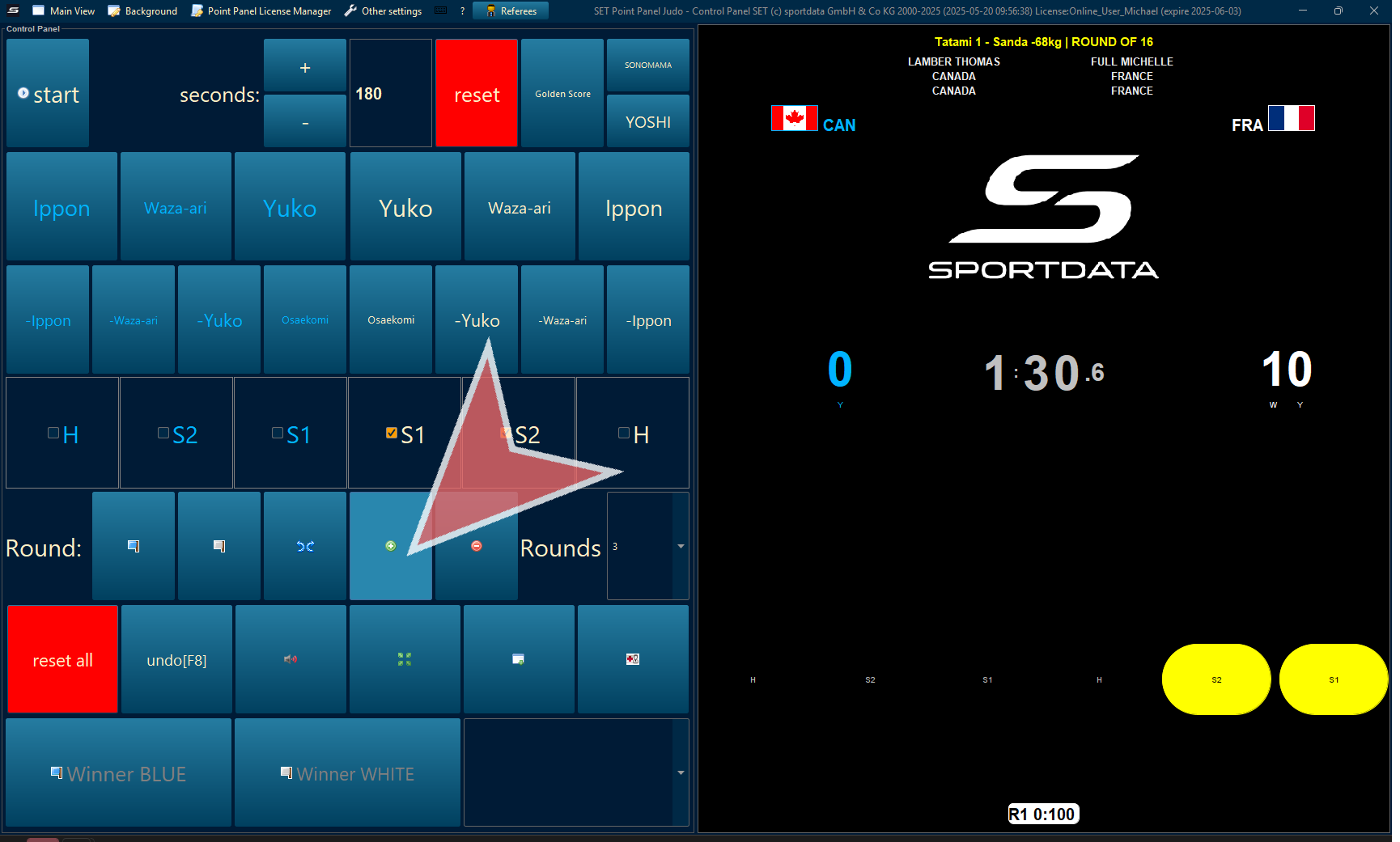
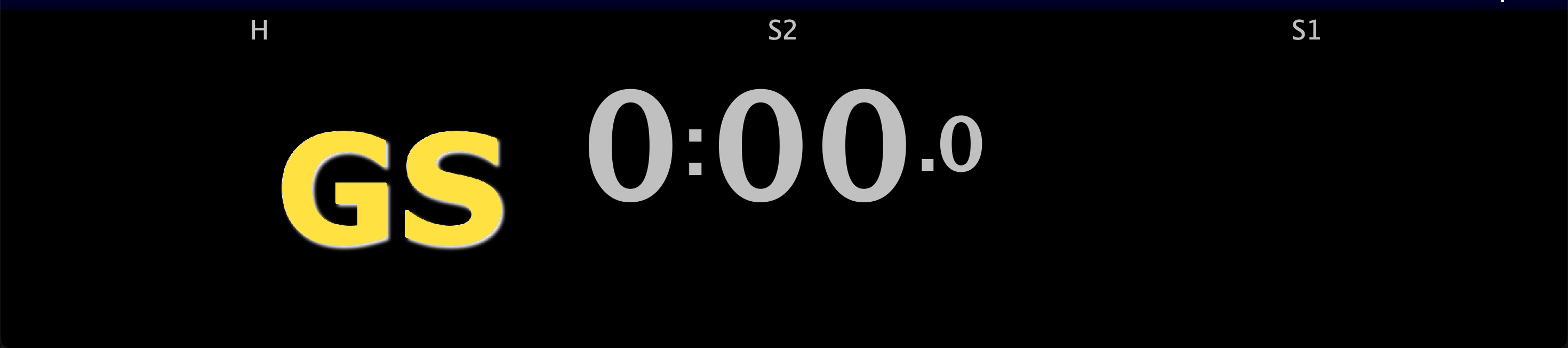
Golden Score
When pressing golden score, the GS will appear both on the point panel and on the scoreboard
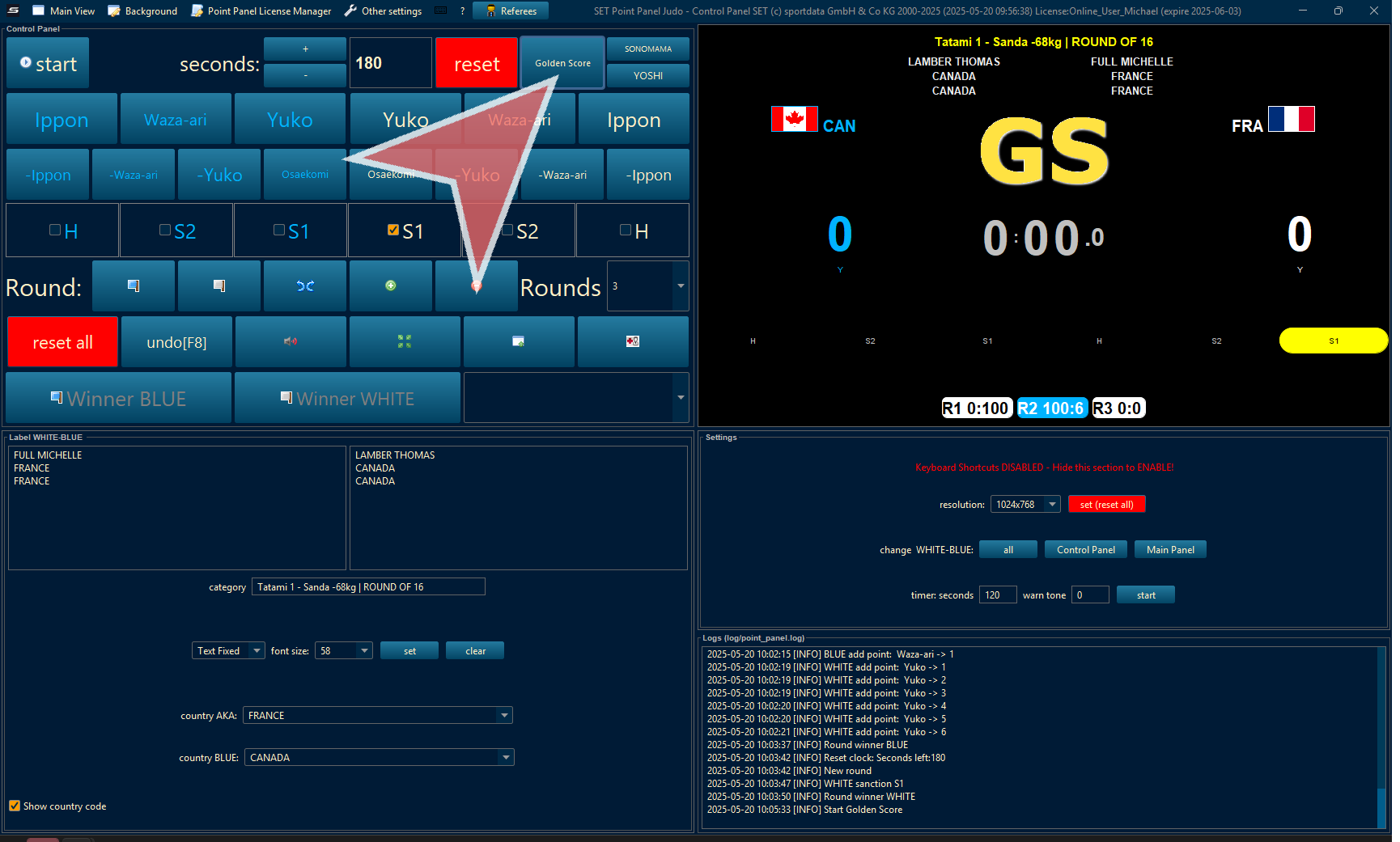
Golden Score on the scoreboard will appear next to the time
Match Winner
Once the matches have been decided, declare the winner red or blue. This will send the match information to the draw record.
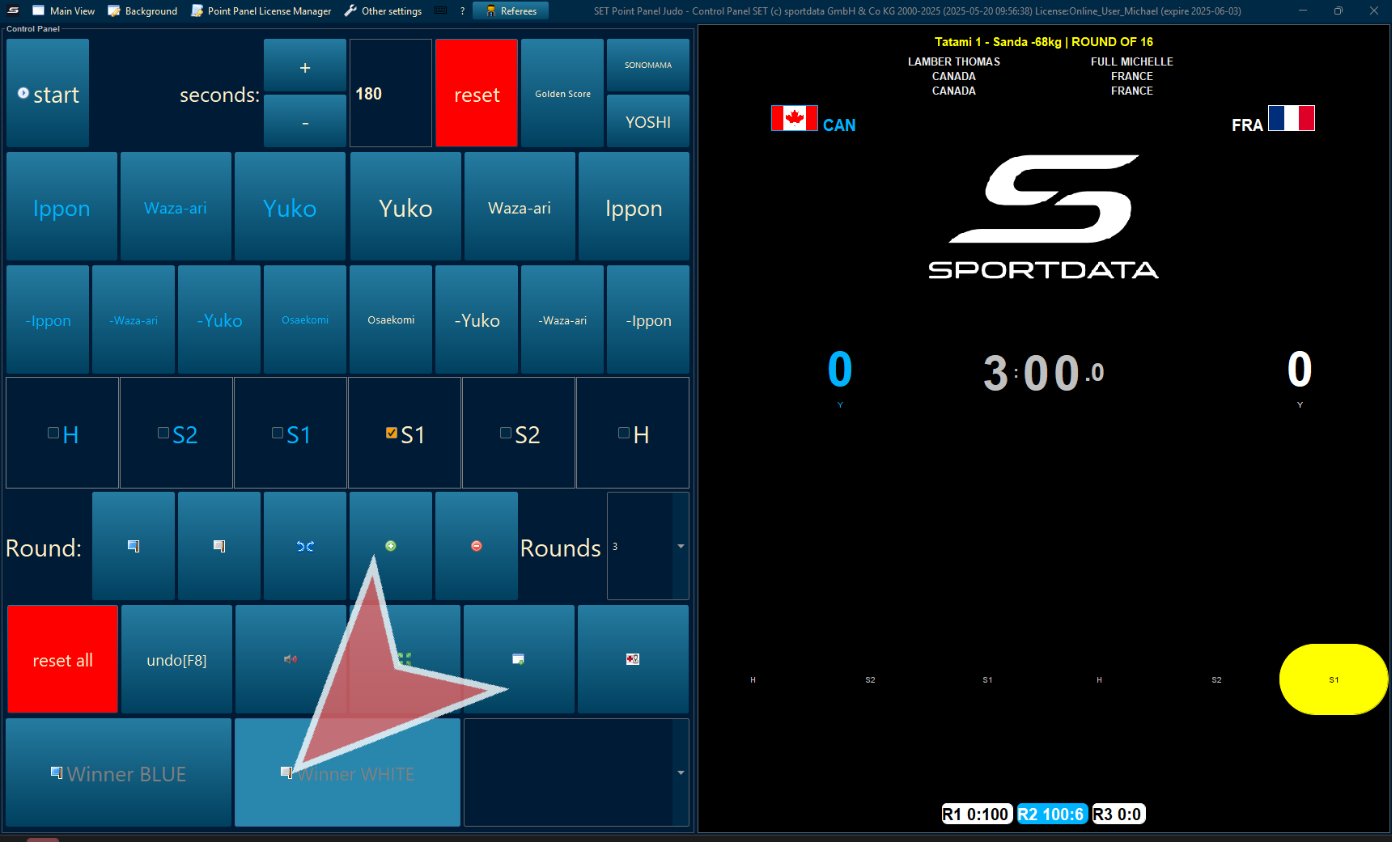
By Rounds or By Points
Determine the how to calculate the victory. Either by rounds or total points.
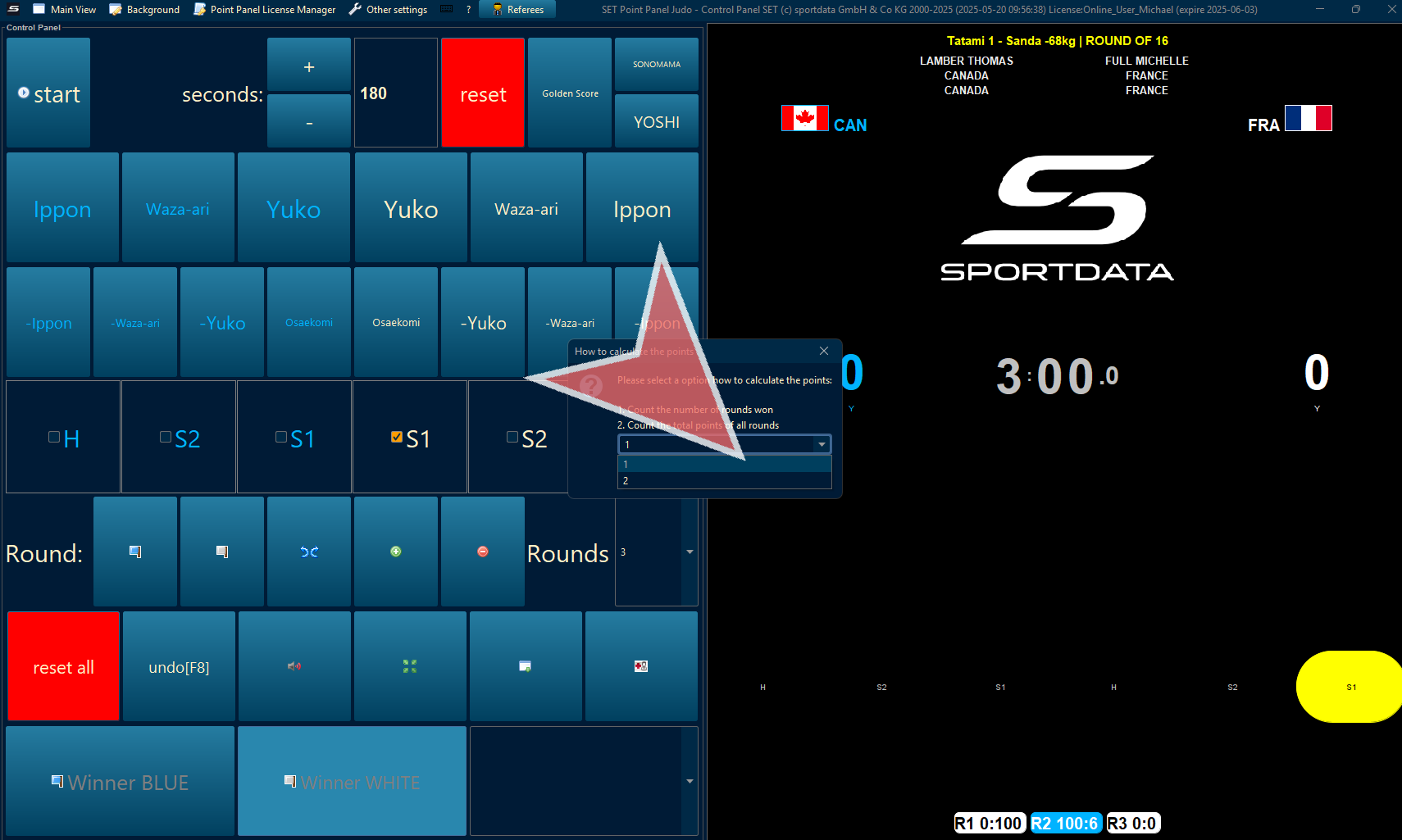
Scoreboard Settings
For additional settings, click on the window with a plus sign icon.
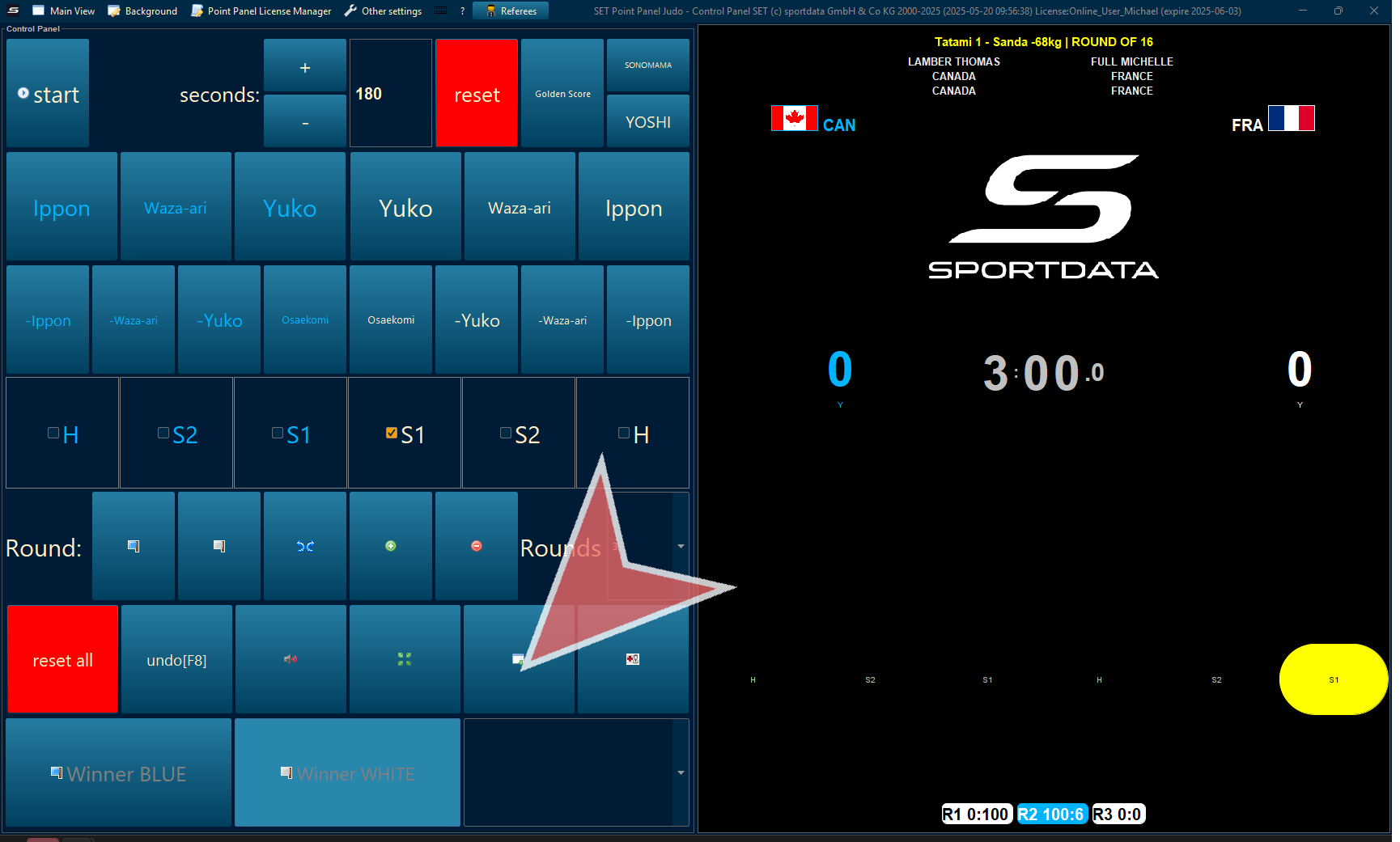
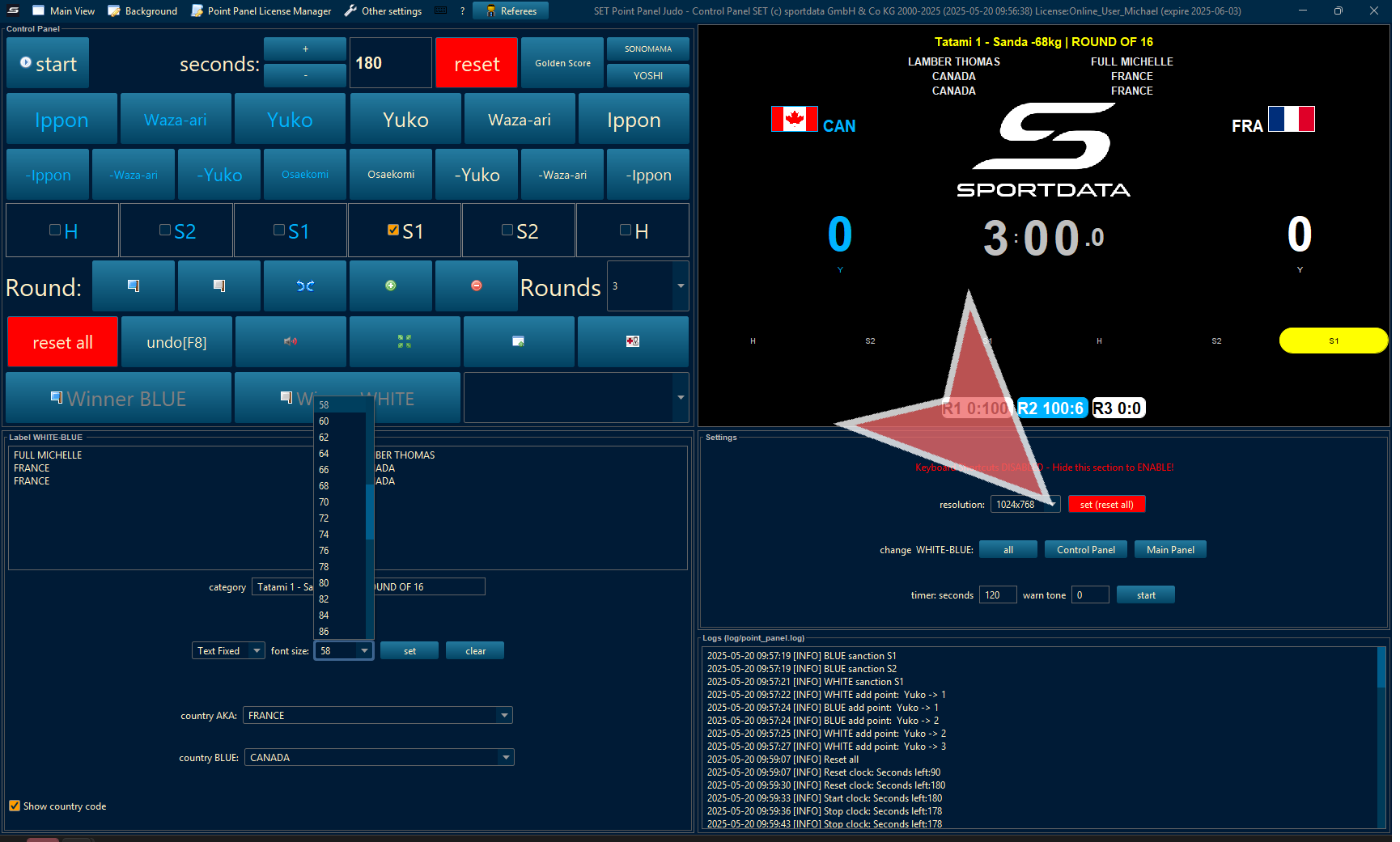
Change the size of the text.
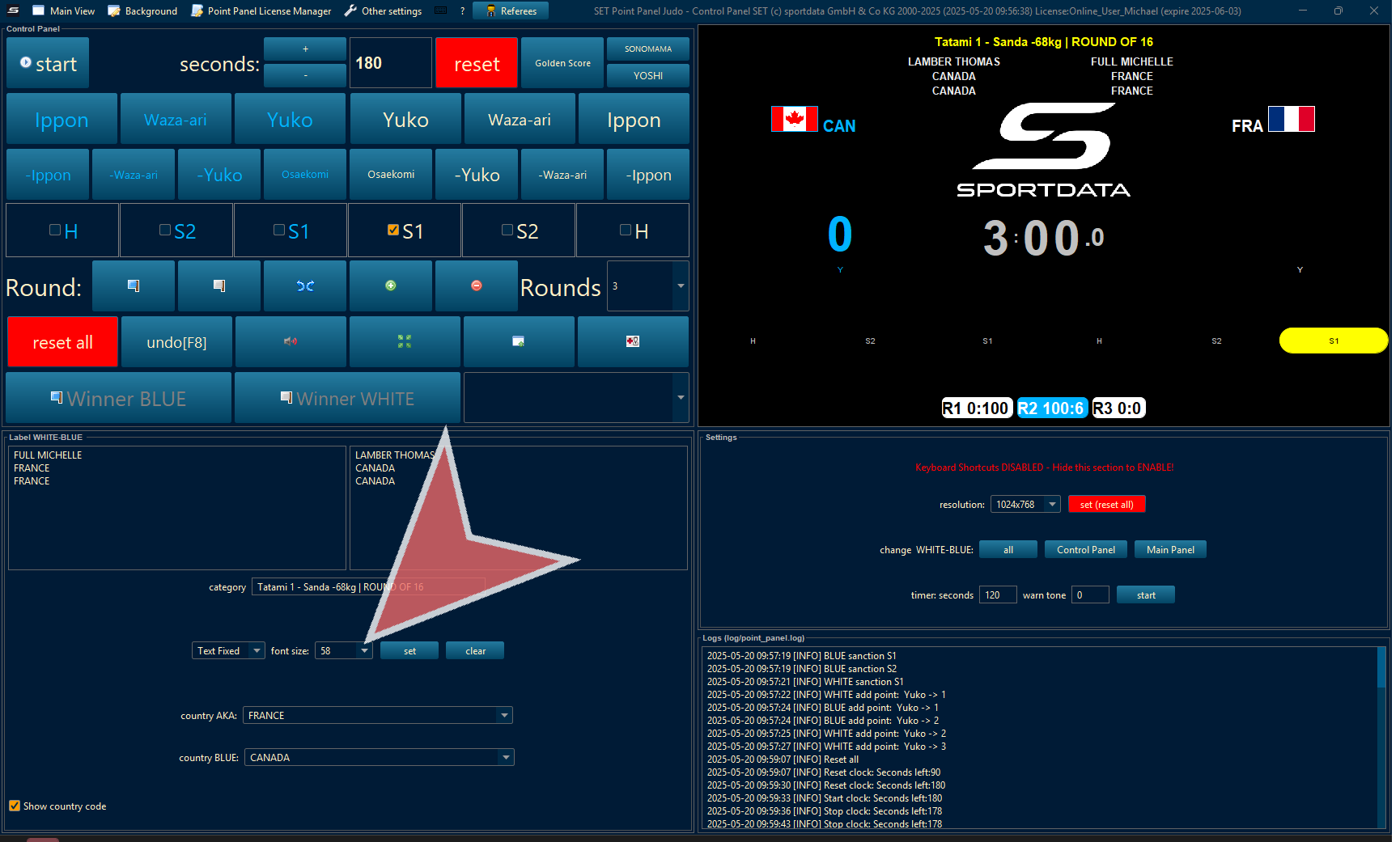
Change the resolution of the scoreboard, and change how red and blue are seen on the point panel.
In other settings, adapt the golden score, oseakimo and other settings.